1
Working with Patterns
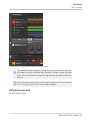
Managing Patterns
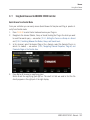
1.
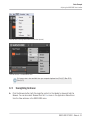
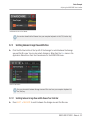
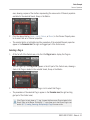
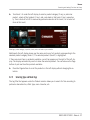
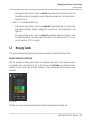
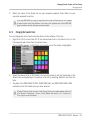
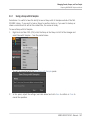
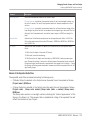
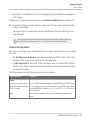
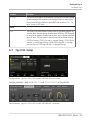
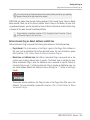
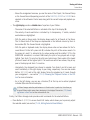
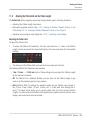
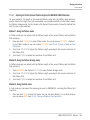
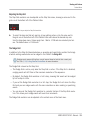
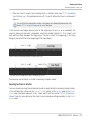
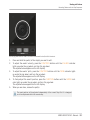
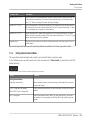
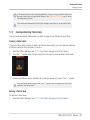
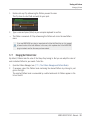
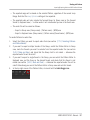
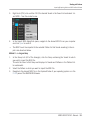
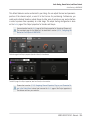
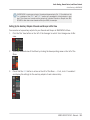
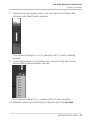
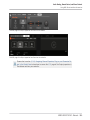
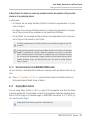
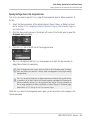
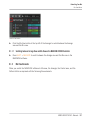
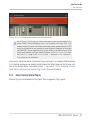
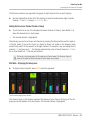
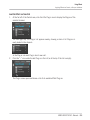
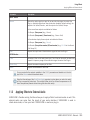
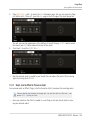
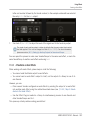
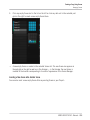
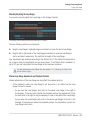
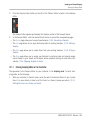
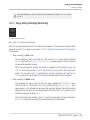
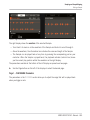
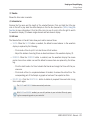
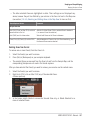
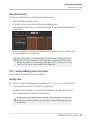
Double-click any Clip referencing the Pattern you want to name.
The Clip turns to a text field and waits for your input.
2.
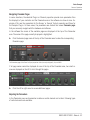
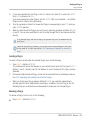
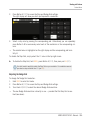
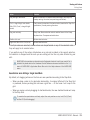
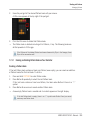
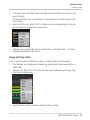
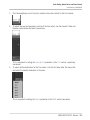
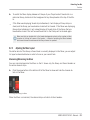
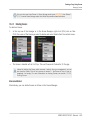
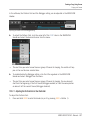
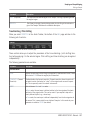
Type a name and press [Enter] on your computer keyboard to confirm.
→
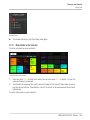
The Pattern is renamed. All Clips referencing this Pattern will mirror the new Pattern
name.
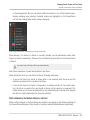
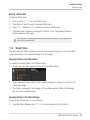
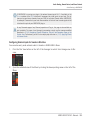
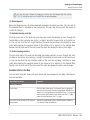
If you use MASCHINE as a plug-in, some hosts will utilize the [Enter] key, as it is mapped
to some function of the host software. In this case, click anywhere else in the MASCHINE
plug-in window to confirm the name you have entered.
7.7.7
Changing the Pattern’s Color
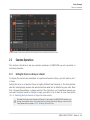
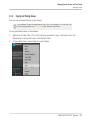
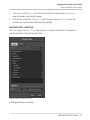
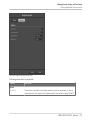
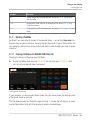
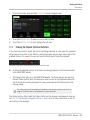
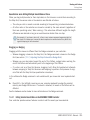
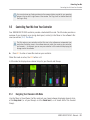
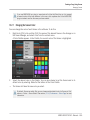
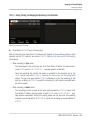
By default, Patterns take the color of the Group they belong to. But you can adapt the color of
each individual Pattern to your needs. To do this:
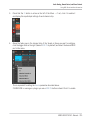
1.
2.
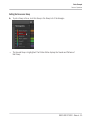
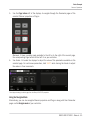
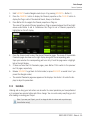
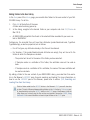
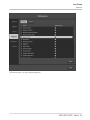
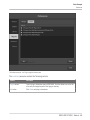
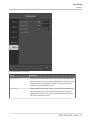
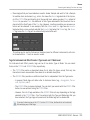
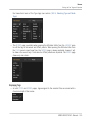
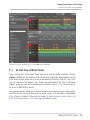
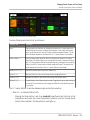
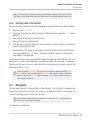
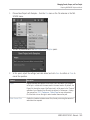
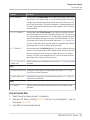
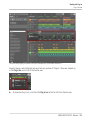
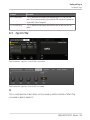
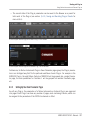
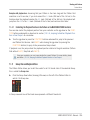
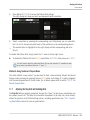
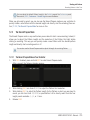
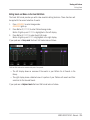
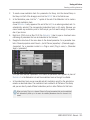
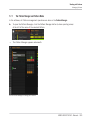
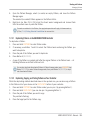
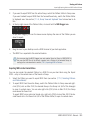
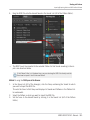
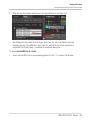
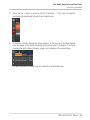
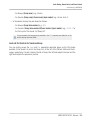
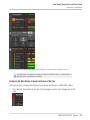
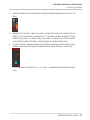
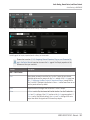
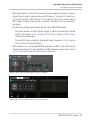
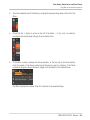
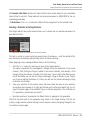
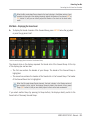
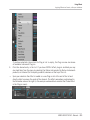
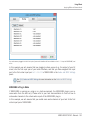
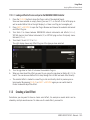
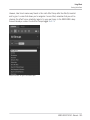
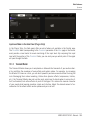
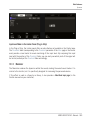
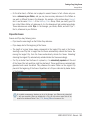
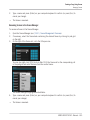
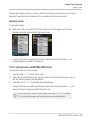
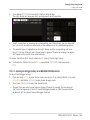
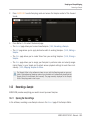
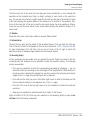
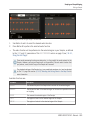
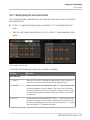
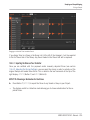
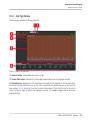
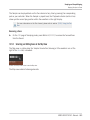
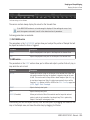
Open the Pattern Manager (see ↑7.7.1, The Pattern Manager and Pattern Mode).
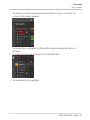
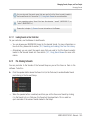
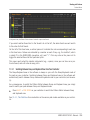
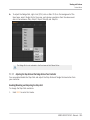
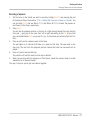
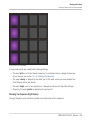
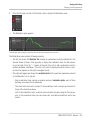
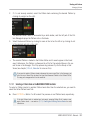
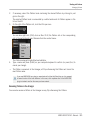
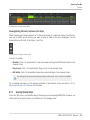
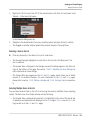
If necessary, select the Pattern bank containing the desired Pattern by clicking its pad
grid on the right.
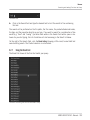
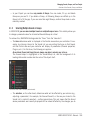
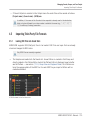
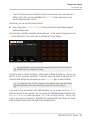
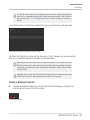
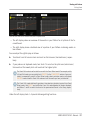
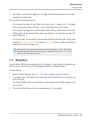
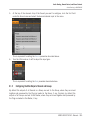
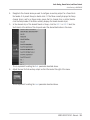
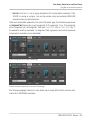
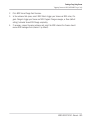
The selected Pattern bank is surrounded by a white border and its Patterns appear in the
list on the left.
MASCHINE STUDIO - Manual - 331