1
Creating a Song Using Scenes
Managing Scenes
►
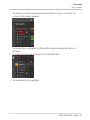
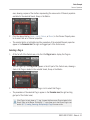
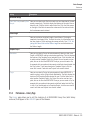
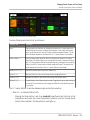
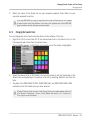
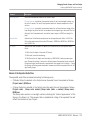
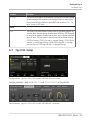
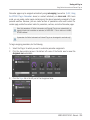
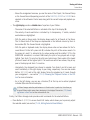
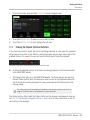
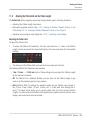
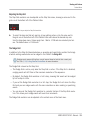
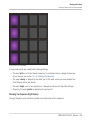
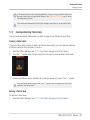
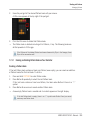
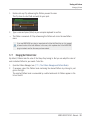
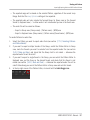
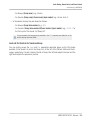
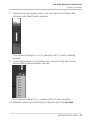
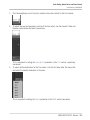
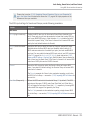
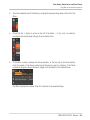
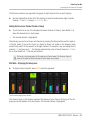
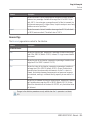
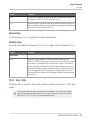
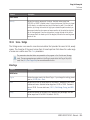
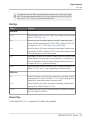
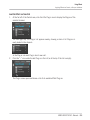
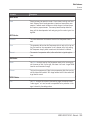
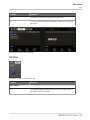
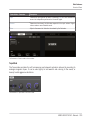
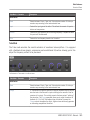
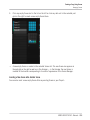
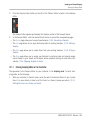
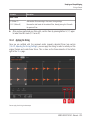
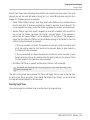
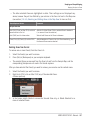
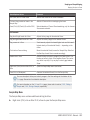
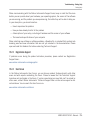
To remove the Clip for the selected Group from the selected Scene, press PATTERN +
Button 2 (REMOVE).
→
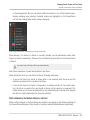
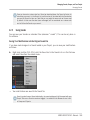
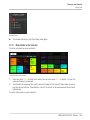
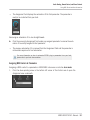
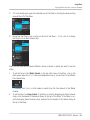
The Clip is removed from the Scene:
▪ The corresponding Pattern will not be played by that Scene anymore.
▪ The Pattern itself is left untouched.
▪ If the Clip was the longest one in the Scene, the Scene will automatically shrink to the
next longest Clip.
13.2
Managing Scenes
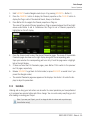
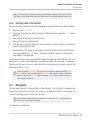
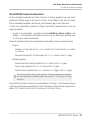
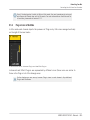
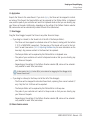
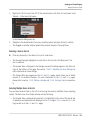
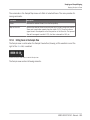
This section describes how to organize your Scenes, Scene slots, and Scene banks.
13.2.1
Scene Management Overview
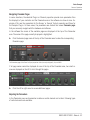
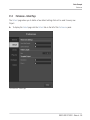
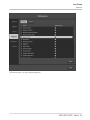
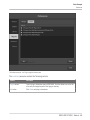
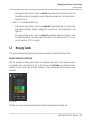
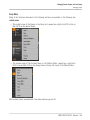
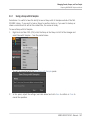
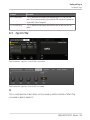
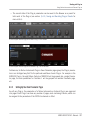
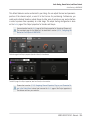
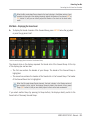
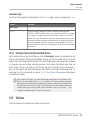
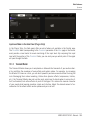
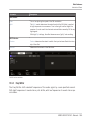
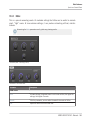
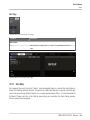
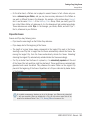
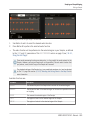
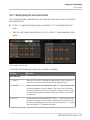
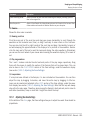
In the software, all Scene management operations can be done in the Scene Manager:
►
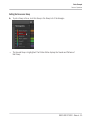
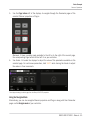
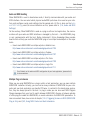
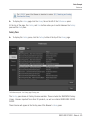
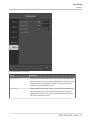
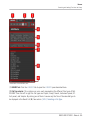
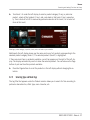
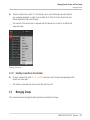
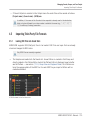
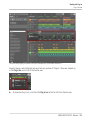
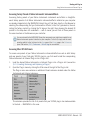
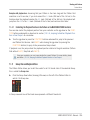
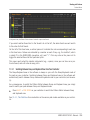
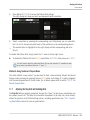
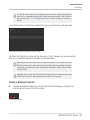
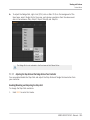
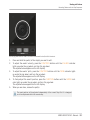
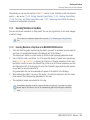
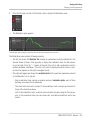
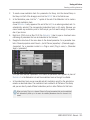
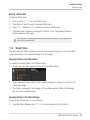
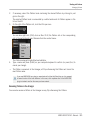
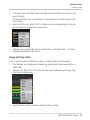
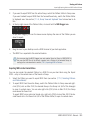
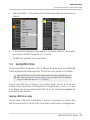
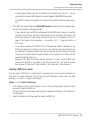
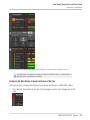
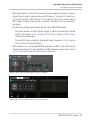
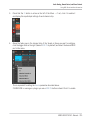
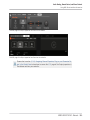
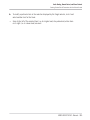
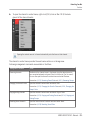
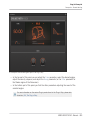
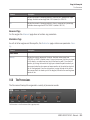
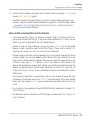
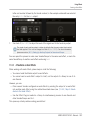
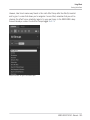
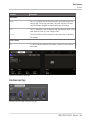
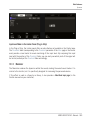
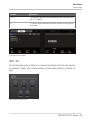
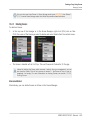
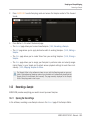
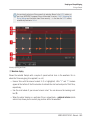
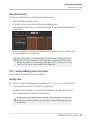
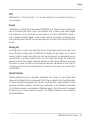
To open the Scene Manager, click the Scene Manager button (a down-pointing arrow) at
the right of the Project name in the Arranger.
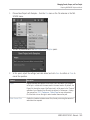
→
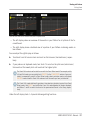
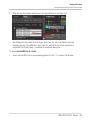
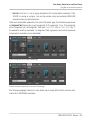
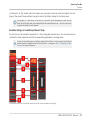
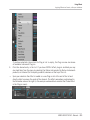
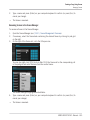
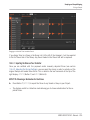
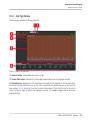
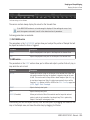
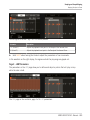
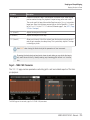
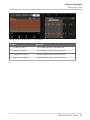
The Scene Manager appears underneath.
MASCHINE STUDIO - Manual - 596