1
Using the Drumsynths
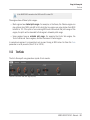
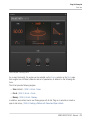
The Kicks
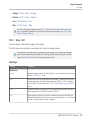
▪ Bold: ↑10.2.6, Kick – Bold.
▪ Maple: ↑10.2.7, Kick – Maple.
▪ Push: ↑10.2.8, Kick – Push.
For more information on engines, see ↑10.1.1, Engines: Many Different Drums per Drumsynth. For general information on the Kick and the other Drumsynths, see ↑10.1, Drumsynths – General Handling.
10.2.1
Kick – Sub
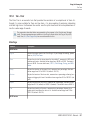
The Sub engine is the default engine of the Kick.
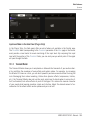
Based on the kick from a classic analog drum machine, the Sub kick is a clean, subby, sinebased kick drum which can be very effectively abused as a sub bass, tom or even a bleepy lead
if tuned up and played chromatically on the keyboard.
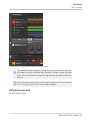
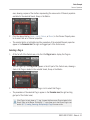
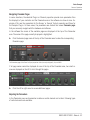
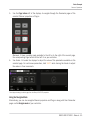
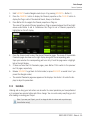
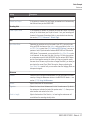
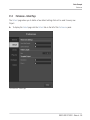
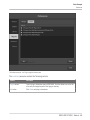
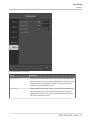
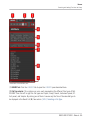
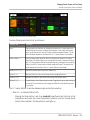
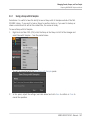
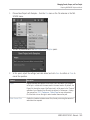
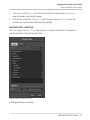
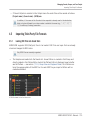
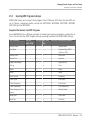
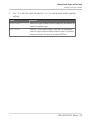
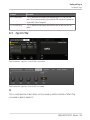
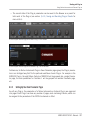
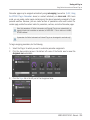
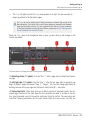
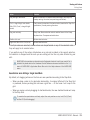
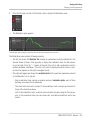
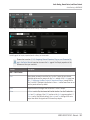
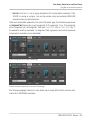
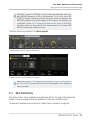
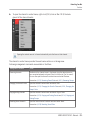
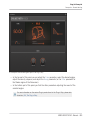
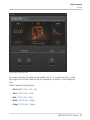
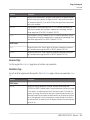
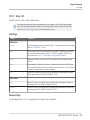
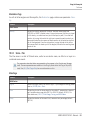
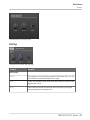
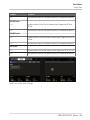
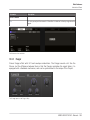
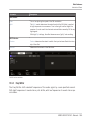
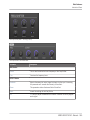
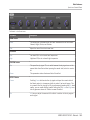
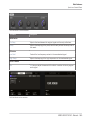
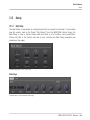
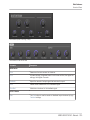
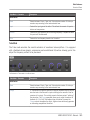
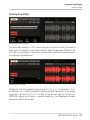
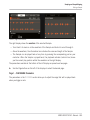
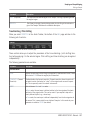
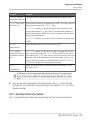
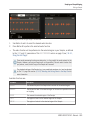
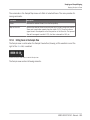
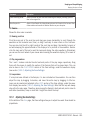
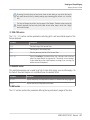
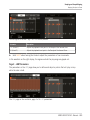
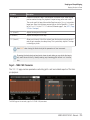
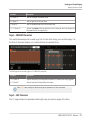
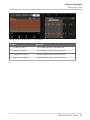
The parameters described below are presented as they appear in the Control area (Arrange
view). The same parameters are available in the Plug-in panel within the Plug-in Strip (Mix
view). See ↑9.4, The Plug-in Strip for more information on this.
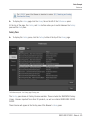
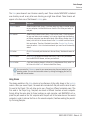
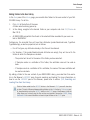
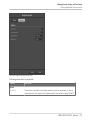
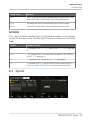
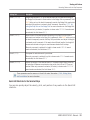
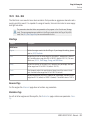
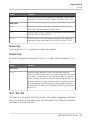
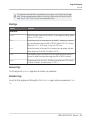
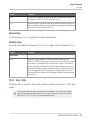
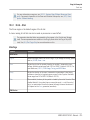
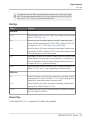
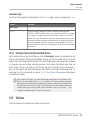
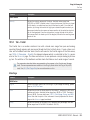
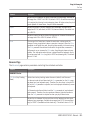
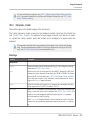
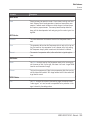
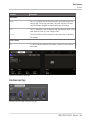
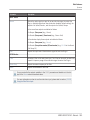
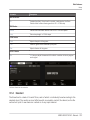
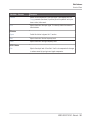
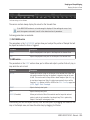
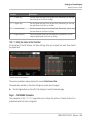
Main Page
Element
Description
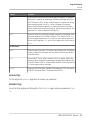
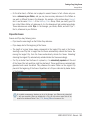
MAIN Section
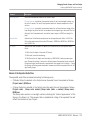
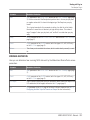
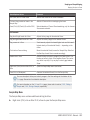
Engine
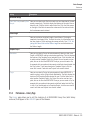
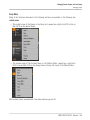
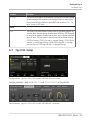
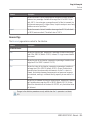
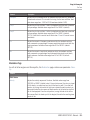
Selects the engine used in the Kick Plug-in. If you change this setting, please
refer to ↑10.2, The Kicks.
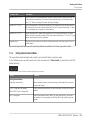
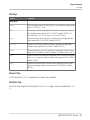
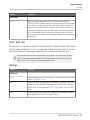
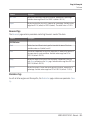
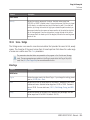
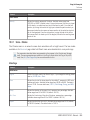
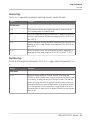
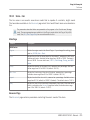
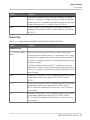
Tune
Adjusts the pitch of the drum played by the middle C, measured in MIDI note
numbers and cents. Available values range from 31.00 to 55.00. The default
value is 43.00. For more details see ↑10.1.5, Pitch Range, Tuning, and MIDI
Notes.
Decay
Adjusts the duration of the sound’s tail, measured as a percentage. Available
values range from 0.0 to 100.0 % (default: 50.0 %).
MASCHINE STUDIO - Manual - 443