1
nada Documentation, Release 4.0
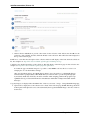
4.4.5 Turning on the collection filter
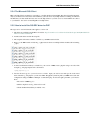
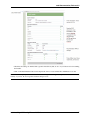
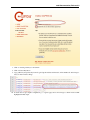
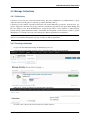
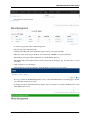
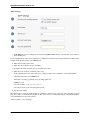
The final step after creating the first collection is to enable the collection filter option in the Settings menus under Site
Configurations – Survey catalog settings
4.4.6 Transferring study ownership
In the previous examples mention was made of studies uploaded to a catalog being owned by that catalog. There may
be cases where transferring the ownership from one catalog to another will be desirable. This will become clearer
in the next section on user roles but for now the next steps show how transferring ownership from one collection to
another can be done.
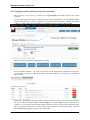
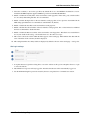
• Transferring ownership from one collection to another has to be done by the owner of the collection and from
the collection it is currently owned by.
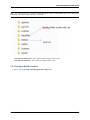
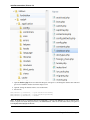
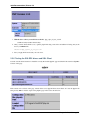
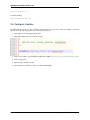
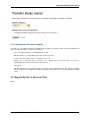
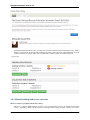
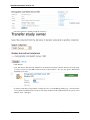
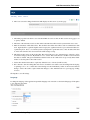
• To transfer ownership Go to the Manage Studies screen and select the study to be transferred. Open up the Edit
Study page by clicking on the study Title.
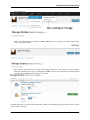
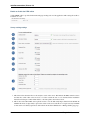
• On the right hand side of the screen click on the Transfer study owner link.
4.4. Manage Collections
45