1
Chapter 3. Playback
Chapter 3. Playback
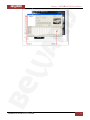
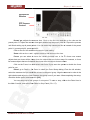
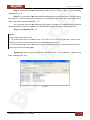
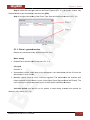
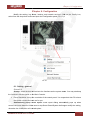
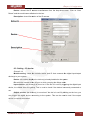
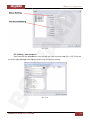
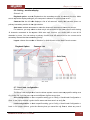
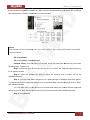
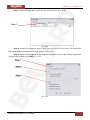
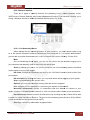
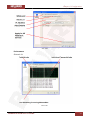
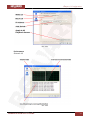
Watch the recorded video, view and/or search for unusual events and recorded system
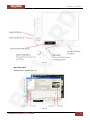
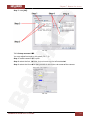
information. Picture 3.1.
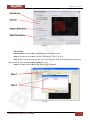
Pic. 3.1
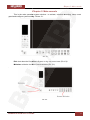
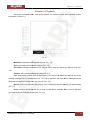
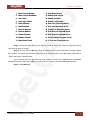
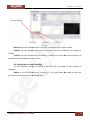
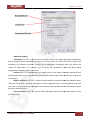
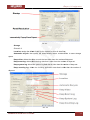
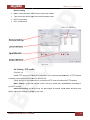
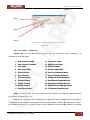
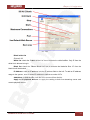
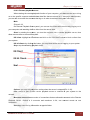
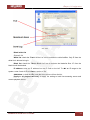
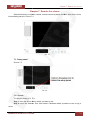
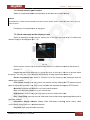
Minimize: minimizes the Playback console (Pic. 3.2).
Exit: shuts down the Playback console (Pic. 3.2).
Scroll bar: indicates the status of the playing video; drag it to where you want to view (Pic.
3.2).
Control: play, pause and stop the video (Pic. 3.2).
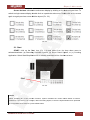
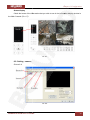
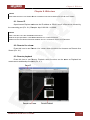
Cue: when playing video, click on the Cue In/ Cue Out icon at where you want to set as the
starting/ ending point of a saved video clip. The Cue In and Cue Out time will be displayed on the
Playback Information Window once they are set (Pic. 3.2).
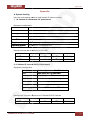
Speed: control the speed of the playing video. Click [+] to speed up and [–] to speed down
(Pic. 3.2).
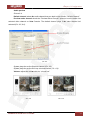
Zoom: zoom in and zoom out. Get a close up view of the recorded video; move to the spot
you want to view by dragging the screen (Pic. 3.2).
BEWARD IPS S/W User's manual
18