1
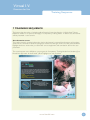
Virtual I.V.
Directions for Use
System Overview
6.2 Basic menu screens
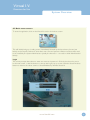
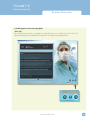
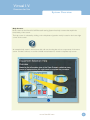
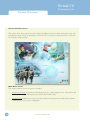
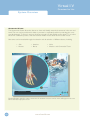
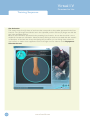
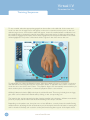
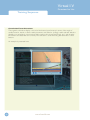
To start the application, click on the Virtual I.V. section of the boot screen:
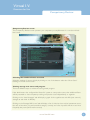
This will initially bring up a loading screen, immediately followed by the Introductory Screen (see
below) and prompt the trainee to enter their user name and password. Please note that these need
to be created by the System Administrator (usually the Instructor – see section called ‘Administration’
below).
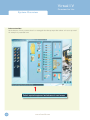
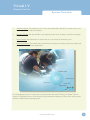
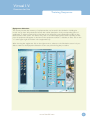
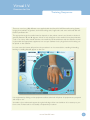
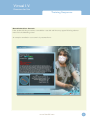
Login
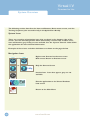
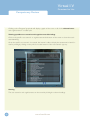
This screen prompts the trainee to enter user name and password. Click the check mark to move
to the next screen, or the No button to remove the Login pop-up screen. Click the Virtual Products
button to return to the boot screen to Virtual Phlebotomy & Infant Virtual I.V.
www.laerdal.com
39