1
Virtual I.V.
Directions for Use
System Overview
6.1 Software Overview
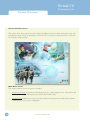
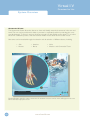
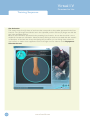
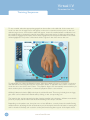
The Virtual I.V. Self-Directed Learning System software consists of two distinct parts:
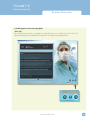
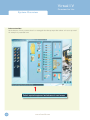
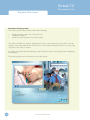
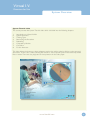
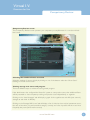
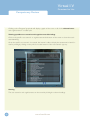
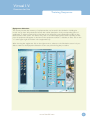
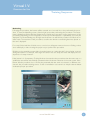
(1) The basic menus screens, which present the training videos, practice cases, review competencies and support other functions; and
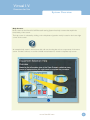
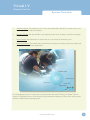
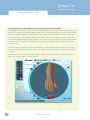
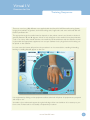
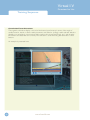
(2) The simulation training sequence that enables interaction between the trainee inserting the needle and the three-dimensional (3D) model of the arm.
The following section describes the Basic menu screens (Section 6.2), while the Training Sequence is
covered in Chapter 7.
WARNING
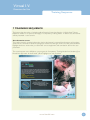
Precautions when using the simulation software
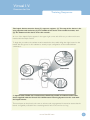
• The Virtual I.V. Self-Directed Learning System has been designed to work on the computer supplied with
the product. The computer is an integral part of the system. It will not work on other computer platforms,
because of its requirements for very specific, high speed graphics capabilities. Do not attempt to install
and run this software on any other computer other than that which has been provided by the manufacturer.
• No software should be installed on the computer supplied with the Virtual I.V. Self-Directed Learning System,
except for those products supplied by the manufacturer of the software.
• Running any program, such as anti-virus software, on the computer supplied with the simulator, may cause the
Virtual I.V. Self-Directed Learning System to crash or slow the simulation to an unstable condition. This is
a dedicated computer and should not be used for other purposes, except those explicitly stated by the
software manufacturer.
38
www.laerdal.com