1
Virtual I.V.
Directions for Use
Training Sequence
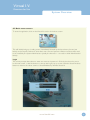
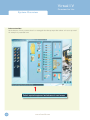
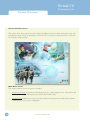
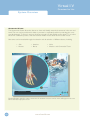
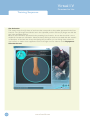
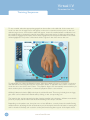
The haptic device contains three (3) separate regions: (1) The top of the device is for
vein palpation and occlusion, (2) The middle of the device is for needle insertion, and (3) The bottom of the device is for skin stretch:
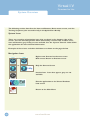
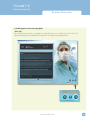
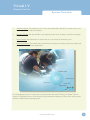
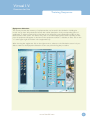
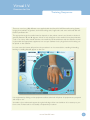
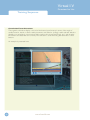
An icon of the Haptic Device appears in the upper right corner and will show you when and how to
interact with the Haptic Device.
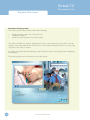
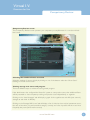
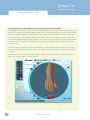
To begin the procedure, the catheter must be attached to the needle. Align the ridge located on the
needle with the groove on the catheter to ensure proper configuration of the needle/catheter
combination.
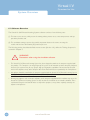
** Special note: Under no circumstances should any needle or catheter other than
those supplied with the Virtual I.V. Self-Directed Learning System ever be used with
the haptic device.
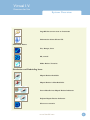
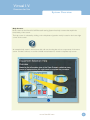
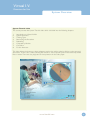
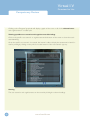
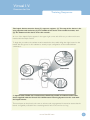
The tourniquet can be placed on the arm to enhance vein engorgement. However, be aware that the
learner is negatively assessed if the constricting band is left on the arm for too long.
www.laerdal.com
57