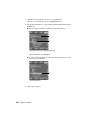
1
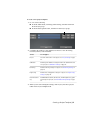
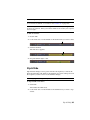
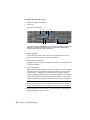
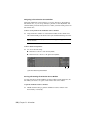
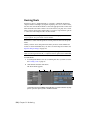
a
b
c
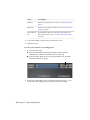
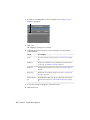
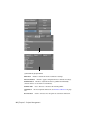
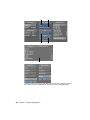
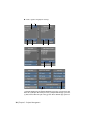
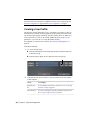
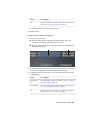
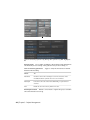
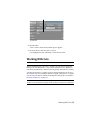
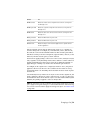
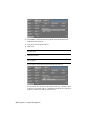
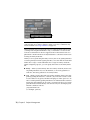
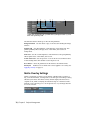
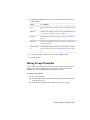
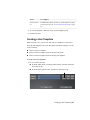
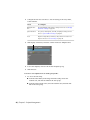
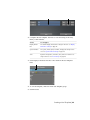
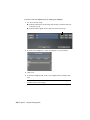
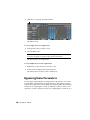
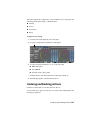
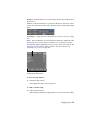
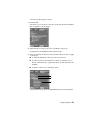
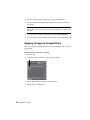
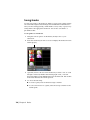
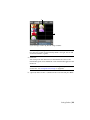
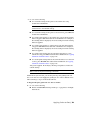
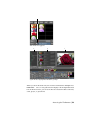
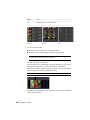
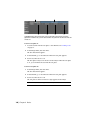
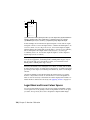
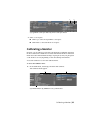
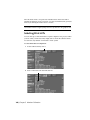
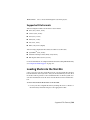
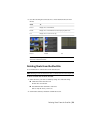
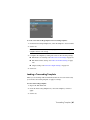
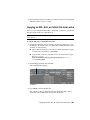
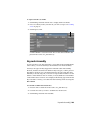
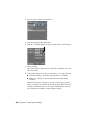
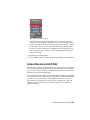
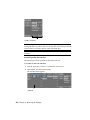
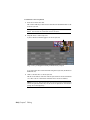
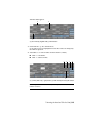
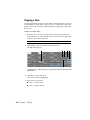
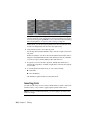
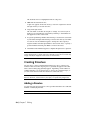
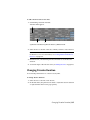
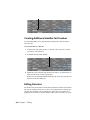
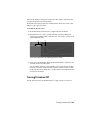
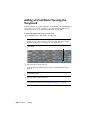
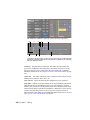
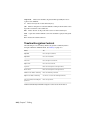
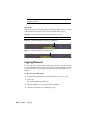
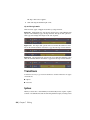
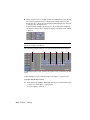
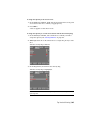
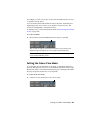
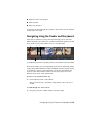
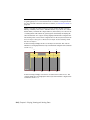
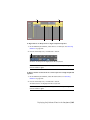
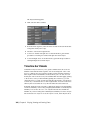
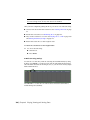
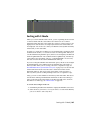
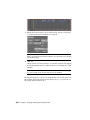
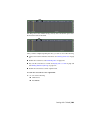
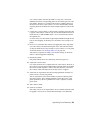
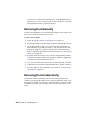
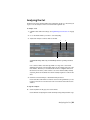
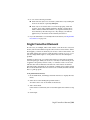
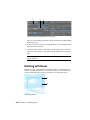
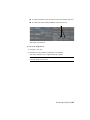
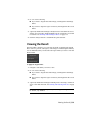
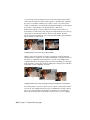
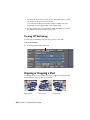
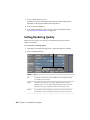
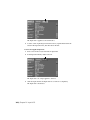
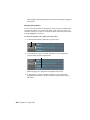
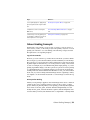
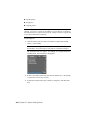
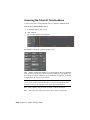
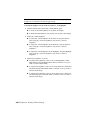
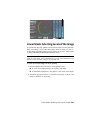
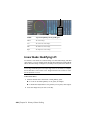
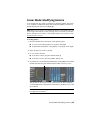
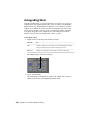
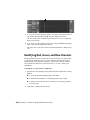
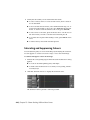
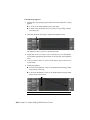
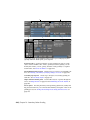
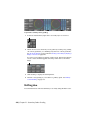
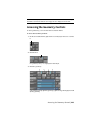
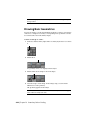
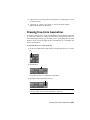
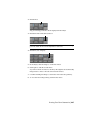
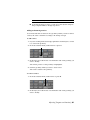
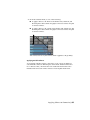
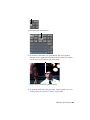
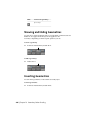
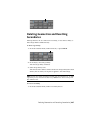
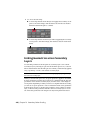
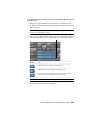
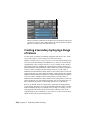
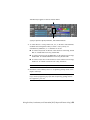
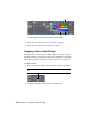
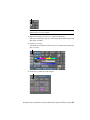
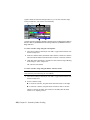
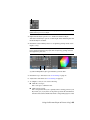
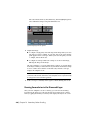
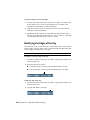
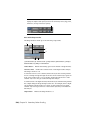
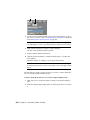
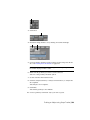
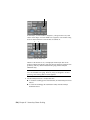
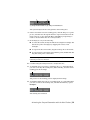
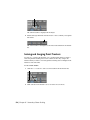
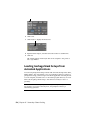
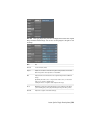
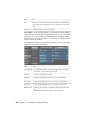
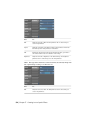
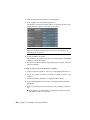
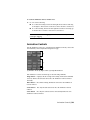
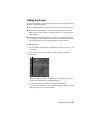
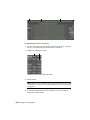
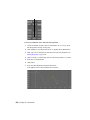
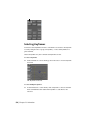
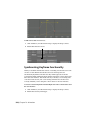
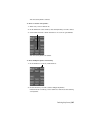
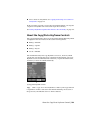
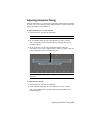
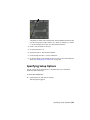
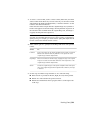
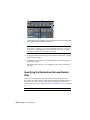
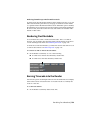
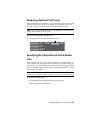
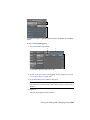
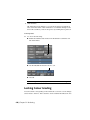
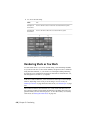
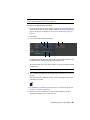
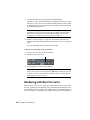
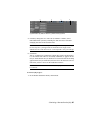
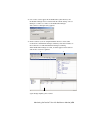
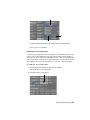
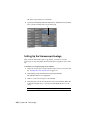
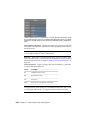
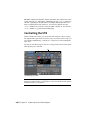
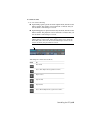
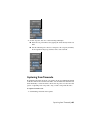
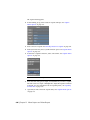
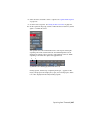
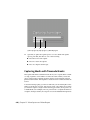
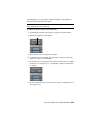
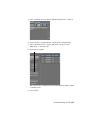
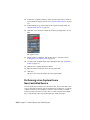
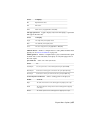
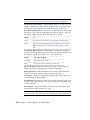
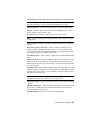
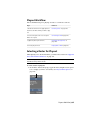
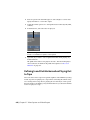
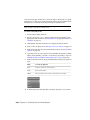
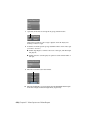
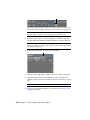
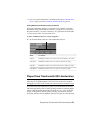
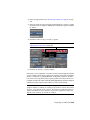
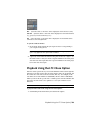
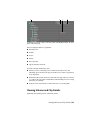
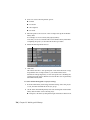
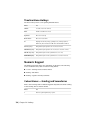
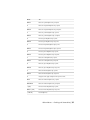
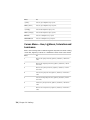
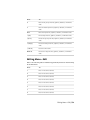
(a) Break mode button (b) Return mode button (c) AllPts button
2 Enable Break.
3 If you want to break the tangents for more than one keyframe, disable
Return.
If Return mode is enabled, you are returned to Edit mode after performing
one break operation.
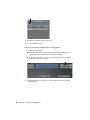
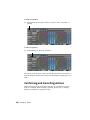
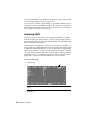
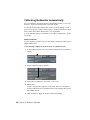
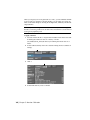
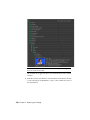
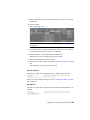
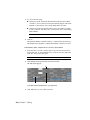
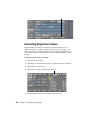
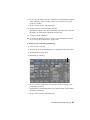
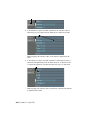
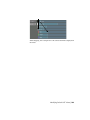
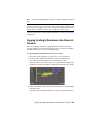
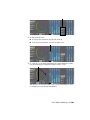
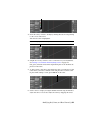
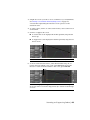
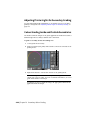
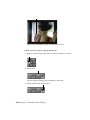
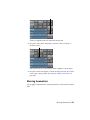
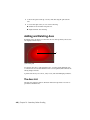
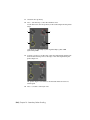
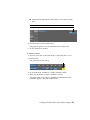
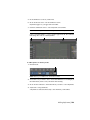
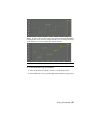
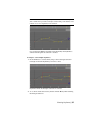
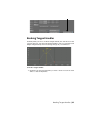
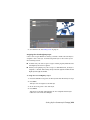
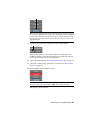
4 In the Animation Curves window, click and drag the selected Bezier
handle you want to break.
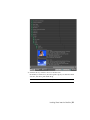
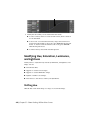
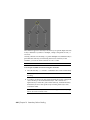
5 If Return mode is disabled, click additional keyframes to break the tangent
handles and modify them as needed.
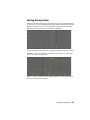
Resetting Tangent Handles
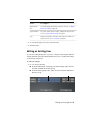
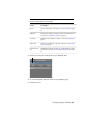
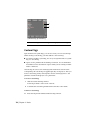
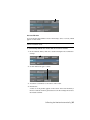
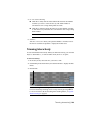
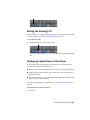
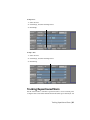
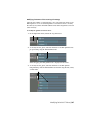
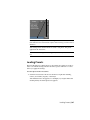
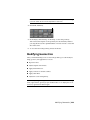
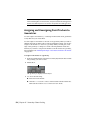
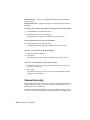
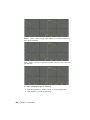
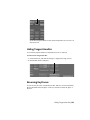
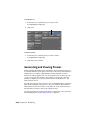
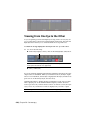
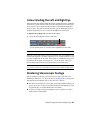
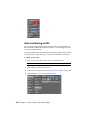
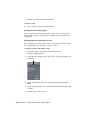
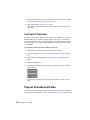
Use Repair mode to reset broken tangent handles to an unbroken state.
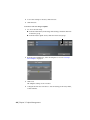
To reset broken tangent handles:
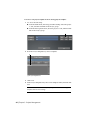
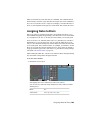
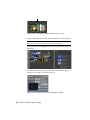
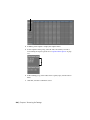
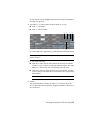
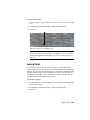
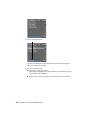
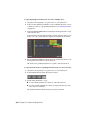
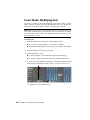
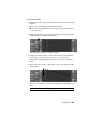
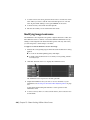
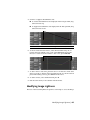
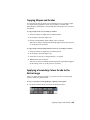
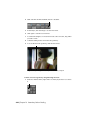
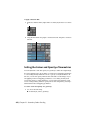
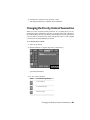
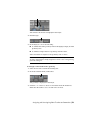
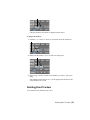
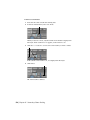
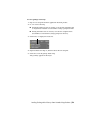
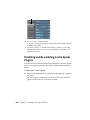
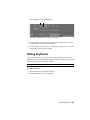
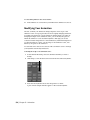
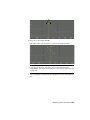
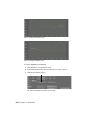
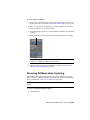
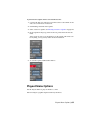
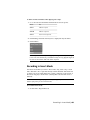
1 In Edit mode, select the broken keyframes you want to repair.
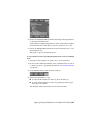
2 Click Repair.
562 | Chapter 18 Animation