1
Tasks in Sub-Folders
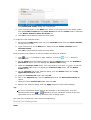
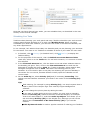
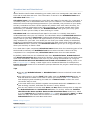
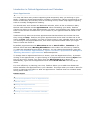
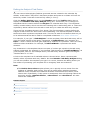
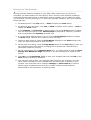
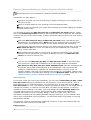
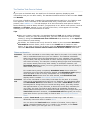
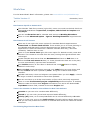
This version of Taskline will not schedule tasks in sub-folders. A good workaround is to
create a Project (on the Taskline tab of the task form in Outlook) or a Category for
each sub-folder, and assign that Project or Category to each task. Then, group your
Outlook task view by Project or Category, as appropriate. This approach has the
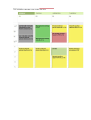
advantage over multiple folders in that you can see the tasks for more than one subfolder in a single view.
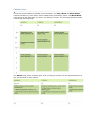
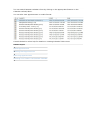
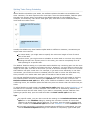
For example, say you have three folders, one for each client, and you have decided to use
categories rather than projects:
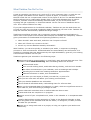
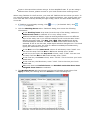
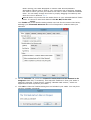
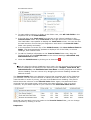
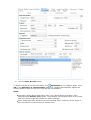
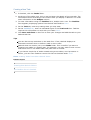
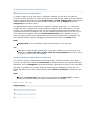
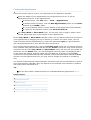
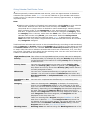
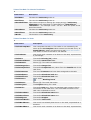
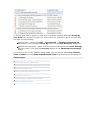
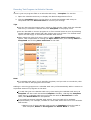
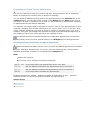
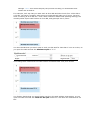
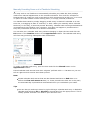
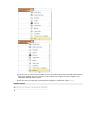
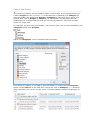
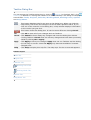
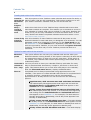
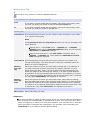
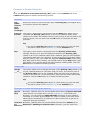
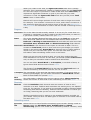
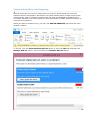
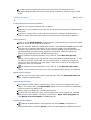
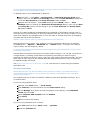
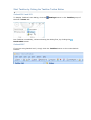
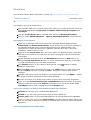
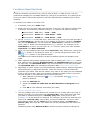
Add 3 new categories, one to represent each sub-folder:
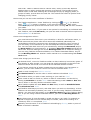
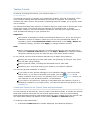
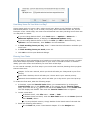
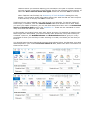
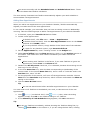
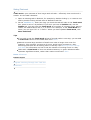
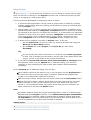
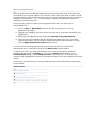
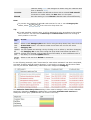
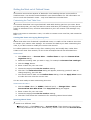
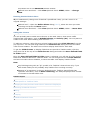
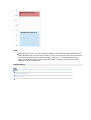
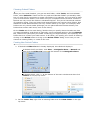
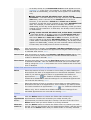
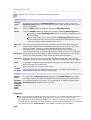
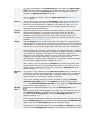
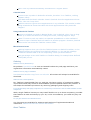
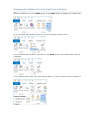
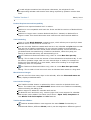
Then assign a category to one task in each sub-folder, by clicking on the Categories
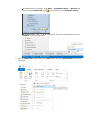
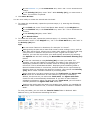
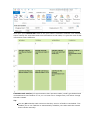
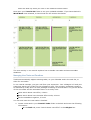
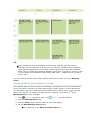
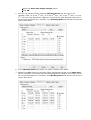
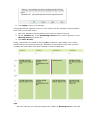
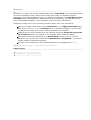
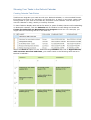
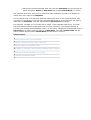
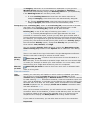
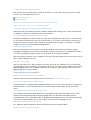
button on the Task tab of the Task form. Group the view on Category How? and then
drag each task in turn to the correct group. This automatically assigns the category for
you.