1
User Manual
Elixir CASE
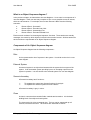
What is a Diagram Editor ?
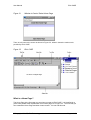
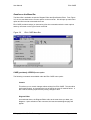
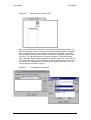
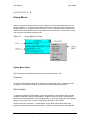
The Diagram Editor actually refers to the area where you draw and edit your diagrams. The
bulk of the space on the Diagram Editor is occupied by the Diagram page. In addition, the
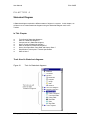
Diagram Editor provides the Toolbox with which you work, as shown in Figure 3.2.
What is a Specification Editor ?
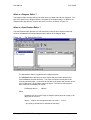
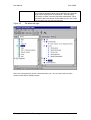
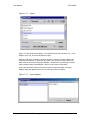
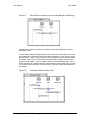
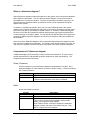
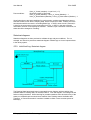
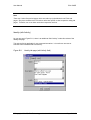
The Specification Editor provides you with a directory listing of all the object models that
reside in the database and all the objects that are drawn on the diagram page.
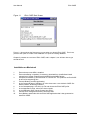
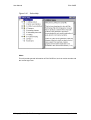
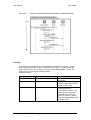
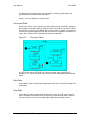
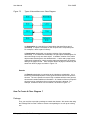
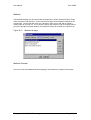
Figure 3.4
The Specification Editor
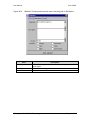
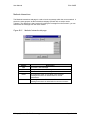
The Specification Editor is separated into 2 adjacent panes.
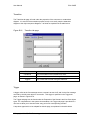
The Left Pane shows the listing of all the objects that have been defined in the
current database and their hierarchy. The ‘Path’ field shows the full path of the
currently selected object. If you know the full path of the object that you want to see,
you can also enter it in this field to select the object. This field is case-sensitive.
Elixir CASE has a standard path format :
FirstObject[.object1. ... .objectn]
where
FirstObject can be a Home Page or Diagram (which points to a page) or an
object; this is at level 0.
object1 ... objectn are the objects that are on level 1 ... level n.
‘.’ (the point) is the delimiter to indicate the hierarchy.
© Copyright 2000 CE, Elixir Technology
Version 1.2
Page 8 of 95