1
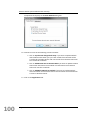
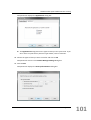
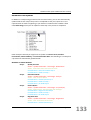
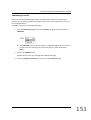
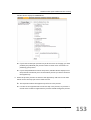
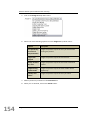
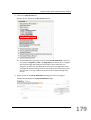
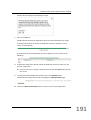
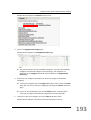
PlanPlus Online System Administrator Training CompanionLink displays the Applications dialog box. The Applications dialog box lists the types of data you can synchronize. If you don’t want to synchronize a particular type of data, clear its check box. 18. Choose the types of data you want to transfer and click on OK. CompanionLink returns to the Contact Manager Settings dialog box. 19. Click on Next. CompanionLink displays the Auto Synchronization dialog box. Page 101 101