1
User’s Guide
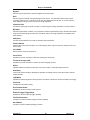
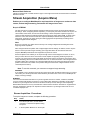
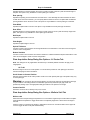
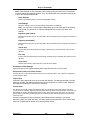
Saves the currently selected classifier set as a .cls file.
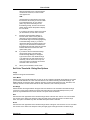
Reset
Resets the current classifier set to the "factory" settings.
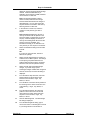
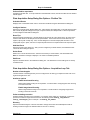
Color Drop-Down List Box ("Random")
Selects the color used for painting the items that pass the selected classifier set. The default is Random.
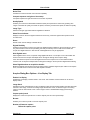
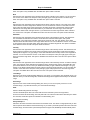
Filters
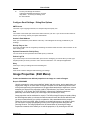
Selects the filters that make up each classifiers set. The Filter Values option is used in conjunction with the
Filter Range to select the limiting conditions for screening objects through each filter.
Show Descriptive Text
Displays a description of each filter at the bottom of the dialog box.
Show Filters
Displays all filters in the Filters list if the All option is displayed. Otherwise only the active filters are
displayed.
Filter Values
If Inclusive is selected, this option includes only those objects whose measurements fall inside the filter
range when recording measurement data. If Exclusive is selected, this option excludes all objects whose
measurements fall inside the filter range when recording measurement data.
Filter Range
Specifies the filter range of acceptable values used to determine if an object passes the filter.
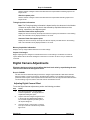
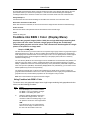
Measure/Recalc
Measures or recalculates the objects in the current image which pass the selected object classifiers. Recalc
is faster than Measure because the objects do not have to be traced. The Recalc command is the same as
Recalculate Object Parameters in the Measure menu.
Preferences
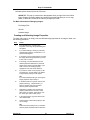
Opens the Preferences dialog and displays the New Classifier tab page. The New Classifier preferences
allow you to select which classifier parameters you want used in the "point to object" mode of the Create
New Classifier command. Any parameter that you select (by double-clicking on the parameter name so that
a check mark appears next to it) from the Auto Classifier Definition list will be used to define a new classifier
when using the "point to object" mode.
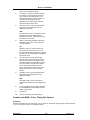
Description
Provides a brief description of the selected parameter in the Filters table. This status box will be displayed
when you select the Show Descriptive Text check box.
Closes
Closes the dialog box.
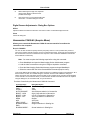
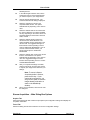
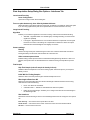
Configure Object Measurements (Measure Menu)
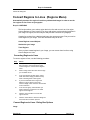
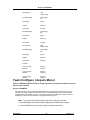
Selects which object measurements will be recorded in log files and displayed in the Show
Individual Object Data dialog box and the Show Classifier Statistics dialog box.
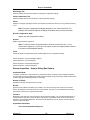
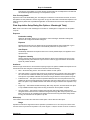
Drop-in: AUTOMEAS
Use this command before measuring data that will be logged to object and/or summary logs. This
command selects which type of object measurements will be logged and displayed. MetaMorph
completes and stores all object measurements in its temporary buffer, whether or not you configure them
for your use. This allows you to log only a selected set of measurements, but use other measurements
as object classifiers to filter out ranges of objects. You can save and load object measurement sets for
future use.
MetaMorph
337
Version 7.0