1
11.
PID CONTROLLER MENU
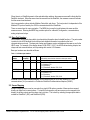
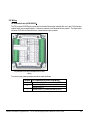
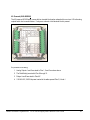
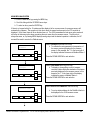
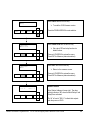
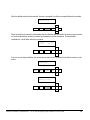
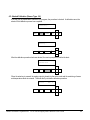
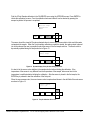
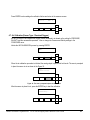
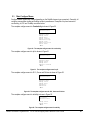
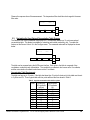
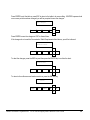
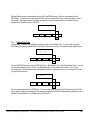
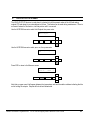
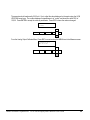
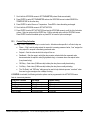
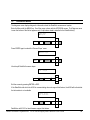
The PID Controller is present in the Main Menu list when a pH or conductivity DataStick is connected. Press
ENTER to select PID CONTROLLER.
≡Main Menu
►PID Controller
▲
MENU
ESC
ENTER
◄
►
▼
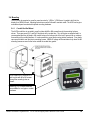
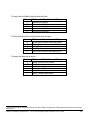
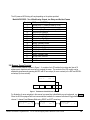
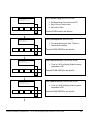
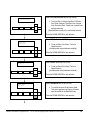
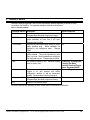
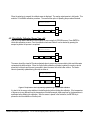
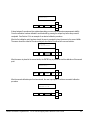
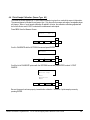
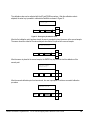
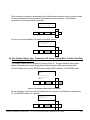
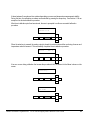
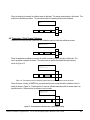
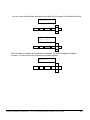
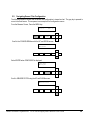
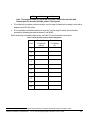
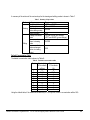
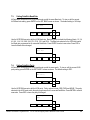
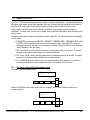
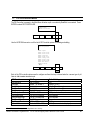
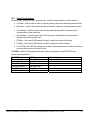
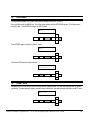
Use the UP/DOWN arrows to scroll the list of PID Controller options for viewing and editing.
≡PID Controller
►Set Algorithm
►Set Input
►Set Full-Scale
►Set Zero-Scale
►Set Setpoint
►Set Prop Gain
►Set Integ Gain
►Set Deriv Gain
►Set Trans Time
►Set Man Reset
►Manual Mode
◄Exit
MENU
ESC
ENTER
▲
◄
►
▼
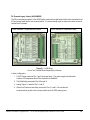
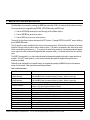
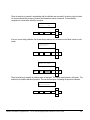
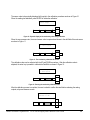
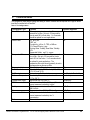
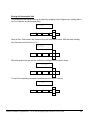
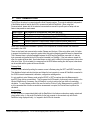
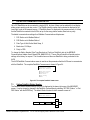
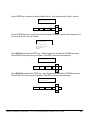
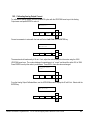
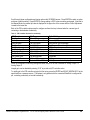
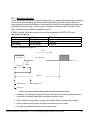
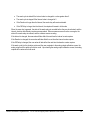
Each of the PID controller options used to configure and tune the loop is shown below for a sensor type of pH.
Table 10: PID Controller functions for pH.
PID Function
Set Algorithm
Set Input
Set Full-Scale
Set Zero-Scale
Set Setpoint
Set Proportional Gain
Set Integral Gain
Set Derivative Gain
Set Transit Time 3
Set Manual Reset
Manual Mode
3
Edit Range
ISA or Velocity
Sensor 1 or Sensor 2
0 to 14 pH
0 to 14 pH
0 to 14 pH
–99.99 to +99.99
0.00 to 50.00 reps/min
0.00 to 10.00 seconds
0 to 9999 seconds
0.0% to 100%
Control: 0.0% to 100%
Default Setting
ISA
Sensor 1 (DS1)
14 pH (Do not change)
0 pH (Do not change)
7 pH
0.00 (+ is direct action, – is reverse action)
0.00 reps/min
0.00 seconds
0 seconds
0.0%
0.0% (Process value is displayed)
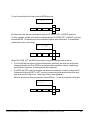
Transit Time is available only when the Algorithm is set to Velocity.
Thermo Scientific AquaSensors™ AV38 Local Display and Controller User Guide
67