1
Simple Paging Solution - User Manual
7.1 'Advanced' menu: Network Interface selection
20
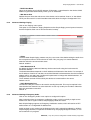
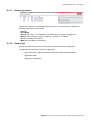
7.2 Discover Zones view
7.2.1 Text Colour coding
7.2.2 Refresh
7.2.3 Push Confg
7.2.4 Password handling
7.2.5 Print / Save
7.2.6 Web UI button
7.2.7 Set Groups button
20
20
20
20
20
21
21
21
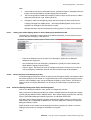
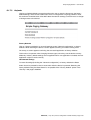
7.3 Set Groups view
7.3.1 Text Colour coding
7.3.2 Refresh
7.3.3 Save and Send
7.3.4 Import File
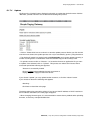
7.3.5 Defning Paging Groups
21
22
22
22
22
22
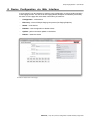
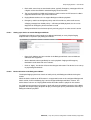
8 Device Confguration via Web Interface
23
8.1 Simple Paging web UI Confguration
8.1.1 Basic Confguration: parameters
8.1.2 Basic confguration: Group Setup
8.1.3 Advanced settings: Network confguration
8.1.4 Advanced Settings: Paging
8.1.5 Advanced Settings: Emergency Audio
24
24
24
25
26
26
8.1.5.1 Setting up a Simple Paging device to receive Emergency Notifcation audio ..................................................................................................... 27
8.1.5.2 Device behaviour with Emergency Audio.................................................................................................................................................................. 27
8.1.6 Advanced Settings: Background music and PA integration
27
8.1.6.1 Setting up a device to receive Background Music.................................................................................................................................................... 28
8.1.6.2 Device behaviour with Background Music................................................................................................................................................................ 28
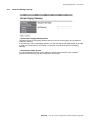
8.1.7 Advanced Settings: Security
29
8.1.7.1 Discovery function......................................................................................................................................................................................................... 30
8.1.7.2 Status Page....................................................................................................................................................................................................................... 30
8.1.7.3 Defaults............................................................................................................................................................................................................................. 31
8.1.7.4 Update.............................................................................................................................................................................................................................. 32
8.1.7.5 Reboot.............................................................................................................................................................................................................................. 33
9 Document Management
34
9.1 Version History
34
10 Legal Information
35
BARIX AG | 1. Apr. 2015 | | Page 3/35