1
Chapter 10
Multicast
10.1 General
Use the General pages to configure setting of IGMP snooping property and group and router
setting function.
10.1.1 Property
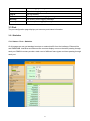
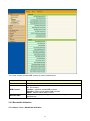
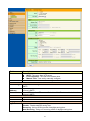
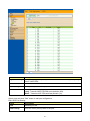
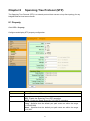
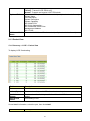
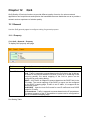
Click Multicast > General > Property
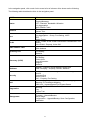
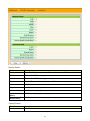
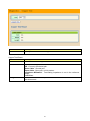
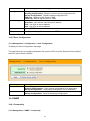
This page allow user to set multicast forwarding method and unknown multicast action.
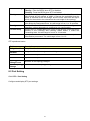
Field
Unknown
Multicast Action
IPv4
Description
Set the unknown multicast action
Drop : drop the unknown multicast data.
Flood : flood the unknown multicast data.
Router port : forward the unknown multicast data to router port.
Set the IPv4 multicast forward method.
MAC-VID : forward method dmac+vid.
DIP-VID : forward method dip+vid.
10.1.2 Group Address
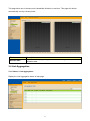
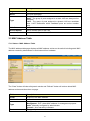
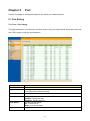
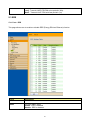
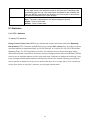
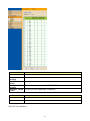
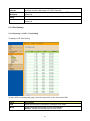
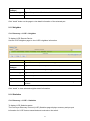
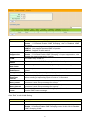
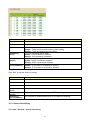
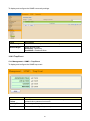
Click Multicast > General > Group Address
To display Multicast General Group web page.
54