1
6.10. Calibration Menu
The aim of the non-uniformity correction is to detect the bad pixels in an image.
These pixels will be replaced by neighboring pixels. Moreover, a gain and offset
correction will be performed.
Calibration Camera
Two Point correction
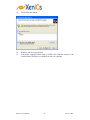
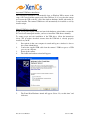
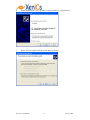
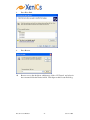
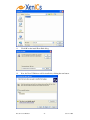
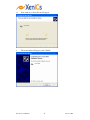
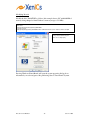
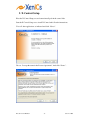
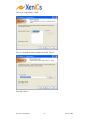
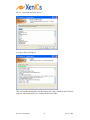
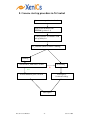
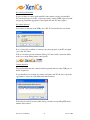
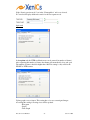
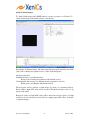
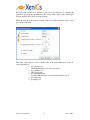
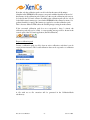
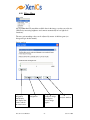
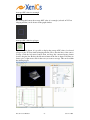
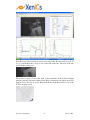
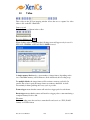
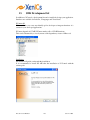
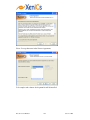
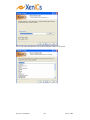
Select “Calibrate camera” in the X-Control main screen. A wizard will guide the user
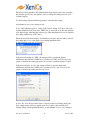
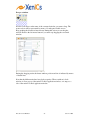
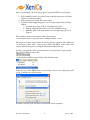
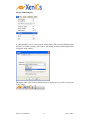
through the calibration procedure. You will find the description of the calibration
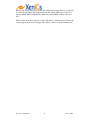
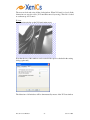
procedure step by step. The calibration is based on acquiring a set of three image
sequences (saturated, dark and grey image).
X-Control User Manual
69
June 22, 2006