1
Chapter 28
Publishing Dynamically from a Database
information—that you would not want to show to all users who view a page.
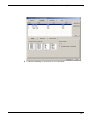
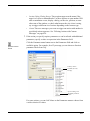
NetObjects Fusion provides Recordsets to filter the data that is presented to users.
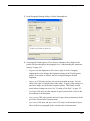
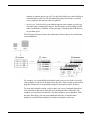
There are three components to a Recordset: columns to display, where clause, and
order by.
•
Columns to display. Often a table will have many columns, but you will only
want to display a portion of the available columns. NetObjects Fusion provides
the ability to restrict the columns displayed to the user to a more manageable
level. This allows you to create a more concise presentation of only the
information necessary.
•
Where clause. A “Where” clause defines search criteria and returns only those
records matching that particular set of criteria. For example, if you had a
database containing 10,000 customer records, you could use a Where clause to
search for customers who reside in a specific zip code, which in turn, will return
only those records meeting that criteria.
The Where clause is not required; however, using a Where clause is
recommended. If you have, for example, 10,000 rows of data, it is likely you
won't want to return them all. You can use the Where clause to filter your
results to a manageable number.
•
Order by. The data from the database is displayed in an orderly, but unsorted
fashion if no ordering is specified for the Recordset. You can specify which
direction to sort the data and which column upon which to base the ordering.
For example, if you were creating a phone listing site, you would probably want
to default to sorting by last name, ascending. That way, records whose values
started with ‘A’ would appear at the top, and records whose values started with
‘Z’ would appear at the bottom
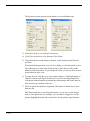
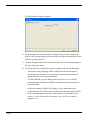
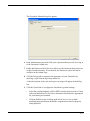
To add a recordset:
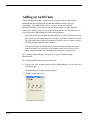
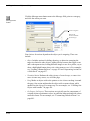
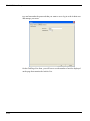
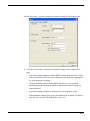
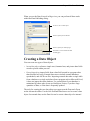
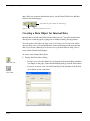
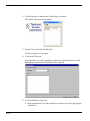
1. In Page view, double-click on the Connector object you want to work with to
display the Connector dialog.
643