1
Further Information
Using Unusual Paper Formats. Extra long or extra wide page formats in a flyer
might receive more attention. You can adjust the paper format with Format - Page.
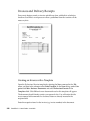
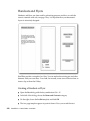
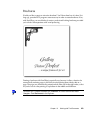
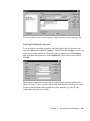
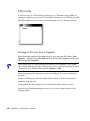
Using Sample Flyer Under Samples in the Explorer you will find the Flyers document. It prints two half-sized pages on one regular-sized page and has a key to press
to copy one page onto the other.
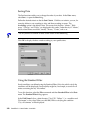
Using the StarOffice Help
Do you need further information? Use our extensive StarOffice Help. The following
search terms are available for this topic:
292
■
Stylist
■
Pictures
■
Frames
StarOffice 5.2 User's Guide • June 2000