1
Adding the Testimonials Component
•
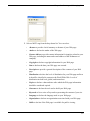
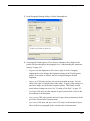
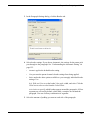
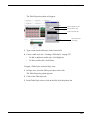
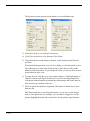
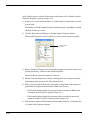
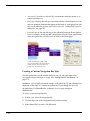
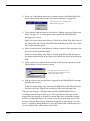
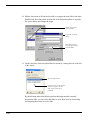
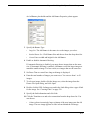
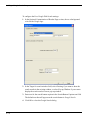
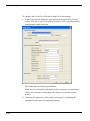
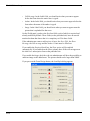
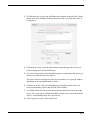
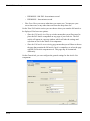
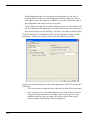
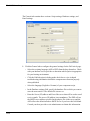
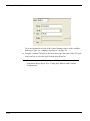
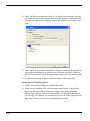
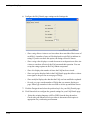
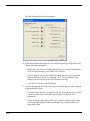
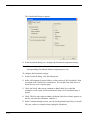
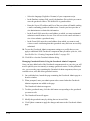
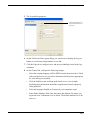
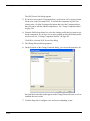
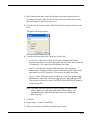
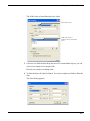
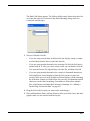
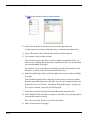
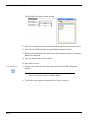
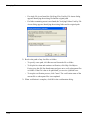
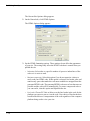
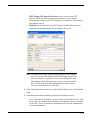
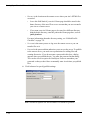
Enter the Server (IP) address and Port of the server that will handle sending
e-mails confirming testimonial submissions. Consult your host provider or
site administrator to obtain this information.
•
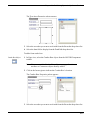
In the E-mail field, enter the e-mail address to which you want testimonial
submission notifications to be sent. You will receive an e-mail each time a
site visitor submits a testimonial.
•
In the From field, enter the e-mail address from which you want to send
visitors e-mails confirming that their testimonial has been successfully
submitted.
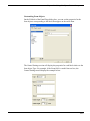
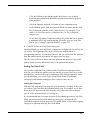
9. To save the Admin Testimonials settings as a profile that you can apply to
additional NOF Testimonials components that you add to your site, click Save
Profile. See “Creating Component Profiles” on page 599.
10. Click OK to close the Admin Testimonials dialog.
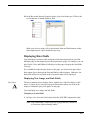
Managing Testimonials on the Admin Testimonials Page
Once you have added each of the Testimonial component tools to your site, you
will need to publish your site remotely to manage testimonials.
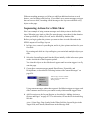
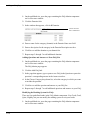
1. On the published site, open the page containing the Admin Testimonials
component tool in a browser window.
2. When prompted, enter your admin password as created when the Admin
Testimonials component was added to the page.
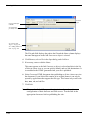
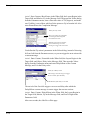
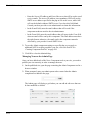
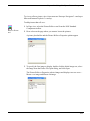
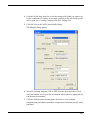
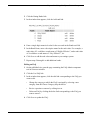
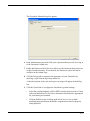
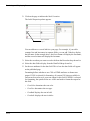
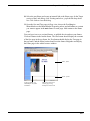
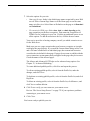
The Admin Testimonials page will display a table listing the testimonials that
visitors have submitted, including the submitter’s name, the date of submission,
and the title of the testimonial.
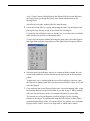
3. To review a testimonial, click the View link corresponding to the testimonial
you want to view.
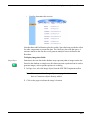
The selected testimonial will appear in the browser window.
4. Click the Validate link below the testimonial to display the testimonial on the
page containing the View Testimonials component.
5. Click the Invalidate link below the testimonial if you do not want to display the
testimonial.
6. Click the Delete link to permanently remove a testimonial from your
testimonials list.
570