1
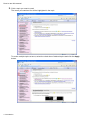
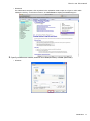
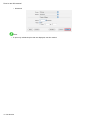
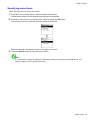
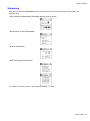
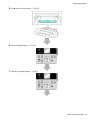
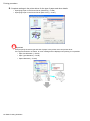
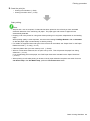
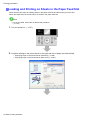
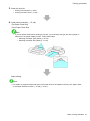
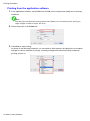
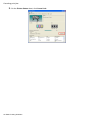
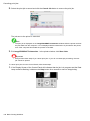
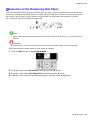
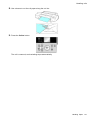
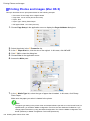
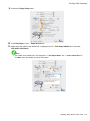
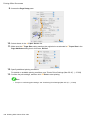
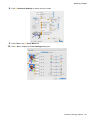
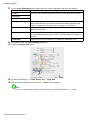
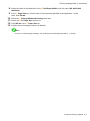
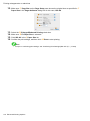
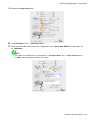
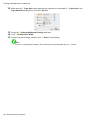
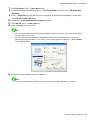
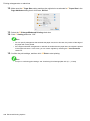
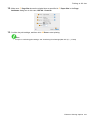
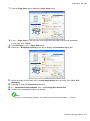
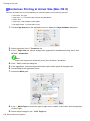
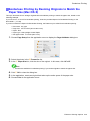
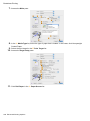
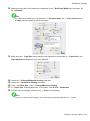
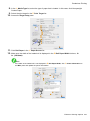
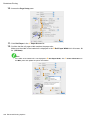
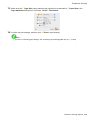
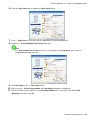
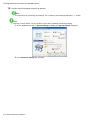
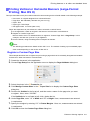
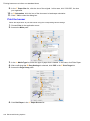
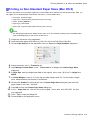
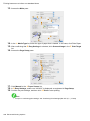
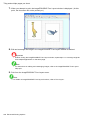
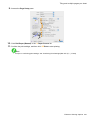
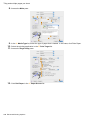
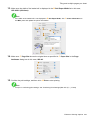
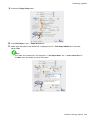
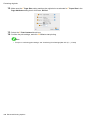
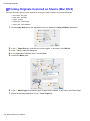
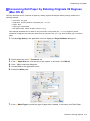
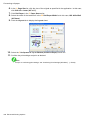
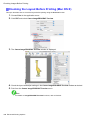
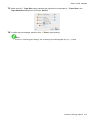
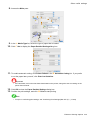
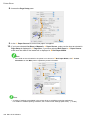
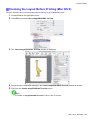
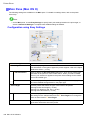
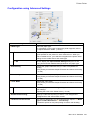
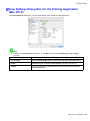
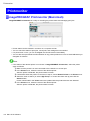
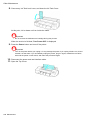
Conserving roll paper 11. Make sure the C Page Size setting matches the original size as selected in C Paper Size in the Page Attributes dialog box-in this case, ISO A4. 12. 13. Select the L Rotate Page 90 degrees check box. Conrm the print settings, and then click M Print to start printing. Note • For tips on conrming print settings, see “Conrming Print Settings (Mac OS X)”. (→P.395) Enhanced Printing Options 317