1
Borderless Printing
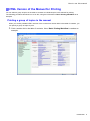
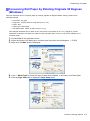
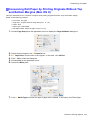
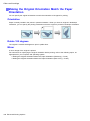
Borderless Printing by Resizing Originals to Match the
Paper Size (Windows)
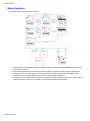
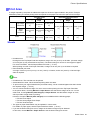
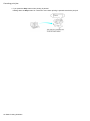
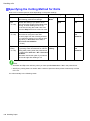
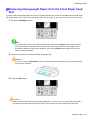
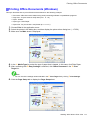
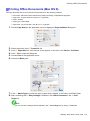
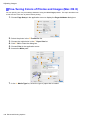
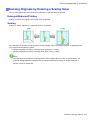
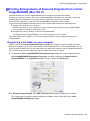
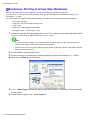
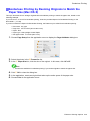
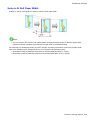
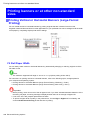
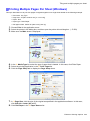
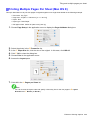
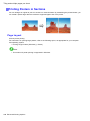
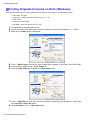
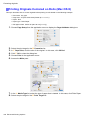
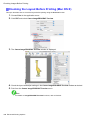
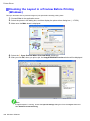
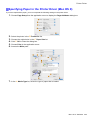
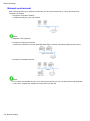
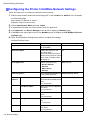
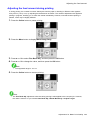
This topic describes how to enlarge originals before borderless printing to match the paper size, based on the
following example.
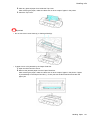
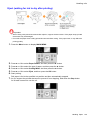
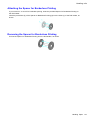
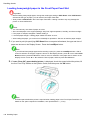
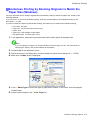
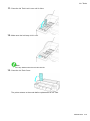
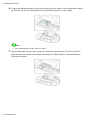
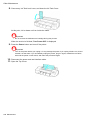
If you use an A1 or A2 roll for borderless printing, insert the provided Spacer for Borderless Printing on the
Roll Holder. (→P.136)
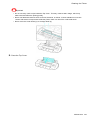
If you do not attach the Spacer for Borderless Printing, the Platen may be soiled from borderless printing.
•
•
•
•
•
1.
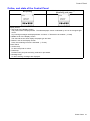
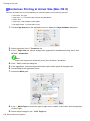
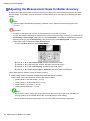
Document: Any type
Page size: 10×12 inches (254.0×304.8 mm)
Paper: Roll
Paper type: Heavyweight Coated Paper
Roll paper width: 10 inches (254.0 mm)
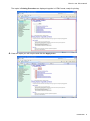
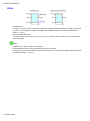
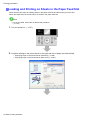
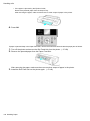
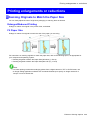
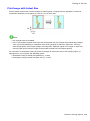
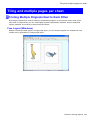
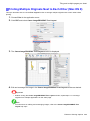
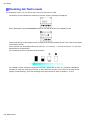
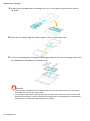
In the application, create an original that takes up the entire space of the paper size.
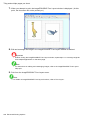
Note
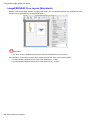
• If you can specify the margin, as in Microsoft Word, set the margin at 0 mm. For instructions on
specifying the margin, refer to the software documentation.
2.
3.
4.
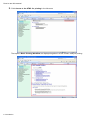
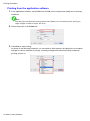
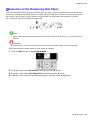
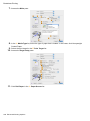
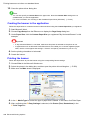
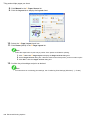
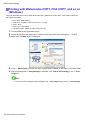
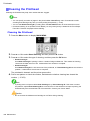
Choose Print in the application menu.
5.
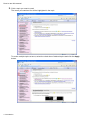
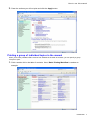
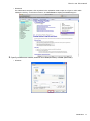
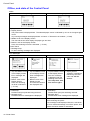
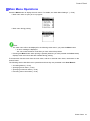
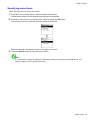
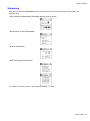
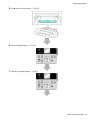
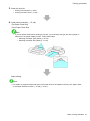
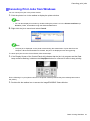
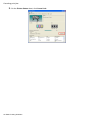
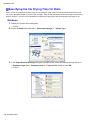
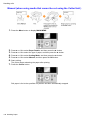
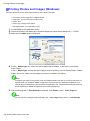
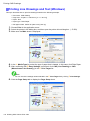
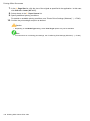
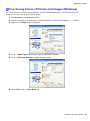
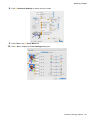
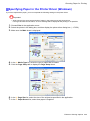
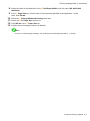
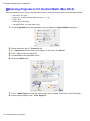
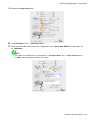
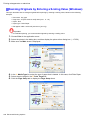
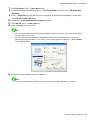
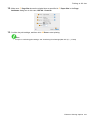
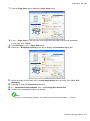
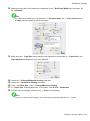
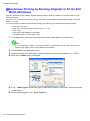
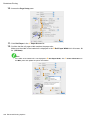
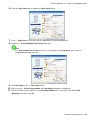
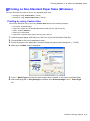
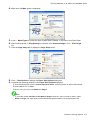
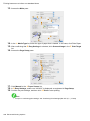
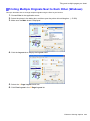
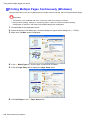
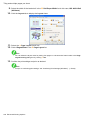
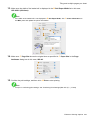
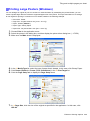
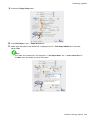
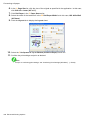
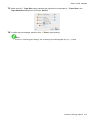
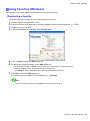
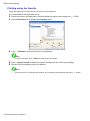
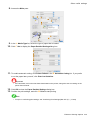
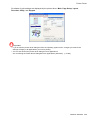
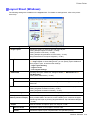
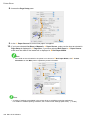
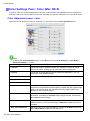
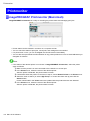
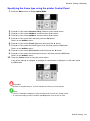
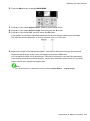
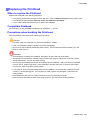
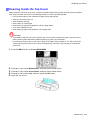
In the A Media Type list, select the type of paper that is loaded. In this case, click Heavyweight
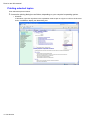
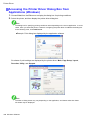
Select the printer in the dialog box, and then display the printer driver dialog box. (→P.356)
Make sure the Main sheet is displayed.
Coated Paper.
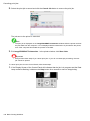
6.
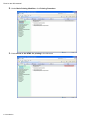
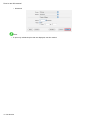
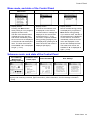
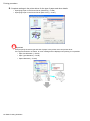
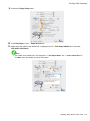
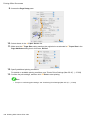
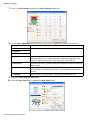
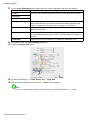
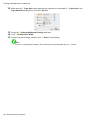
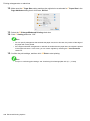
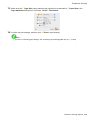
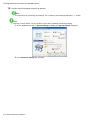
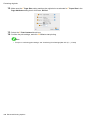
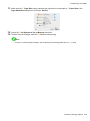
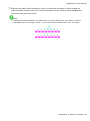
Select the print target in the E Print Target list.
Enhanced Printing Options 247