1
OHVA (Urgent Announcement)
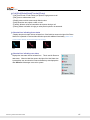
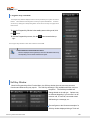
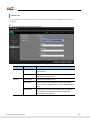
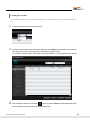
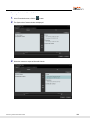
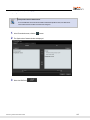
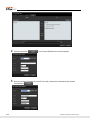
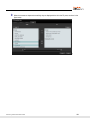
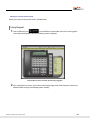
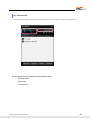
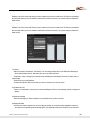
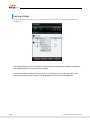
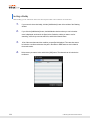
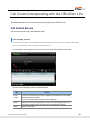
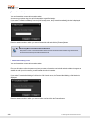
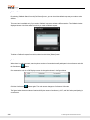
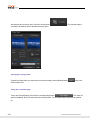
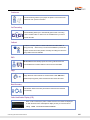
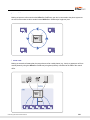
If you want to make a voice announcement to a station while it is talking on a call, select OHVA from the Call Control
menu. The station that is talking on a call can then receive the OHVA on another call that is waiting.
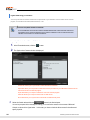
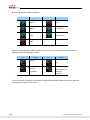
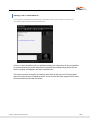
Station in DND Mode
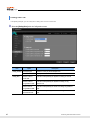
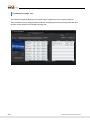
The station for which the DND function is enabled cannot receive an OHVA.
Message List
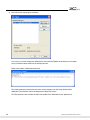
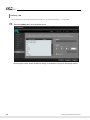
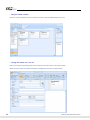
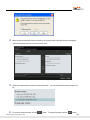
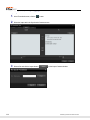
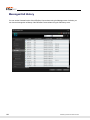
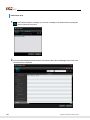
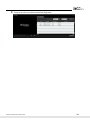
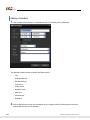
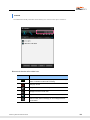
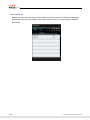
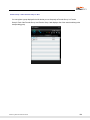
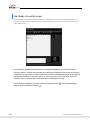
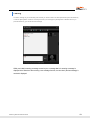
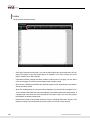
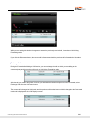
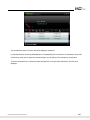
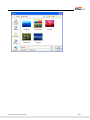
By selecting Message List from the [Call Control] menu, you can check whether other stations have left a message
while your station was busy or did not answer. This menu item is available only if at least one different station left a
message. The extension numbers of the stations that left a message are displayed in the Message List.
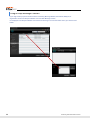
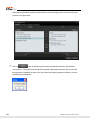
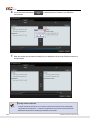
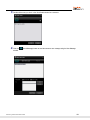
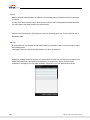
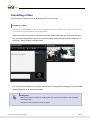
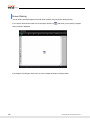
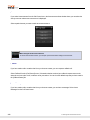
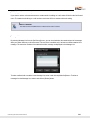
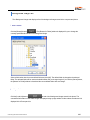
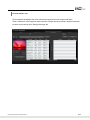
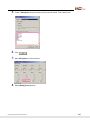
To make a callback call to a station in the Message List, select it and click the [Make Call] button. To delete a
message from the Message List, select it and click the [Delete] button.
© Samsung Telecommunications America
203