1
Home Page
Table of Contents
Boss/Secretary Message
This function allows you to set messages frequently exchanged between a boss and secretary.
1.
2.
3.
4.
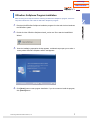
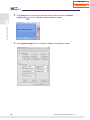
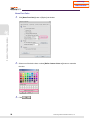
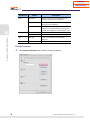
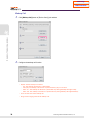
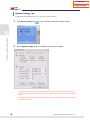
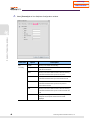
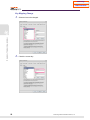
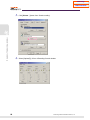
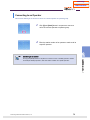
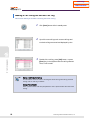
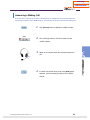
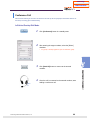
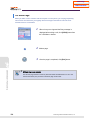
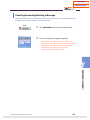
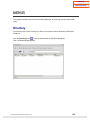
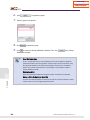
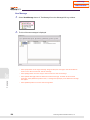
Click [BOSS/SECR] button in a standby state.
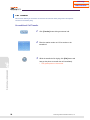
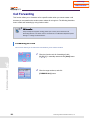
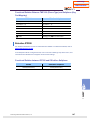
Click [Message] button from the <Boss Status Display>
window.
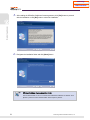
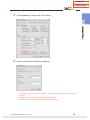
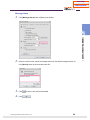
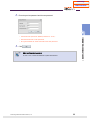
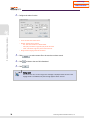
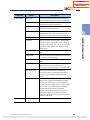
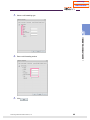
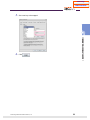
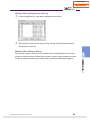
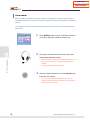
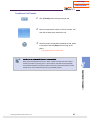
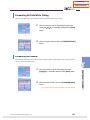
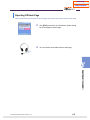
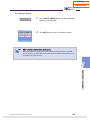
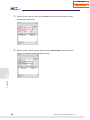
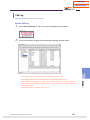
Enter a message, and click [Save] button.
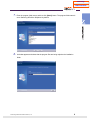
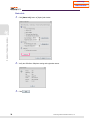
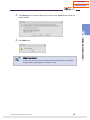
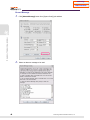
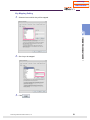
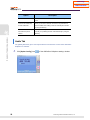
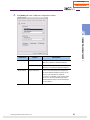
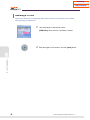
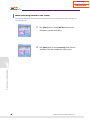
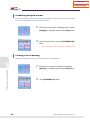
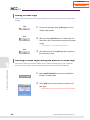
Select a boss to which the message will be sent, and
click [Send] button to forward the message.
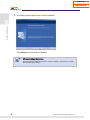
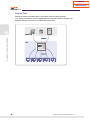
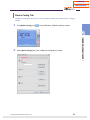
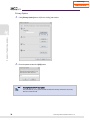
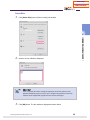
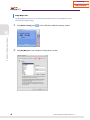
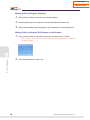
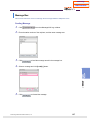
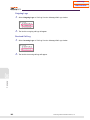
Sending a message between a boss and secretary
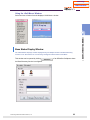
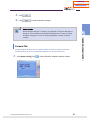
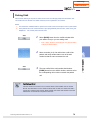
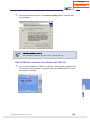
Enter a message and click [Send] button instead of [Save] button. Then, the newly
entered message is deleted and the previous one is sent.
© Samsung Telecommunications America, L.P.
121