1
176
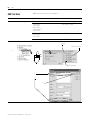
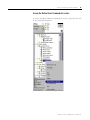
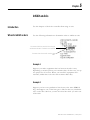
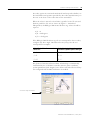
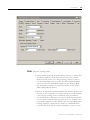
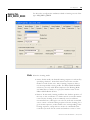
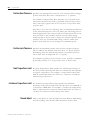
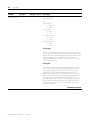
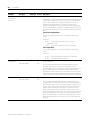
Axis Properties
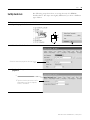
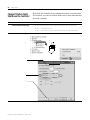
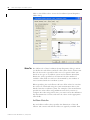
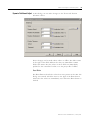
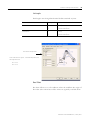
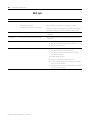
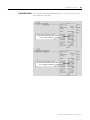
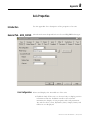
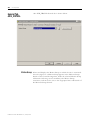
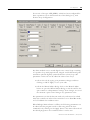
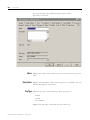
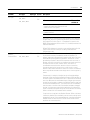
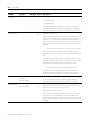
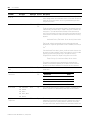
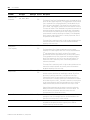
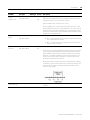
Catalog Number
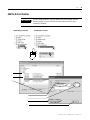
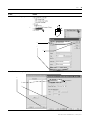
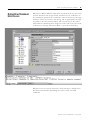
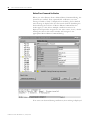
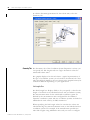
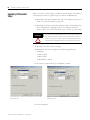
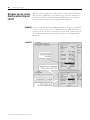
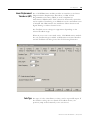
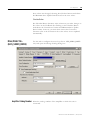
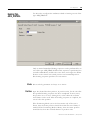
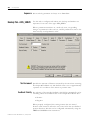
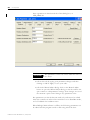
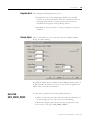
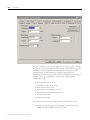
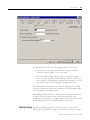
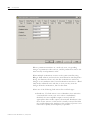
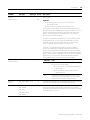
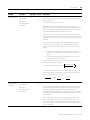
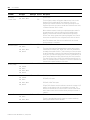
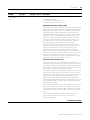
Select the catalog number of the motor associated with this axis.
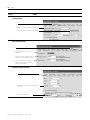
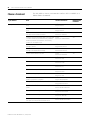
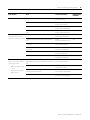
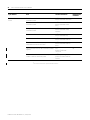
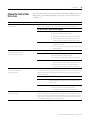
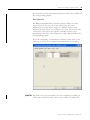
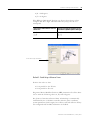
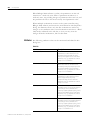
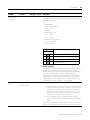
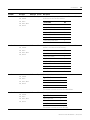
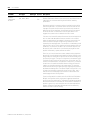
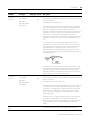
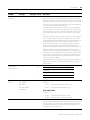
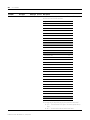
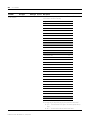
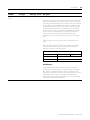
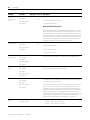
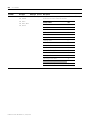
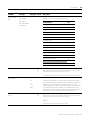
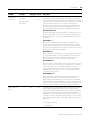
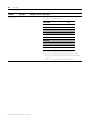
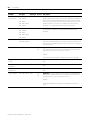
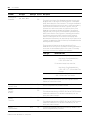
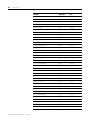
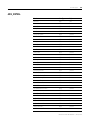
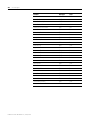
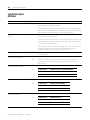
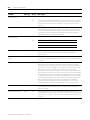
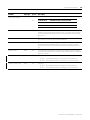
When you change a Motor Catalog Number, the controller recalculates
the values of the following values using (among other values) the
default Damping Factor of 0.8.
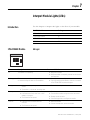
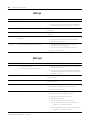
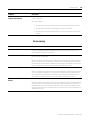
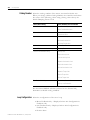
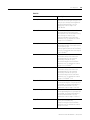
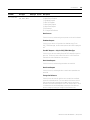
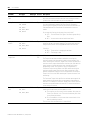
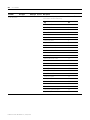
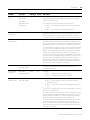
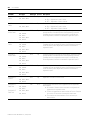
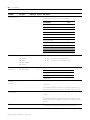
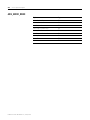
On this tab or dialog
These attributes are recalculated
Motor Feedback tab
Motor Feedback Type
Motor Feedback Resolution
Gains tab
Position Proportional Gains Velocity
Proportional Gains
Dynamics tab
Maximum Velocity
Maximum Acceleration
Maximum Deceleration
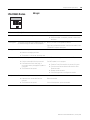
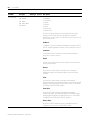
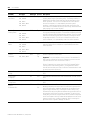
Limits tab
Position Error Tolerance
Custom Stop Action Attributes dialog
Stopping Torque
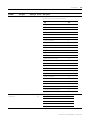
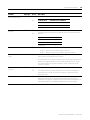
Custom Limit Attributes dialog
Velocity Limit
Bipolar Velocity Limit
Positive Velocity Limit
Negative Acceleration Limit
Bipolar Acceleration Limit
Positive Acceleration Limit
Negative Torque Limit
Bipolar Torque Limit
Positive Torque Limit
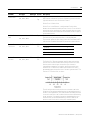
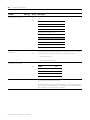
Tune Bandwidth dialog
Position Loop Bandwidth
Velocity Loop Bandwidth
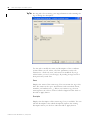
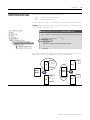
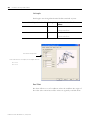
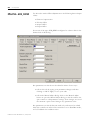
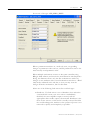
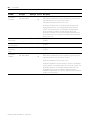
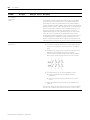
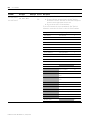
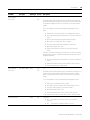
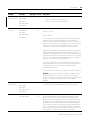
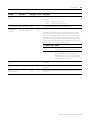
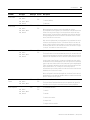
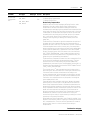
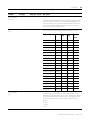
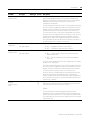
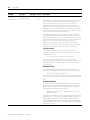
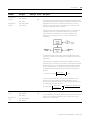
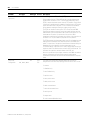
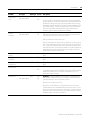
The Associated Module selection (selected on the General tab),
determines available catalog numbers.
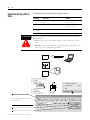
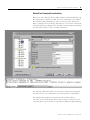
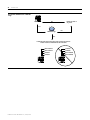
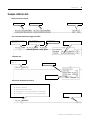
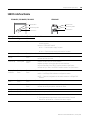
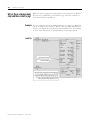
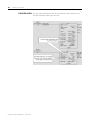
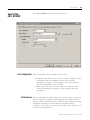
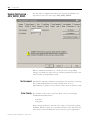
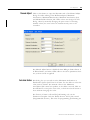
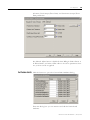
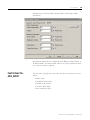
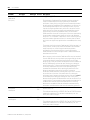
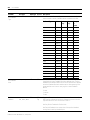
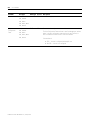
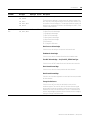
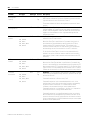
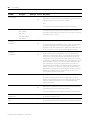
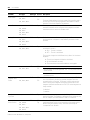
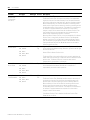
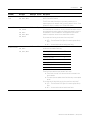
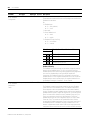
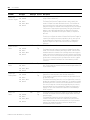
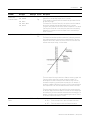
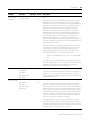
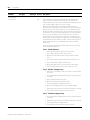
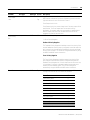
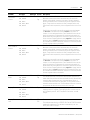
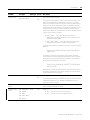
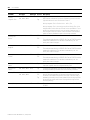
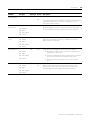
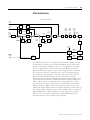
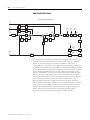
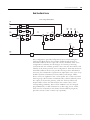
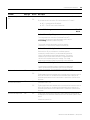
Loop Configuration
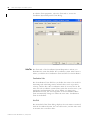
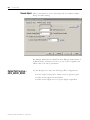
Select the configuration of the servo loop:
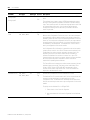
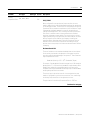
• Motor Feedback Only – Displayed when Axis Configuration is
Feedback only
• Aux Feedback Only – Displayed when Axis Configuration is
Feedback only
• Position Servo
Publication LOGIX-UM002B-EN-P - January 2007