1
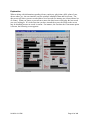
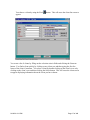
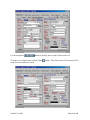
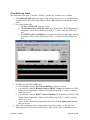
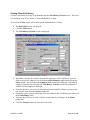
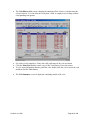
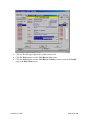
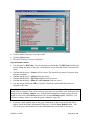
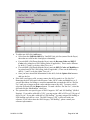
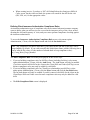
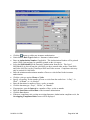
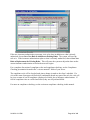
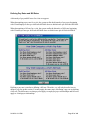
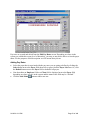
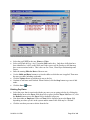
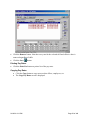
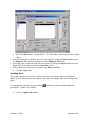
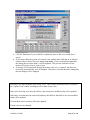
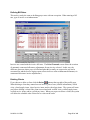
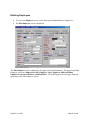
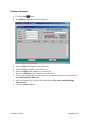
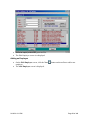
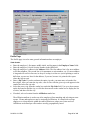
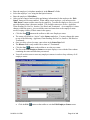
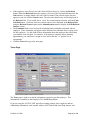
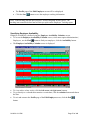
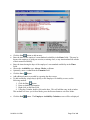
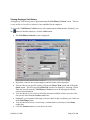
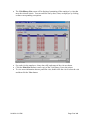
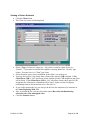
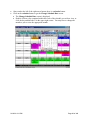
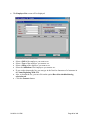
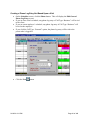
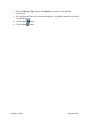
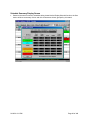
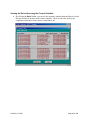
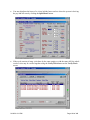
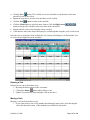
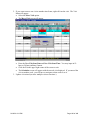
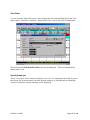
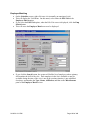
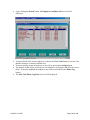
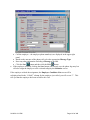
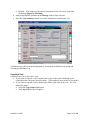
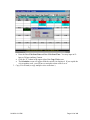
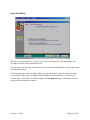
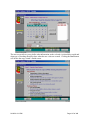
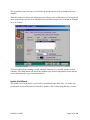
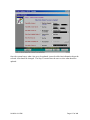
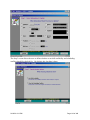
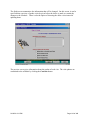
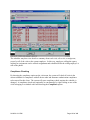
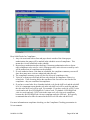
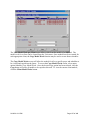
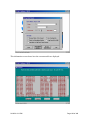
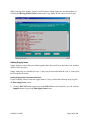
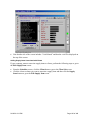
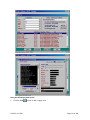
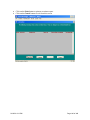
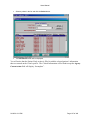
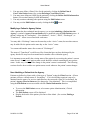
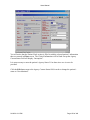
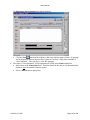
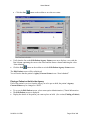
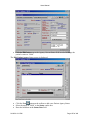
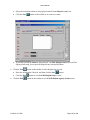
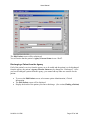
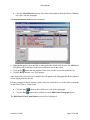
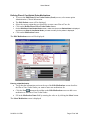
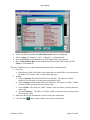
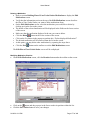
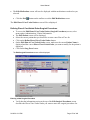
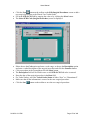
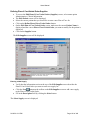
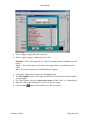
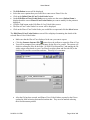
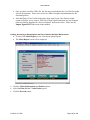
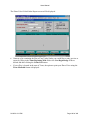
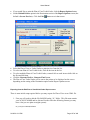
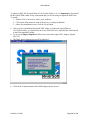
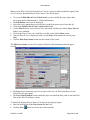
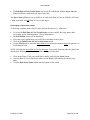
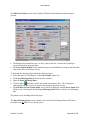
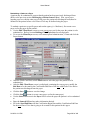
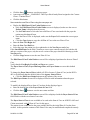
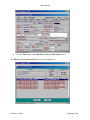
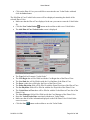
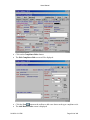
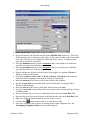
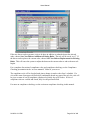
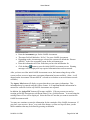
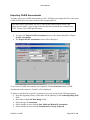
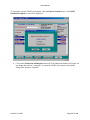
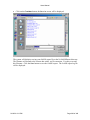
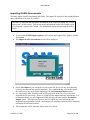
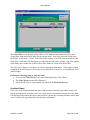
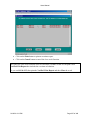
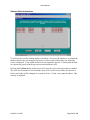
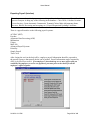
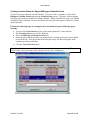
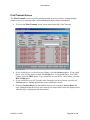
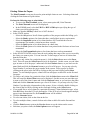
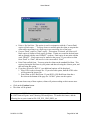
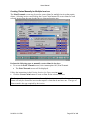
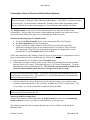
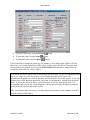
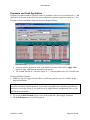
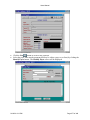
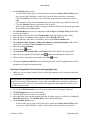
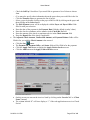
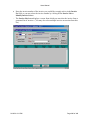
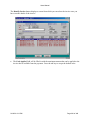
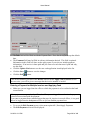
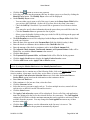
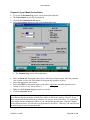
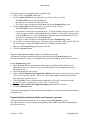
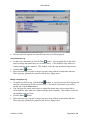
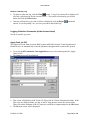
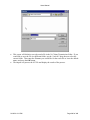
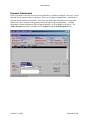
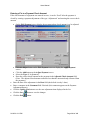
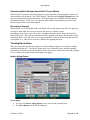
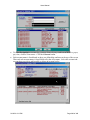
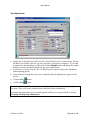
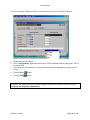
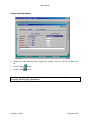
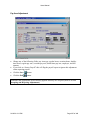
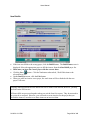
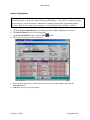
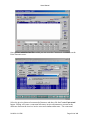
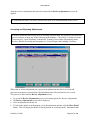
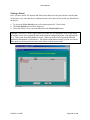
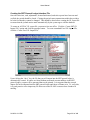
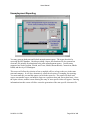
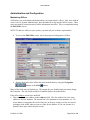
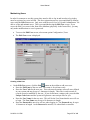
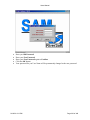
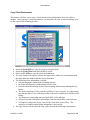
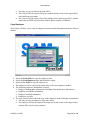
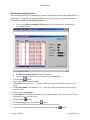
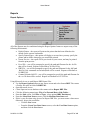
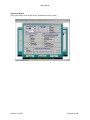
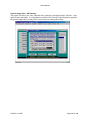
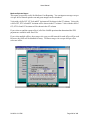
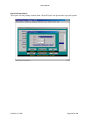
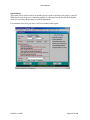
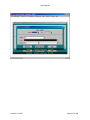
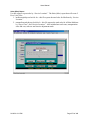
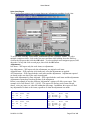
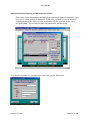
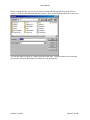
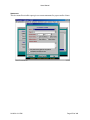
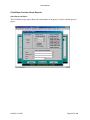
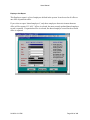
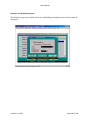
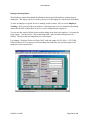
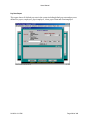
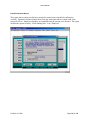
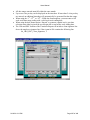
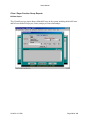
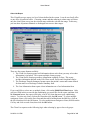
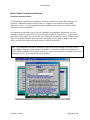
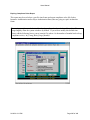
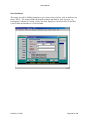
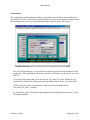
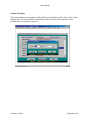
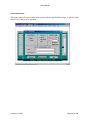
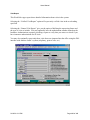
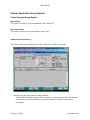
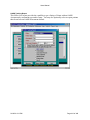
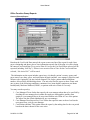
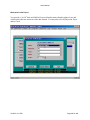
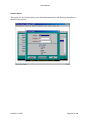
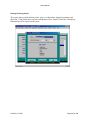
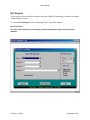
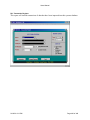
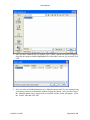
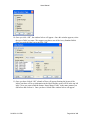
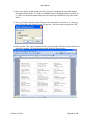
Users Manual Printing Self-Pay Invoices The Print/Transmit screen may be used to print multiple self-pay invoices at once. When creating Self-Pay invoices, you now have the option to direct SAM to print “Terms: Due by xx/xx/xxxx.” The date printed will be the last day of service on the invoice + ## of days. If that date is before the current date, then the current date will be printed instead. To enable this feature, add the following line to your n:\sam.ini file: INI_Self_Pay_Invoice_Net_Days, ## (## being the number of days to be added to the last day of service on the invoice. Perform the following steps to print self-pay invoices: To access the Print Transmit screen, select menu option AR | Print/Transmit. The Print/Transmit screen will be displayed. In the FORMS section, select the Invoices option and check the Self Pay? check box. Click the Generate button. To select one invoice, click on the invoice in the list. To select multiple invoices, control-click on each invoice or shift-click on the first and last invoice. Click the Print button to print the invoice(s), or the Preview button to see the invoice(s) on the screen. Each time you print an invoice, the Print Options screen will appear. 01/18/06 3:13 PM Page 261 of 448