1
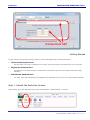
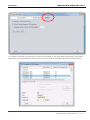
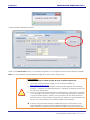
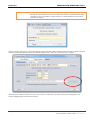
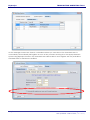
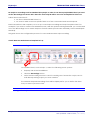
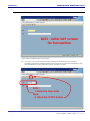
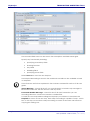
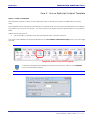
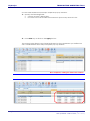
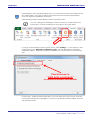
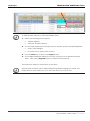
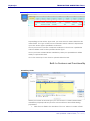
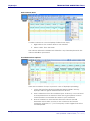
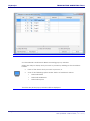
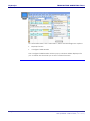
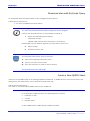
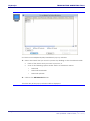
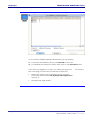
EzyScript TRANSACTION SCRIPTING TOOL You are now ready to populate the new QUERY Sheet using a configured Query recording. Schedule Processing and Process Multiple Sheets EzyScript allows you to process multiple worksheets at the same time. You can also choose to process immediately, or schedule processing to occur at a specific time or date. Follow these instructions if: You want to process multiple EzyScript worksheets simultaneously, or schedule processing for another time. All of the EzyScript workbooks containing the sheets that you want to process need to be open before you select the Process Multiple EzyScript Sheets function. Select the Process Multiple EzyScript Sheets Function In an EzyScript workbook either: 1. Click on the Batch icon on the EzyScript toolbar; or 2. Select the following menu options: EzyScript for SAP Batch Processing The Process Multiple EzyScript Worksheets pop-up window will be displayed listing all the sheets within the EzyScript Workbooks that you currently have open in Excel. Z Option Inc. Page 51 of 59 Last Updated: 14-Nov-2014 [1411141620]