1
Tutorial 6: Creating Presentations with the Layout Page
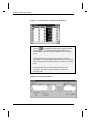
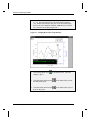
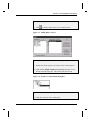
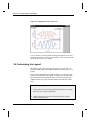
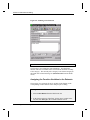
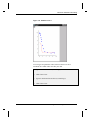
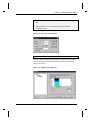
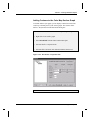
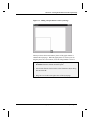
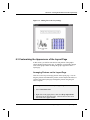
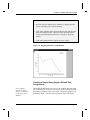
Figure 6.3: Adding Text to the Layout Page
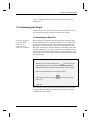
6.3 Customizing the Appearance of the Layout Page
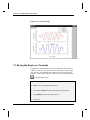
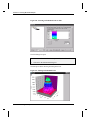
In this section, you will fine tune the size and position of the graphic
objects displayed in the layout page. In addition, you will make changes
to the source graph window to change the graph’s appearance in the
layout page.
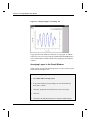
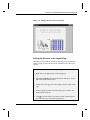
Arranging Pictures on the Layout Page
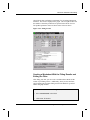
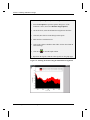
There are several ways to arrange pictures on the layout page. You can
drag the pictures and estimate the position, use the Object Edit toolbar, or
view the grid on the layout page and align the pictures using the grid
lines as a guide.
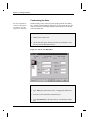
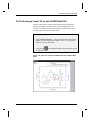
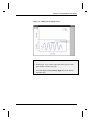
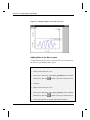
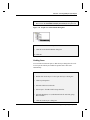
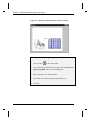
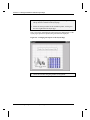
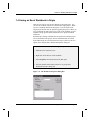
To Arrange the Pictures on the Layout Page Using a Grid:
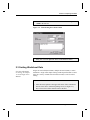
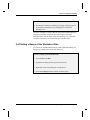
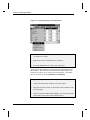
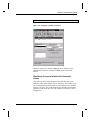
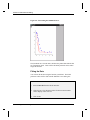
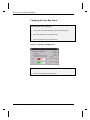
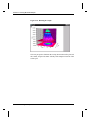
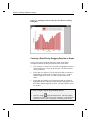
1) Select View:Show Grid.
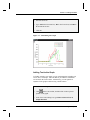
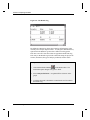
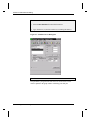
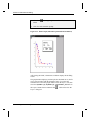
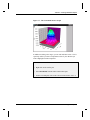
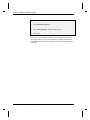
2) Right-click on the graph picture, then select Keep Aspect Ratio
from the shortcut menu that opens. This will preserve the aspect
ratio of the source graph window.
6.3 Customizing the Appearance of the Layout Page•67