1
System Management
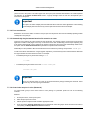
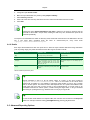
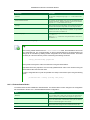
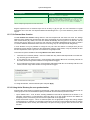
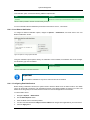
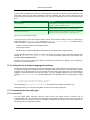
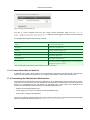
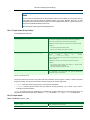
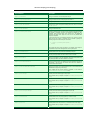
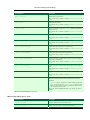
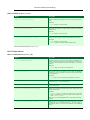
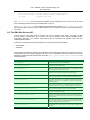
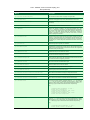
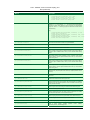
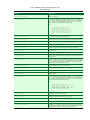
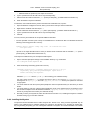
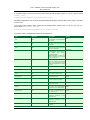
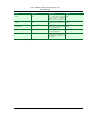
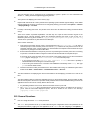
These timeout values (a period given in minutes) are configurable via the config keys below. A value of 0 indicates
that the session will never time out. The special value DEFAULT indicates that the PaperCut defaults (in the above
table) are used (the PaperCut defaults may change in future versions).
Config name
Description
web-login.admin.timeout-min
Inactivity timeout for the admin web interface.
web-login.web-cashier.timeout-min
Inactivity timeout for Web Cashier.
web-login.release.timeout-min
Inactivity timeout for the web based release station.
web-login.user.timeout-min
Inactivity timeout for the user web interface.
Table 13.9. Timeout Web Session Config Keys
Please see Section 13.9, “Using the Config Editor” for information about changing config keys.
Changing the inactivity timeout values will take effect the next time users log in. Note that some pages periodically
refresh the page (or data on the page), such as the dashboard and the web based release station. A session will not
time out if a browser is left on these pages, as it will be considered active.
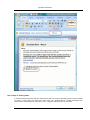
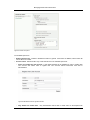
13.8. Environmental Impact
One of the primary aims of PaperCut MF is to reduce printing levels by changing a user's printing behavior.
Implementing monitoring, quotas and charging are a good way of drawing a user's attention to their habits. The topic
of the environment, global warming, and waste management is currently an area of debate and interest to many.
Highlighting the environmental aspects of their activities is another good way of modifying a user's behavior.
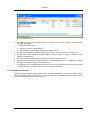
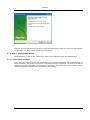
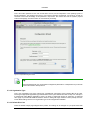
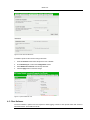
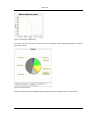
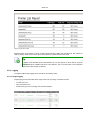
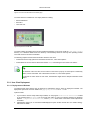
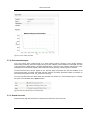
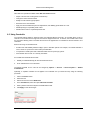
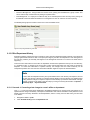
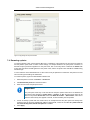
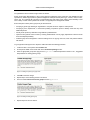
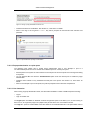
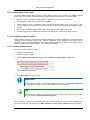
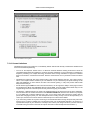
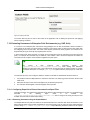
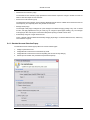
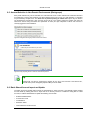
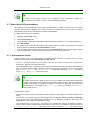
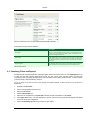
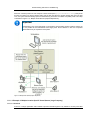
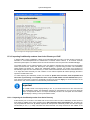
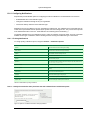
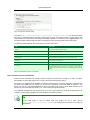
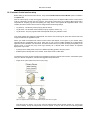
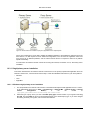
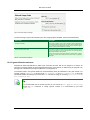
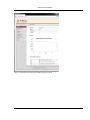
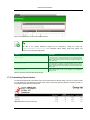
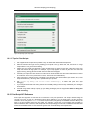
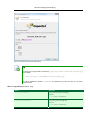
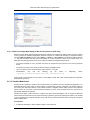
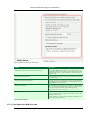
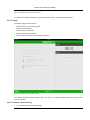
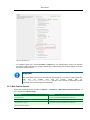
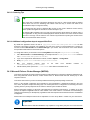
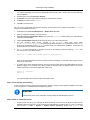
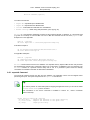
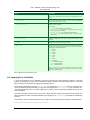
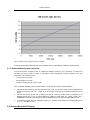
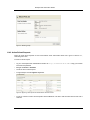
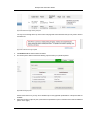
Figure 13.13. Draw a user's attention to their environmental impact
The Environmental Impact section is available to end-users via their web summary page (See Section 5.3.2,
“Environmental Impact” for more details). Administrators also can view the impact of a user and a printer via the
details pages in the admin interface.
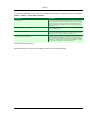
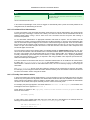
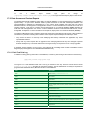
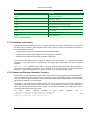
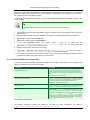
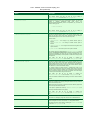
The meaning of the reported values and how they are calculated are detailed below:
Field
Description
Trees
This value corresponds to percentage of a tree that has gone into making the
paper. The value assumes the user is printing on standard A4 or Letter sheets
and 80,500 sheets make up a tree a
This value is set by the config key: environment.sheets-per-tree
Carbon
This value corresponds to greenhouse gases released in the production of the
paper (CO2 equivalent). The value assumes that the user is printing on standard
A4 or Letter sheets and one sheet equals 4.5g CO2 b.
The default value takes in account CO2 produced as a byproduct of the paper
production only. It does not take into account the power consumed by the
printer or power associated with the ink / toner use and production. Finding
referenced figures on these values is difficult, and one could argue that the
printer power consumption is not a function of the user's usage as the printer
would be there consuming power even if they choose not to use the device.
This value is set by the config key: environment.co2-grams-per-sheet
Energy
This value represents the manufacturing energy used to produce the paper. The
energy value is represented by relating it to the equivalent energy consumed by
a standard light bulb. This provides users with a real world understanding of the
236