1
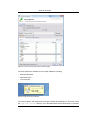
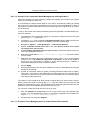
Implementation by Example
•
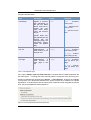
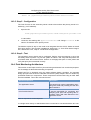
Section 6.1, “Groups in Paper-Less Pro”
•
Section 6.2, “Setting up quota allocations”
3.1.2.3. Requirement 2
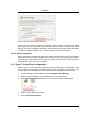
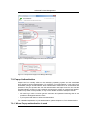
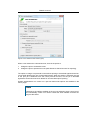
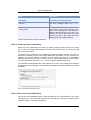
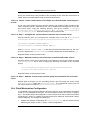
Teachers can be warned when their class's balance has reached a low balance limit. The
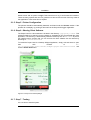
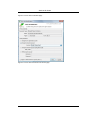
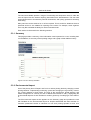
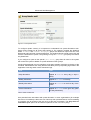
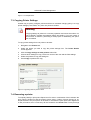
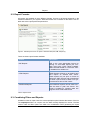
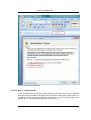
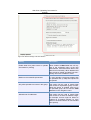
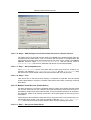
notification can be via email. The notification option is located under: Options → Notifications → Low Balance Notifications. Enable the email option for email notifications.
3.1.2.4. Requirement 3
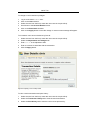
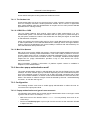
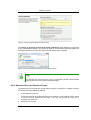
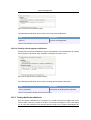
The system administrator can set up the printers so only selected users (i.e. teachers) can
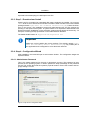
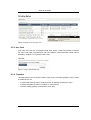
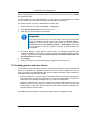
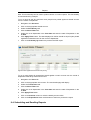
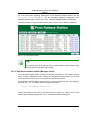
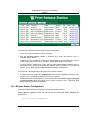
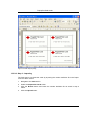
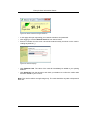
approve jobs issued to color printers. By selecting the Only managers can release option
on a given printer, jobs are held in a queue. Teachers can then approve the student print
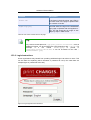
jobs by accessing the web based release software accessed via the URL:
http://server_name:9191/release
Where server_name is the name of the organization's print server.
3.1.2.5. Requirement 4
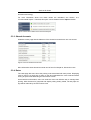
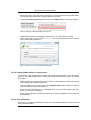
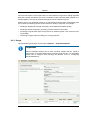
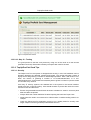
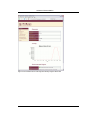
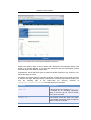
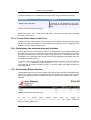
Teachers can view print activity and account balance by connecting a web browser to:
http://server_name:9191/user
Where server_name is the name of the organization's print server. Access to the enduser pages is covered in Section 4.6, “Interface Levels”.
3.1.2.6. Requirement 5
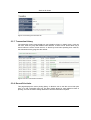
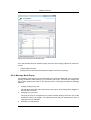
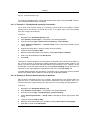
Summary reports can quickly be generated by any user with Paper-Less Pro's system administrator access. Granting administrator access and running reports is discussed in Section 4.7, “Assigning Administrator Level Access”.
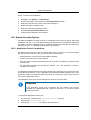
3.2. Scenario: The Large School
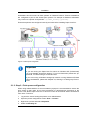
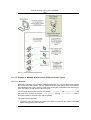
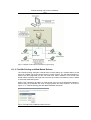
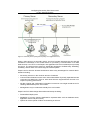
North Shore High has a student population of 2000 students. Their network consists of:
•
Three student Windows PC labs and one Macintosh lab with other computers scattered
around the school for student use.
•
A mixture of Mac and Windows laptops used by staff.
•
A Windows Active Directory environment hosted on a number of servers.
•
Printers are hosted on two separate Windows servers.
•
Some teaching staff have desktop printers attached locally to their workstations.
•
Each lab has a black and white laser printer.
•
Two high-end color copier/printers and large format printers are located in a print room
situated away from the computer labs.
Students have their own login account and small home directories for storage.
34