1
Services for Users
most of Print-Limit Pro without requiring intervention from administrators. The user web
pages allows users to do what they need for themselves, and quickly get back to what they
were doing.
Many services can be switched on or off as required. This is useful for situations where a
particular service is not suitable for exposing to the users. For example, some organizations may like to disable the ability for users to transfer funds.
Each service is discussed in the following sections.
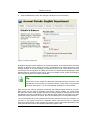
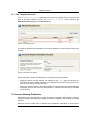
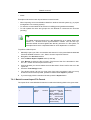
4.3.1. Summary
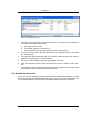
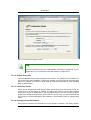
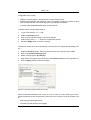
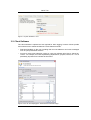
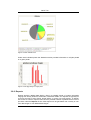
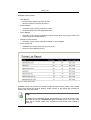
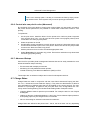
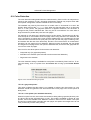
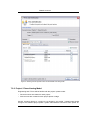
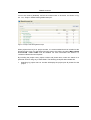
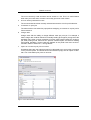
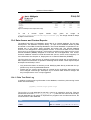
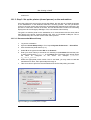
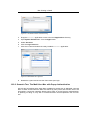
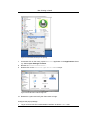
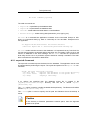
This page provides a summary of the information most important for a user, including their
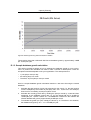
current balance, a summary of their printing usage, and a graph of their balance history.
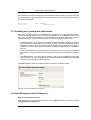
Figure 4.11. A user's summary information
4.3.2. Environmental Impact
One of the primary aims of Print-Limit Pro is to reduce printing levels by changing a user's
printing behavior. Implementing monitoring, quotas and charging are a good way of drawing a user's attention to their habits. The topic of the environment, global warming, and
waste management is currently an area of debate and interest to many. Highlighting the
environmental aspects of their activities is another good way of modifying a user's behavior.
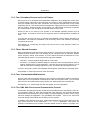
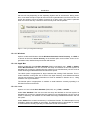
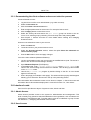
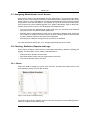
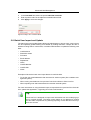
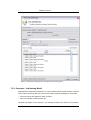
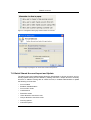
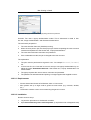
The Environmental Impact section appears on the Summary page and provides the user
with feedback on the environmental impact or footprint associated with their activities. Information presented includes an indication on how their printing equates to trees, CO2
emissions and energy.
57