1
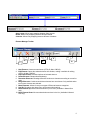
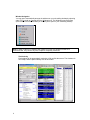
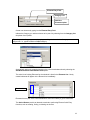
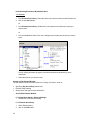
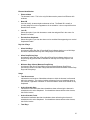
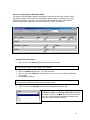
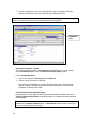
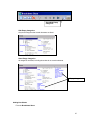
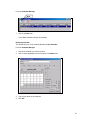
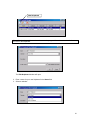
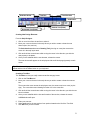
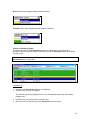
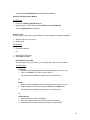
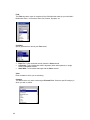
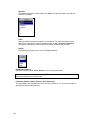
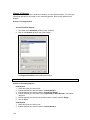
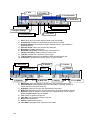
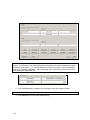
Operator:
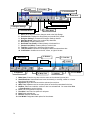
The method in which the results relate to the Value. The Operator options vary with the
selected Field Name.
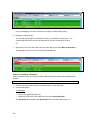
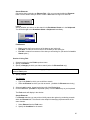
Value:
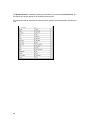
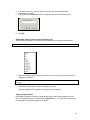
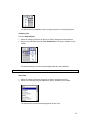
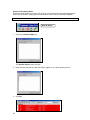
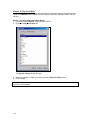
What you wish the results to be equal to or not equal to. The Value will feature a dropdown menu of options for certain Field Names, such as Set, Location and Sequence.
The lists are populated by elements you have already created for the schedule.
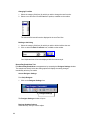
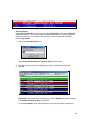
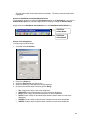
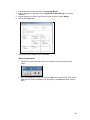
And/Or:
The connecting operator to the next line of Find parameters.
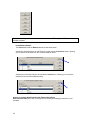
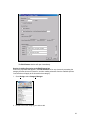
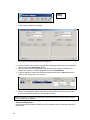
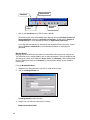
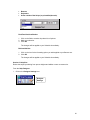
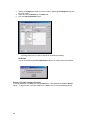
Add/Remove Buttons
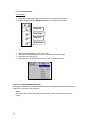
Use these buttons to either Add or Remove a line of search parameters.
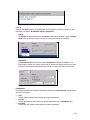
Note: A line for additional search parameters will be added automatically if the And/Or
option was selected for the previous line.
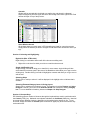
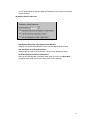
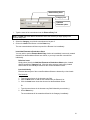
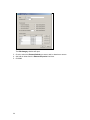
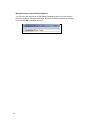
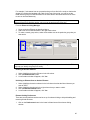
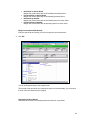
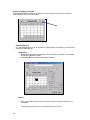
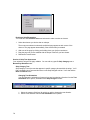
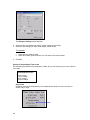
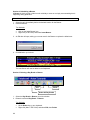
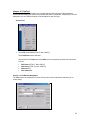
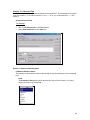
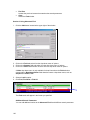
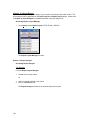
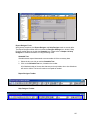
Find/Select Sheets or Strips Sentence Form (Read only)
This area displays the find parameters you have set in sentence form. This may be helpful in
determining more complex searches.
100