1
The switch Ethernet interface
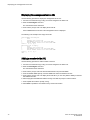
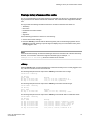
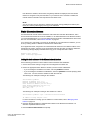
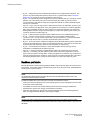
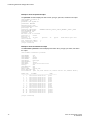
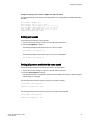
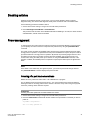
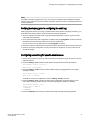
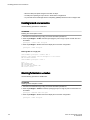
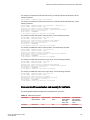
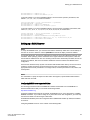
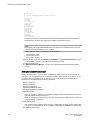
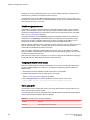
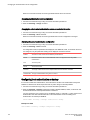
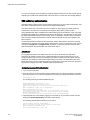
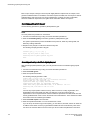
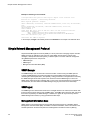
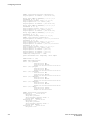
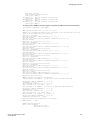
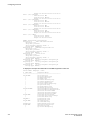
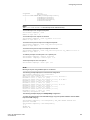
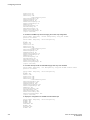
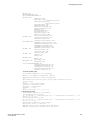
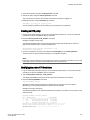
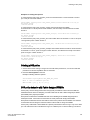
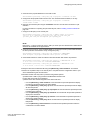
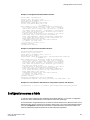
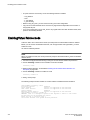
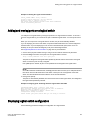
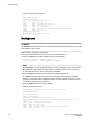
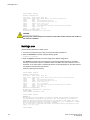
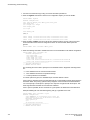
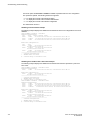
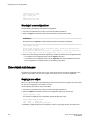
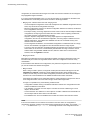
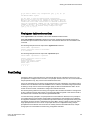
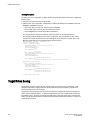
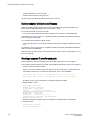
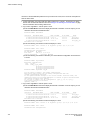
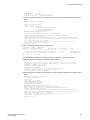
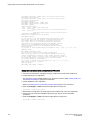
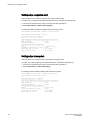
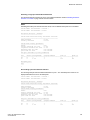
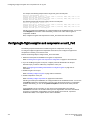
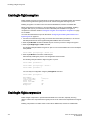
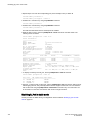
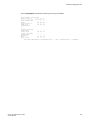
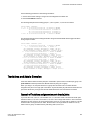
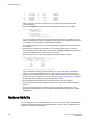
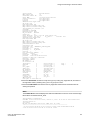
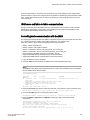
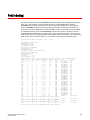
The following example shows the output for changing passwords.
login: admin
Password:
Please change your passwords now.
Use Control-C to exit or press 'Enter' key to proceed.
Enter new password: <hidden>
Password changed.
Saving password to stable storage.
Password saved to stable storage successfully.
(output truncated)
The switch Ethernet interface
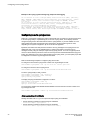
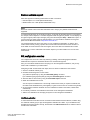
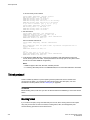
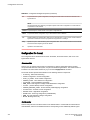
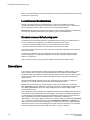
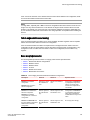
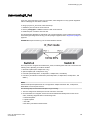
The Ethernet (network) interface provides management access, including direct access to the Fabric
OS CLI, and allows other tools, such as Web Tools, to interact with the switch. You can use either
Dynamic Host Configuration Protocol (DHCP) or static IP addresses for the Ethernet network interface
configuration.
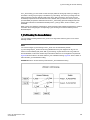
Brocade Backbones
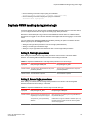
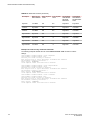
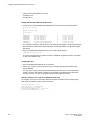
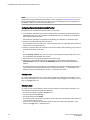
On Brocade Backbones, you must set IP addresses for the following components:
• Both Control Processors (CP0 and CP1)
• Chassis management IP
Brocade switches
On Brocade switches, you must set the Ethernet and chassis management IP interfaces.
Setting the chassis management IP address eliminates the need to know which CP is active and
automatically connects the requestor to the currently active CP.
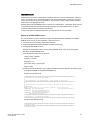
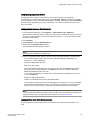
You can continue to use a static Ethernet addressing system or allow the DHCP client to automatically
acquire Ethernet addresses. Configure the Ethernet interface IP address, subnet mask, and gateway
addresses in one of the following manners:
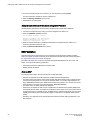
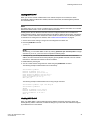
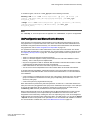
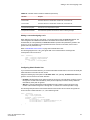
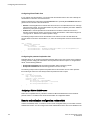
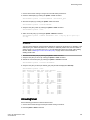
• Using static Ethernet addresses (refer to Static Ethernet addresses on page 51)
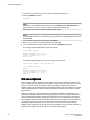
• Activating DHCP (refer to DHCP activation on page 52)
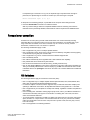
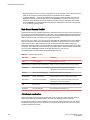
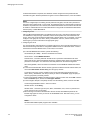
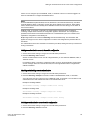
NOTE
When you change the Ethernet interface settings, open connections such as SSH or Telnet may be
dropped. Reconnect using the new Ethernet IP address information or change the Ethernet settings
using a console session through the serial port to maintain your session during the change. You must
connect through the serial port to set the Ethernet IP address if the Ethernet network interface is not
configured already. For details, refer to Connecting to Fabric OS through the serial port on page 40.
48
Fabric OS Administrator's Guide
53-1003509-05