1
Frame Redirection
4
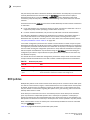
Frame Redirection depends on the wide distribution of the Defined Zone Database. The Defined
Zone Database on Fabric OS switches is pushed out to all other Fabric OS switches in the fabric
that support Frame Redirection. Redirection zones exist only in the defined configuration and
cannot be added to the effective configuration.
NOTE
Fabric OS v7.0.0 is not supported on the Brocade 7600 or Brocade SAS blade. However, this
hardware can run in a pre-Fabric OS v7.0.0 system and attach to a Fabric OS v7.0.0 fabric.
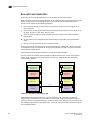
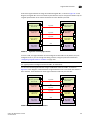
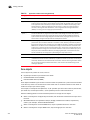
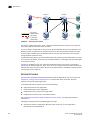
Frame Redirection uses a combination of special frame redirection zones and Name Server
changes to spoof the mapping of real device WWNs to virtual PIDs.
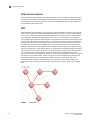
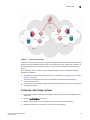
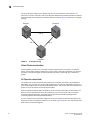
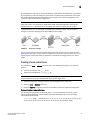
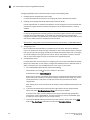
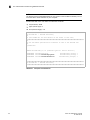
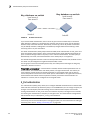
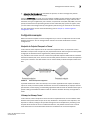
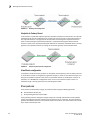
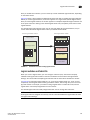
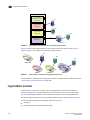
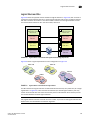
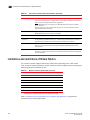
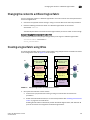
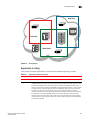
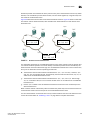
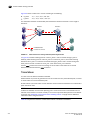
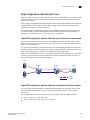
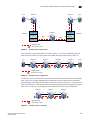
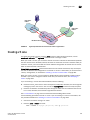
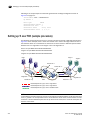
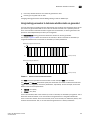
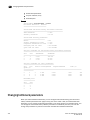
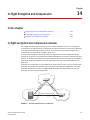
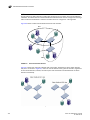
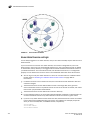
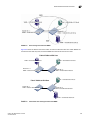
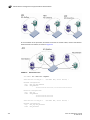
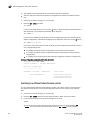
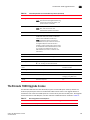
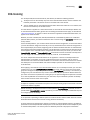
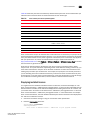
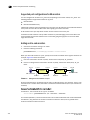
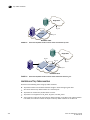
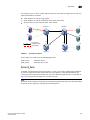
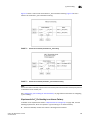
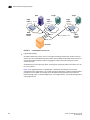
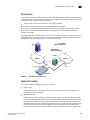
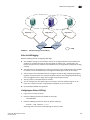
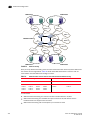
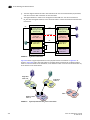
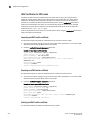
FIGURE 14
Single host and target
Figure 14 demonstrates the flow of Frame Redirection traffic. A frame starts at the host with a
destination to the target. The port where the appliance is attached to the host switch acts as the
virtual initiator and the port where the appliance is attached to the target switch is the virtual
target.
Creating a frame redirect zone
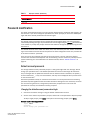
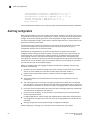
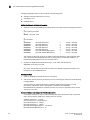
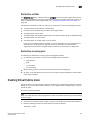
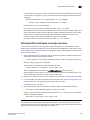
The first time the zone –-rdcreate command is run, the following zone objects are created by
default:
• The base zone object, "red_______base".
• The RD zone configuration, "r_e_d_i_r_c__fg".
NOTE
Frame redirect zones are not supported with D or I initiator target zones
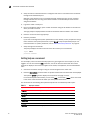
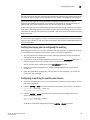
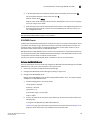
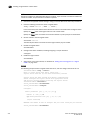
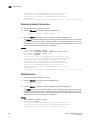
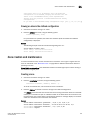
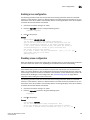
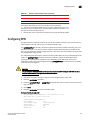
1. Connect to the switch and log in using an account assigned to the admin role.
2. Enter the zone –-rdcreate command.
3. Enter the cfgSave command to save the frame redirect zones to the defined configuration.
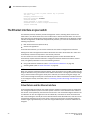
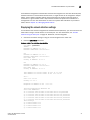
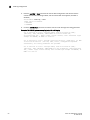
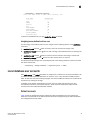
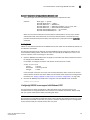
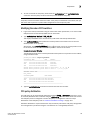
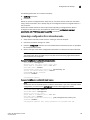
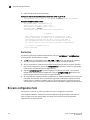
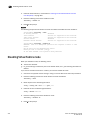
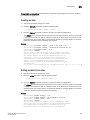
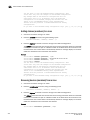
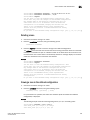
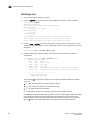
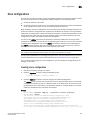
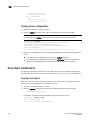
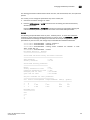
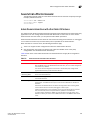
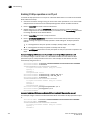
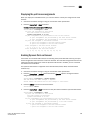
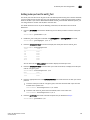
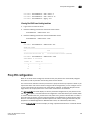
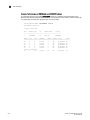
Example of creating a frame redirect zone
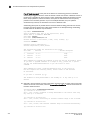
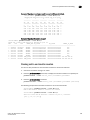
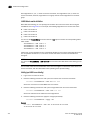
The following example creates an RD zone, given a host (10:10:10:10:10:10:10:10), target
(20:20:20:20:20:20:20:20), virtual initiator (30:30:30:30:30:30:30:30), and virtual target
(40:40:40:40:40:40:40:40):
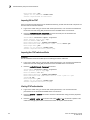
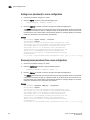
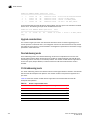
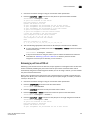
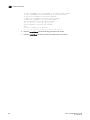
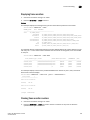
switch:admin>zone --rdcreate 10:10:10:10:10:10:10:10 20:20:20:20:20:20:20:20 \
30:30:30:30:30:30:30:30 40:40:40:40:40:40:40:40 restartable noFCR
Fabric OS Administrator’s Guide
53-1002148-02
81