1
18
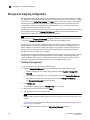
Merging two cascaded FICON fabrics
Merging two cascaded FICON fabrics
NOTE
If you receive a 'FICON not supported on switch' error, refer to FICON troubleshooting for a list of
possible causes.
If you want to join two cascaded FICON fabrics, they must be merged. If the distance between
fabrics is 10 km or more, an Extended Fabrics license is required, and an extra step is required to
configure the connection as a long distance connection. To successfully configure a long distance
connection, use the same E_Ports and cable distance values used when configuring Extended
Fabrics. For long distance connections, it is recommended that you create the Extended Fabrics
configuration first, have an active connection, and have the E_port and cable distances values
ready before you merge the fabrics.
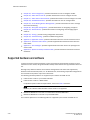
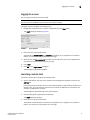
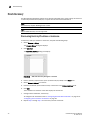
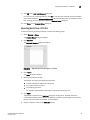
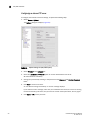
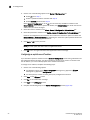
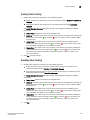
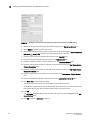
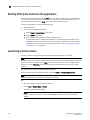
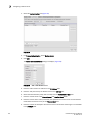
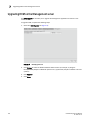
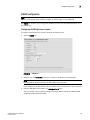
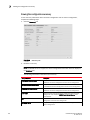
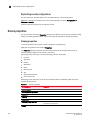
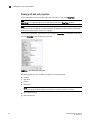
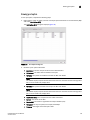
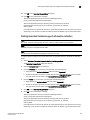
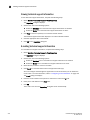
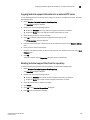
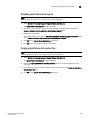
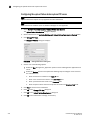
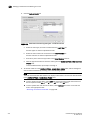
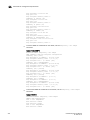
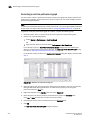
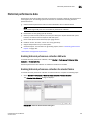
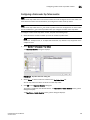
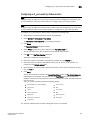
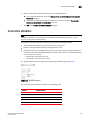
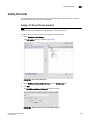
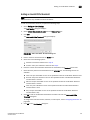
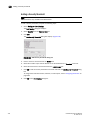
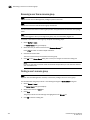
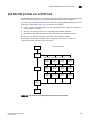
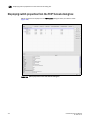
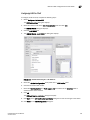
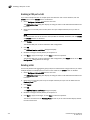
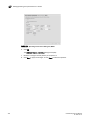
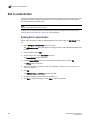
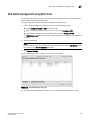
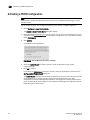
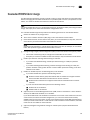
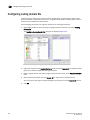
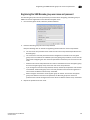
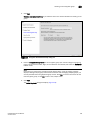
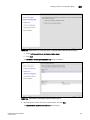
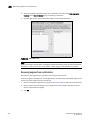
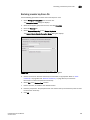
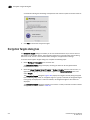
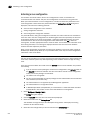
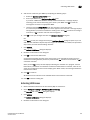
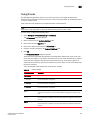
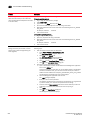
1. Select Configure > FICON > Merge Fabrics.
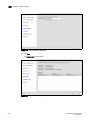
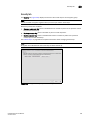
The Overview screen of the Cascade FICON Fabrics Merge wizard displays.
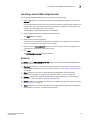
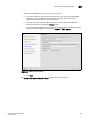
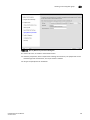
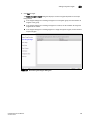
2. Click Next.
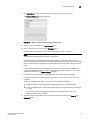
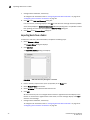
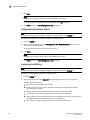
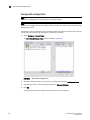
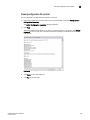
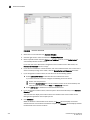
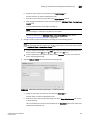
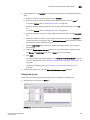
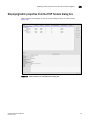
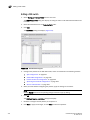
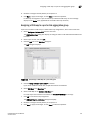
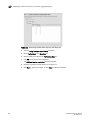
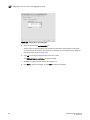
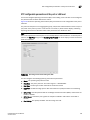
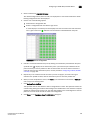
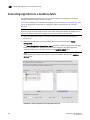
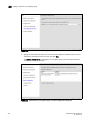
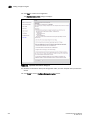
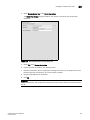
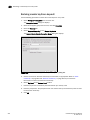
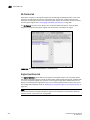
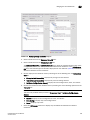
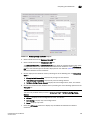
The Select fabrics screen displays.
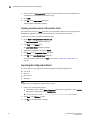
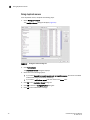
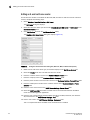
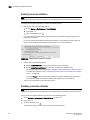
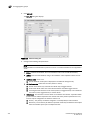
3. Select the two fabrics you want to merge under Available Fabrics, and click the right arrow to
move them to Selected Fabrics. You may do this one fabric at a time, or select both by pressing
CTRL and then clicking each fabric.
NOTE
All switches in a fabric must be running OS version 5.2 or later and much be reachable. If a
Fabric OS version earlier than version 5.2 is present in the fabric, the fabric is not listed.
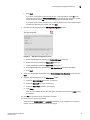
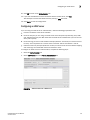
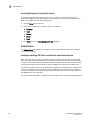
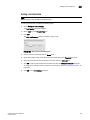
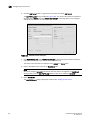
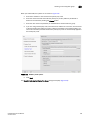
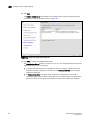
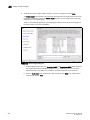
4. Click Next.
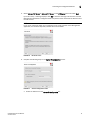
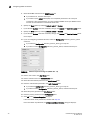
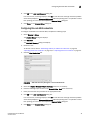
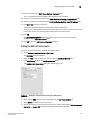
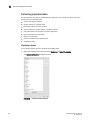
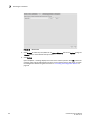
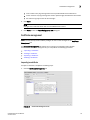
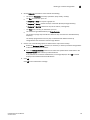
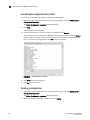
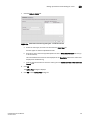
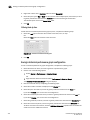
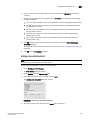
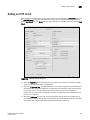
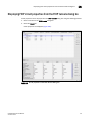
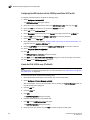
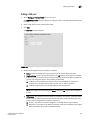
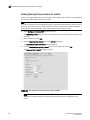
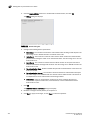
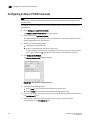
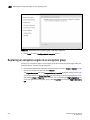
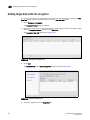
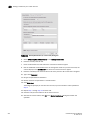
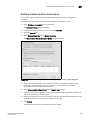
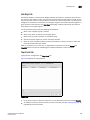
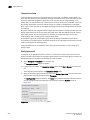
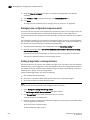
The Set up merge options screen displays.
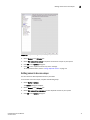
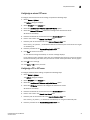
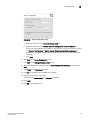
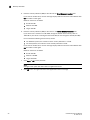
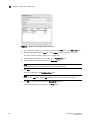
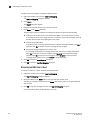
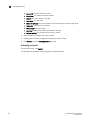
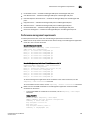
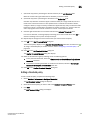
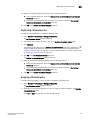
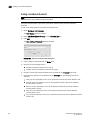
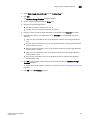
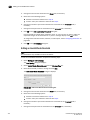
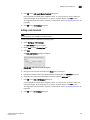
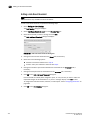
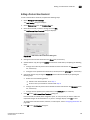
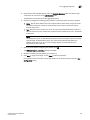
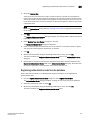
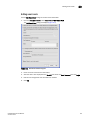
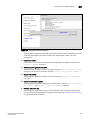
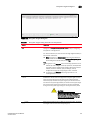
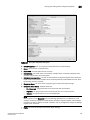
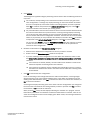
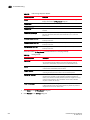
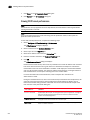
5. Select FMS Mode to manage the fabric by a host-based management program using FICON
CUP protocol.
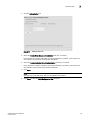
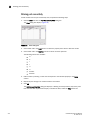
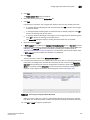
6. Select the DLS check box to enable dynamic load sharing (DLS) or Lossless DLS on all switches
in the fabric.
NOTE
DLS requires DLS support on the switch. Lossless DLS requires Lossless DLS support on the
switch.
DLS is only supported on the 40-port, 8 Gbps FC Switch, 80-port, 8 Gbps FC Switch, 384-port
Backbone Chassis, and 192-port Backbone Chassis.
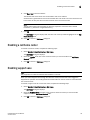
Enabling DLS may result in dropped frames when paths fail over. It is recommended that you
set the preferred IOD Delay Time to minimize frame drops.
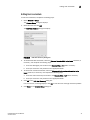
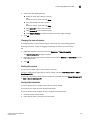
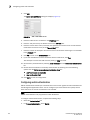
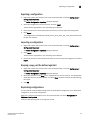
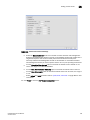
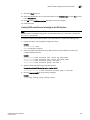
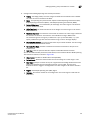
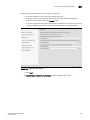
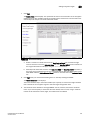
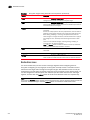
7.
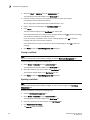
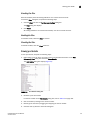
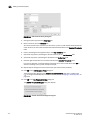
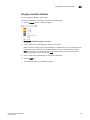
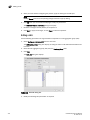
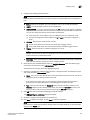
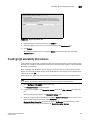
Select to enable port-based or exchange-based routing on switches.
If you select Port-Based Routing, enables port-based routing on 4 Gbit/sec platform switches.
If you select Exchange-Based Routing, enables exchange-based routing on 8 Gbit/sec platform
switches running Fabric OS 6.4 or later. Enables port-based routing on all other switches in the
fabric.
480
DCFM Enterprise User Manual
53-1001775-01