1
Setting Time Zones
2
•
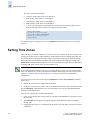
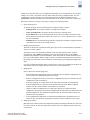
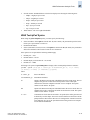
All switches are by default in the GMT time zone (0,0). If all switches in a fabric are in one time
zone, it is possible for you to keep the time zone setup at the default setting.
•
System services started at the switch boot up reflect the time zone changes only after the next
reboot.
•
Time zone settings are persisted across failover for high availability.
Setting the time zone on a dual domain chassis has the following characteristics:
-
Updating the time zone on any switch, updates the entire chassis.
The time zone of the entire chassis is the time zone of the switch 0.
For dual domain Directors (SilkWorm 24000), both switches in the same chassis will be in the
same time zone. Dual Domain chassis do not support different time zones on each domain.
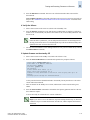
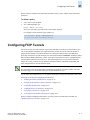
The following procedure describes how to set the time zone for a switch. You must perform the
procedure on all switches for which the time zone needs to be set. However, you only need to set the
time zone once on each switch, because the value is written to nonvolatile memory.
To set the time zone
1.
Connect to the switch and log in.
2.
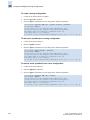
Enter the tsTimeZone command as follows:
switch:admin> tstimezone [--interactive]/ [, timezone_fmt]
•
•
•
Use tsTimeZone with no parameters to display the current time zone setting
Use --interactive to list all of the timezones supported by the firmware.
Use timezone_fmt to set the time zone by Country/City or by time zone ID, such as PST.
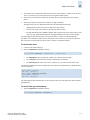
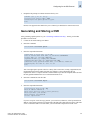
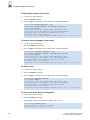
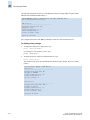
The following example shows how to display the current time zone setup and how to change the time
zone to US/Central.
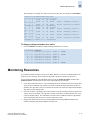
switch:admin> tstimezone
Time Zone : US/Pacific
switch:admin> tstimezone US/Central
switch:admin> tstimezone
Time Zone : US/Central
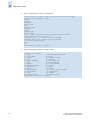
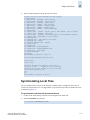
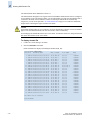
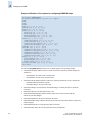
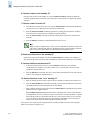
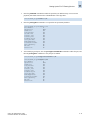
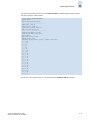
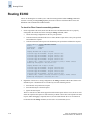
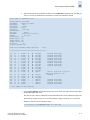
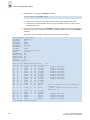
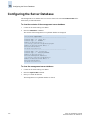
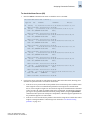
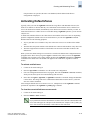
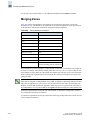
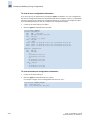
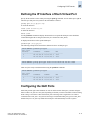
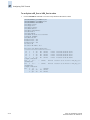
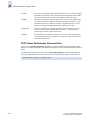
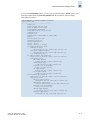
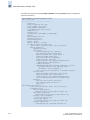
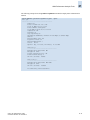
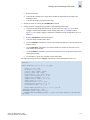
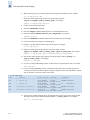
The following procedure illustrates how to set the current time zone using interactive mode to Pacific
Standard Time.
To set the time zone interactively
1.
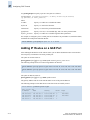
Type the tsTimeZone command as follows:
switch:admin> tstimezone --interactive
Fabric OS Administrator’s Guide
Publication Number: 53-1000239-01
2-11