1
Getting Started
Pro
3.3 Enter the Settings Off Line
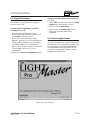
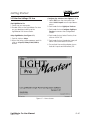
Start LightMaster Pro
1. Power up your computer.
2. Double click on the LightMaster Pro icon
on your desktop to bring up the
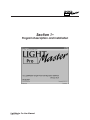
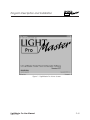
LightMaster Pro Home screen.
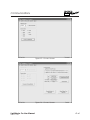
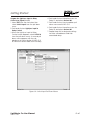
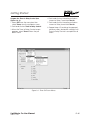
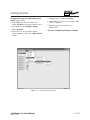
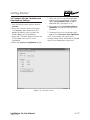
Setup LightMaster (See Figure 3-1)
1. Point & click on Setup
2. When the Setup screen appears, point &
click on 8 input/8 Relay Card (Total 8)
button.
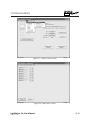
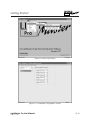
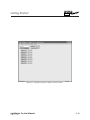
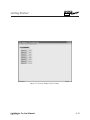
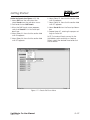
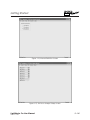
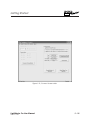
Configure the Switches (See Figures 3-2, 3)
1. Select EDIT from the menu bar, then
select Switch Inputs from the pull down
menu.
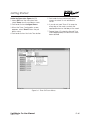
2. Point and click on LightSync Devices.
3. Point and click on Configure LightSync
Devices to access the configuration
screen.
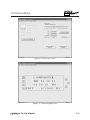
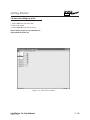
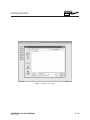
4. Point and click on Select Device; then
click on LSYNC 02.
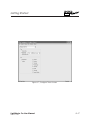
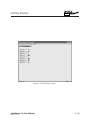
5. Point and click on the device type pull
down menu and select 6 button.
6. Ensure that the resulting display shows
that all 6 inputs are Momentary P.B.
Figure 3.1 – Home Screen
LightMaster Pro User Manual
Version 1C 1/1/05
3-2