1
Chapter 10 OFI Module
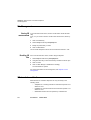
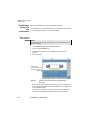
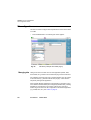
FOX Function
–
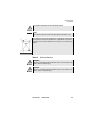
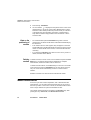
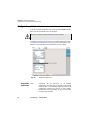
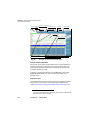
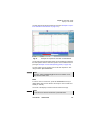
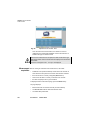
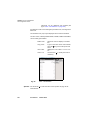
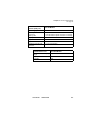
Alarms
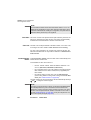
No
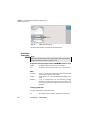
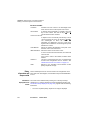
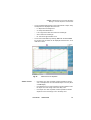
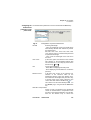
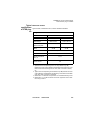
Active ; used to set alarms.
–
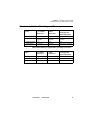
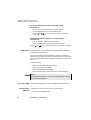
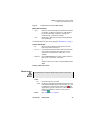
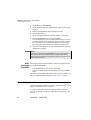
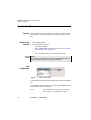
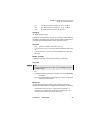
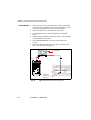
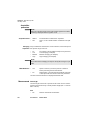
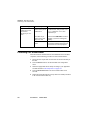
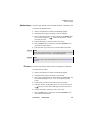
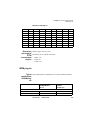
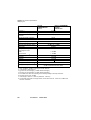
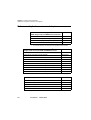
Loss: enter the loss threshold for each wavelength (in dB).
–
ORL: enter an ORL threshold for each wavelength (in dB).
–
Delay: enter a delay time (in µs).
–
Length: indicative value, changes according to the delay time
and the fiber index.
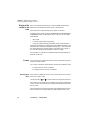
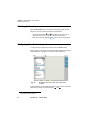
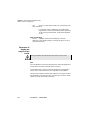
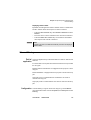
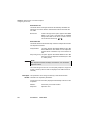
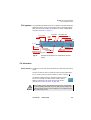
To change the alarms values, use the direction keys
numeric keypad.
File Storage – Filenaming
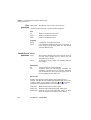
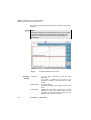
parameters – Auto Store
–
and
or the
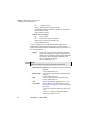
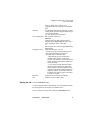
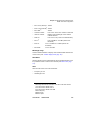
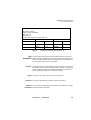
[Cable_Id][Fiber_Num][Fiber_Code]
Yes (cannot be modified)
Fiber Nbr Increment Yes (cannot be modified)
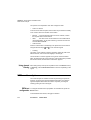
In the FOX function:
–
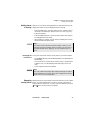
the measurement results are automatically saved
–
the fiber number is automatically incremented.
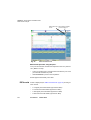
To display the fiber to be tested, push the START/STOP button in the
results page of the FOX function (see "Choosing the fiber to be tested"
page 199).
Establishing a
reference
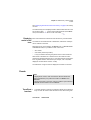
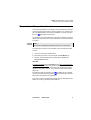
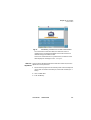
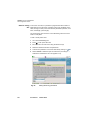
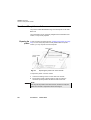
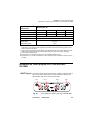
Before making a power, a ORL and / or distance measurement with the
FOX function of the OFI module , you have to take references.
1
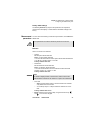
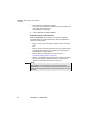
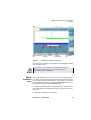
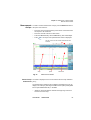
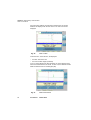
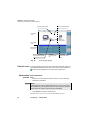
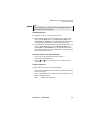
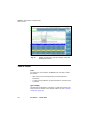
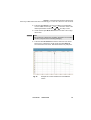
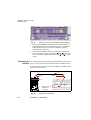
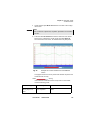
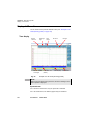
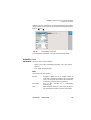
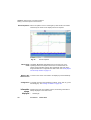
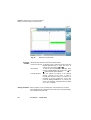
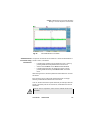
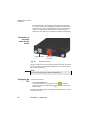
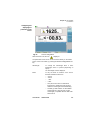
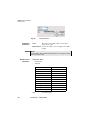
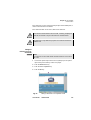
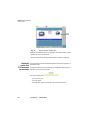
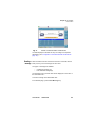
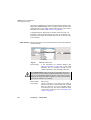
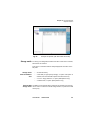
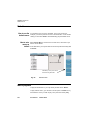
On the RESULTS page, push the References button.
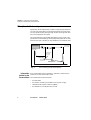
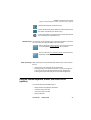
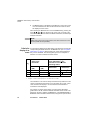
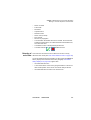
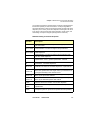
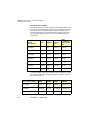
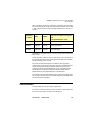
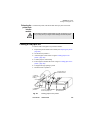
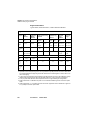
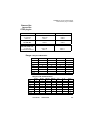
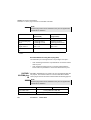
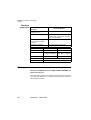
Different references can be taken:
–
–
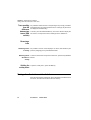
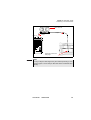
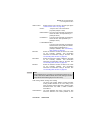
For a loss measurement
–
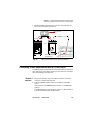
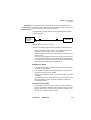
Side by Side reference
–
Loopback reference
For an ORL measurement
–
Power emitted reference
–
Zero ORL
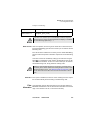
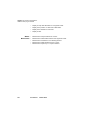
NOTE
As the ORL is an option, establishing a reference for this measurement is not automatically available with the OFI module.
User Manual
780000102/09
193