1
Chapter 4 Reflectometry measurements
Manual measurements
Manual
measurement
of ORL
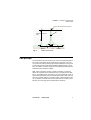
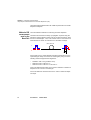
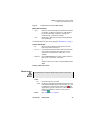
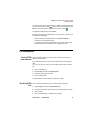
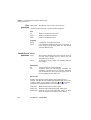
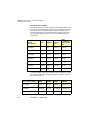
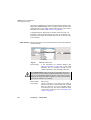
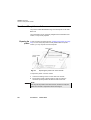
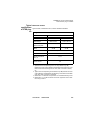
It is possible to carry out an ORL measurement on a part of the fiber.
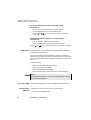
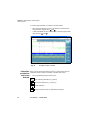
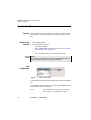
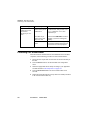
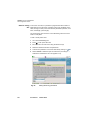
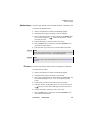
Follow the following procedure to measure a part of the fiber:
1
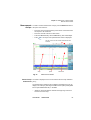
Position the cursors A and B to delimit the section that you wish to
measure.
2
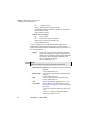
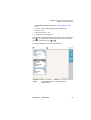
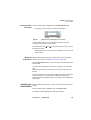
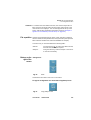
Press the Advanced key, then Manual Measurement, then select
ORL.
3
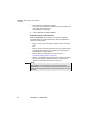
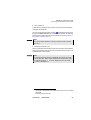
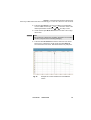
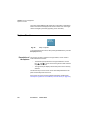
Press
defined.
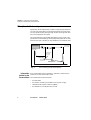
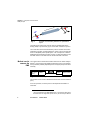
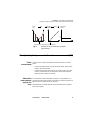
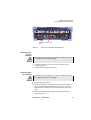
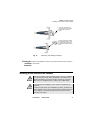
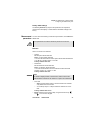
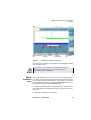
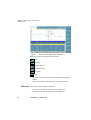
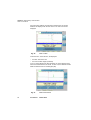
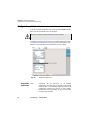
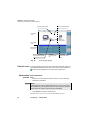
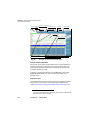
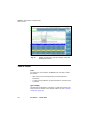
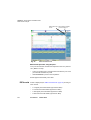
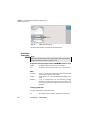
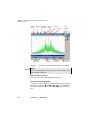
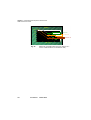
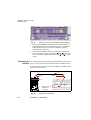
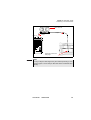
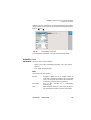
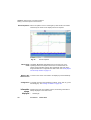
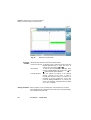
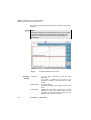
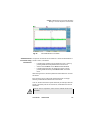
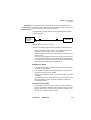
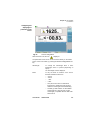
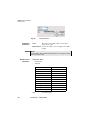
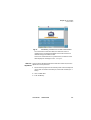
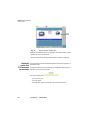
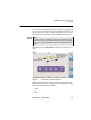
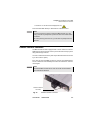
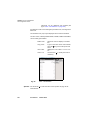
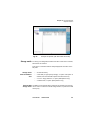
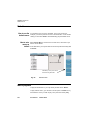
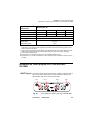
Fig. 24
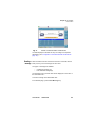
ORL on a
saturated trace
70
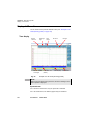
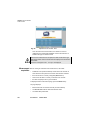
. The ORL will be measured for the section of trace
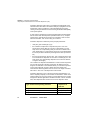
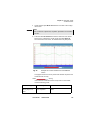
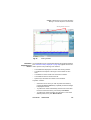
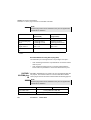
Result of ORL measurement
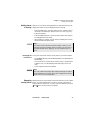
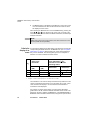
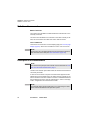
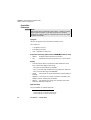
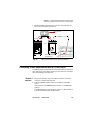
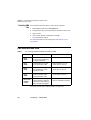
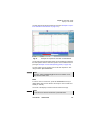
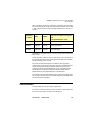
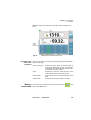
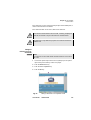
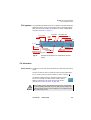
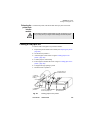
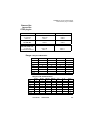
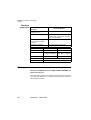
If saturation occurs during an ORL measurement, the result is given with
the sign <. This means that the actual ORL value is less than the value
displayed.
User Manual
780000102/09