1
20
6.1
Cover Tabs
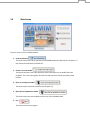
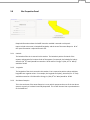
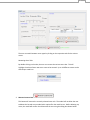
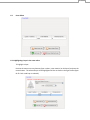
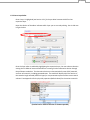
There are two main buttons to add or delete covers from the model:
1. Add New Cover button
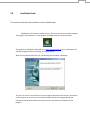
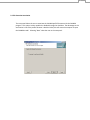
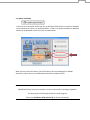
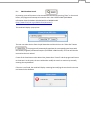
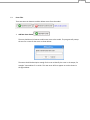
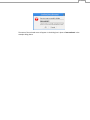
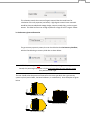
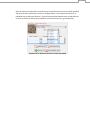
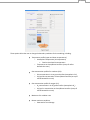
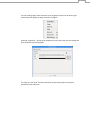
The user should use this button to add a new cover to the model. The program will prompt
the user for a name for the cover as shown below:
The name should be descriptive enough for the user to identify the cover in the output, for
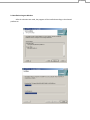
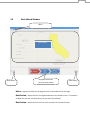
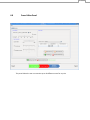
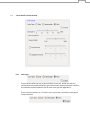
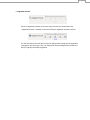
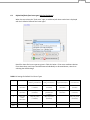
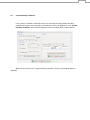
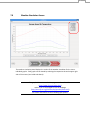
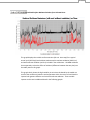
example “Intermediate1” or similar. This new cover will then appear as a tab as shown in
the figure below.