1
MLC 206 to Display Installation
Connections and Documentation
Wiring tested with UC 50 cable.
This side connects to MLC 206
captive screw terminal
This side connects to projector or
projector adapter:
•Projector cable / adapter (if applicable):
Cable Type:
•Projectors communication port pin out:
Connector Type:
Projector cable / adapter notes:
Projector comm. port notes:
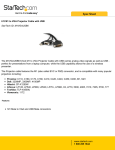
The display's 232 port is a 6 pin DIN. Unit tested did
not have an RS232 adapter/dongle. See below for pin
outs.
General Notes:
Projector driver: Dell_4100MP_RS1.mll
Extron • MLC 206 • Connections and Documentation
2