1
TEW-732BR
TRENDnet User’s Guide
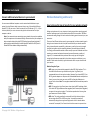
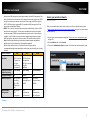
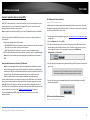
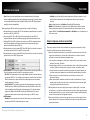
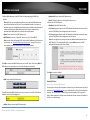
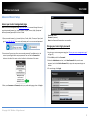
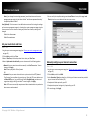
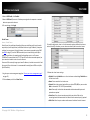
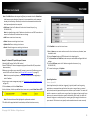
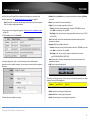
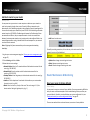
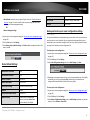
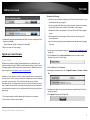
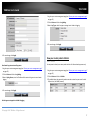
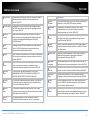
To modify an existing protocol/IP filter, click on the entry in the Protocol/IP Filters list.
When selected, the entry will be highlighted.
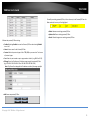
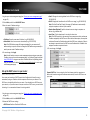
• Delete: Removes an existing protocol/IP filter.
• Update: Modifies an existing protocol/IP filter.
• Cancel: Discard changes to an existing protocol/IP filter.
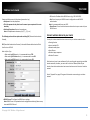
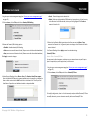
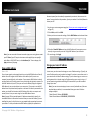
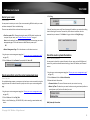
3. Review the protocol/IP filter settings.
• Enabled: Selecting Enabled turns on the Protocol/IP Filter and selecting Disabled
turns it off.
• Name: Enter a name for the Protocol/IP Filter.
• Protocol: Select the protocol type to filter. TCP, UDP, or you can select * to choose
all protocol types.
• Port: Enter the port number or port range numbers to block. (e.g. 80-80 or 20-21).
• IP Range: Enter the IP address or IP address range to apply the protocol/IP filter.
(e.g. 192.168.10.20-192.168.10.20 or 192.168.10.20-192.168.10.30).
Note: The filter will not be applied to IP addresses outside of the range specified.
• Add: Saves new protocol/IP filter.
© Copyright 2013 TRENDnet. All Rights Reserved.
20