1
Chapter 23 CF Card (ZM-300 Only)
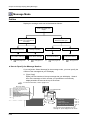
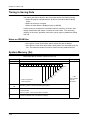
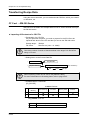
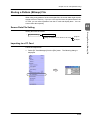
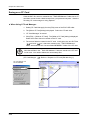
Importing to a CF Card
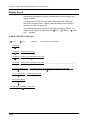
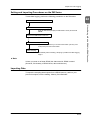
Follow the steps below.
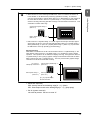
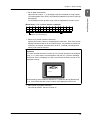
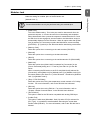
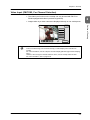
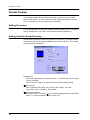
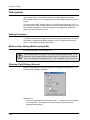
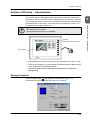
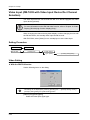
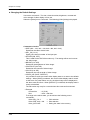
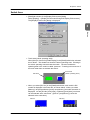
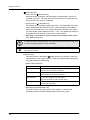
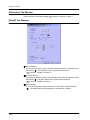
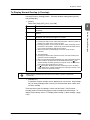
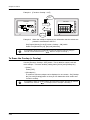
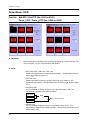
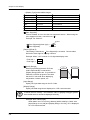
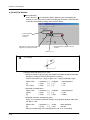
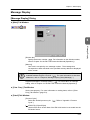
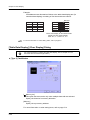
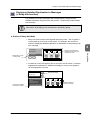
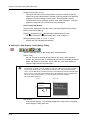
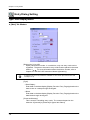
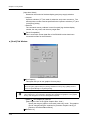
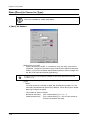
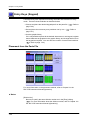
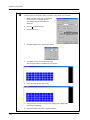
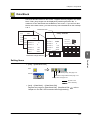
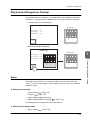
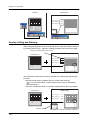
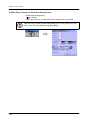
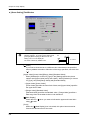
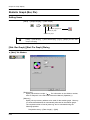
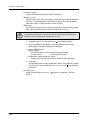
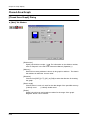
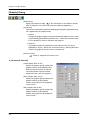
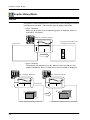
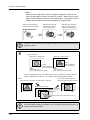
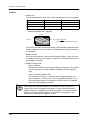
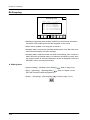
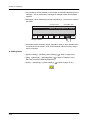
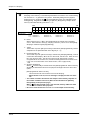
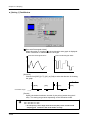
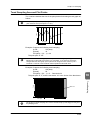
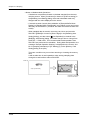
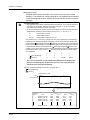
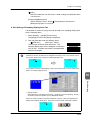
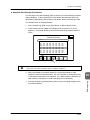
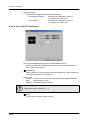
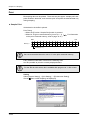
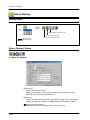
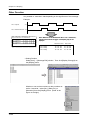
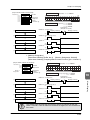
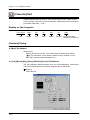
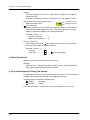
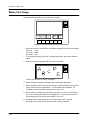
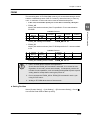
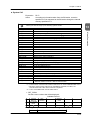
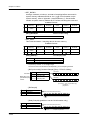
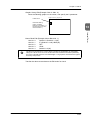
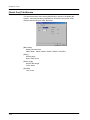
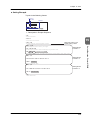
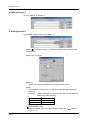
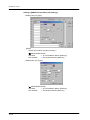
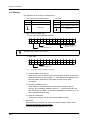
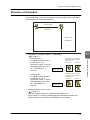
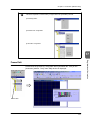
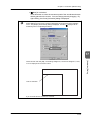
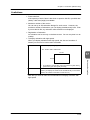
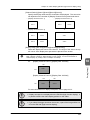
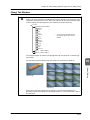
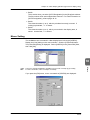
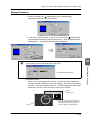
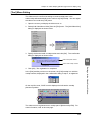
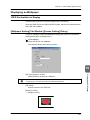
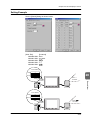
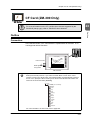
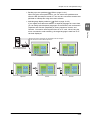
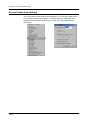
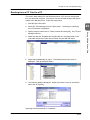
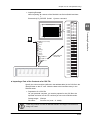
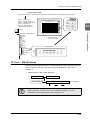
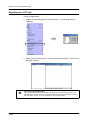
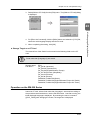
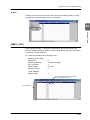
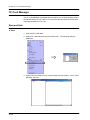
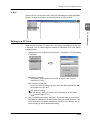
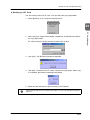
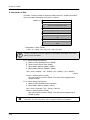
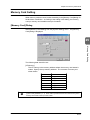
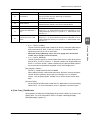
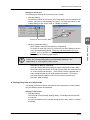
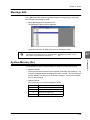
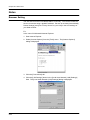
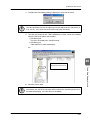
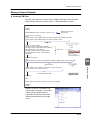
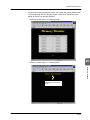
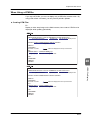
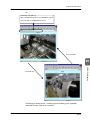
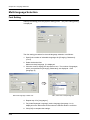
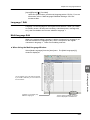
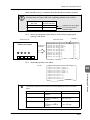
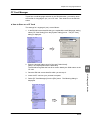
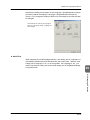
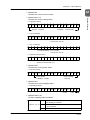
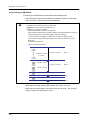
1. Select [CF Card Manager] from the [File] menu. The following dialog is
displayed:
23
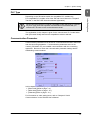
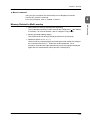
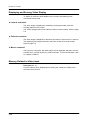
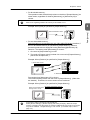
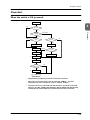
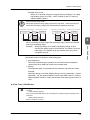
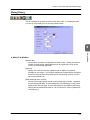
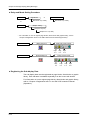
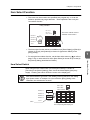
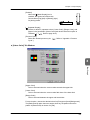
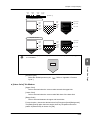
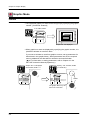
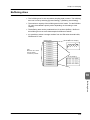
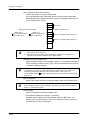
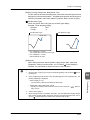
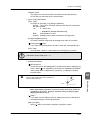
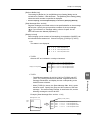
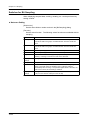
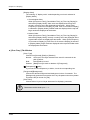
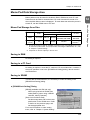
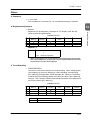
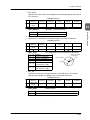
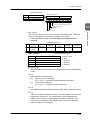
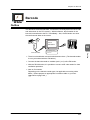
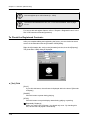
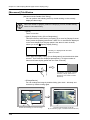
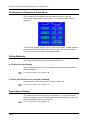
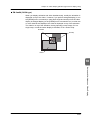
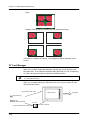
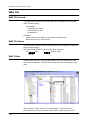
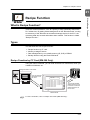
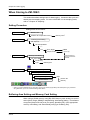
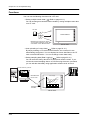
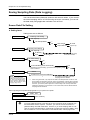
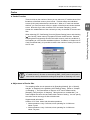
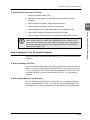
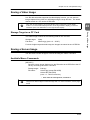
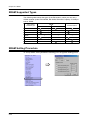
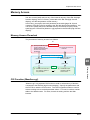
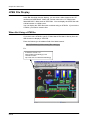
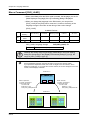
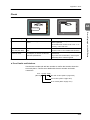
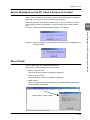
What is the CF Card Manager?
The CF Card Manager is an application that allows you to write the data used in the
ZM-300 series to a CF card or to convert the data into each file format after importing
the data from CF card. For more information, refer to page 23-48.
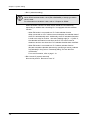
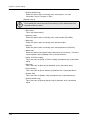
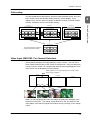
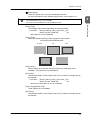
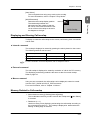
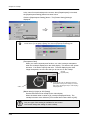
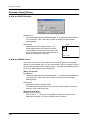
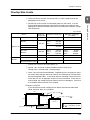
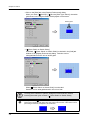
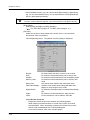
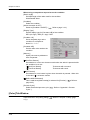
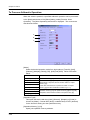
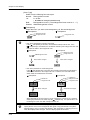
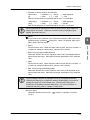
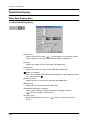
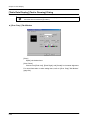
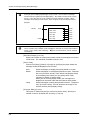
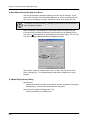
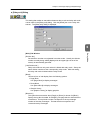
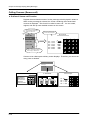
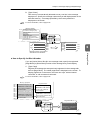
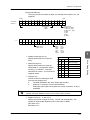
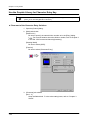
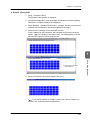
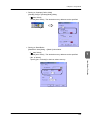
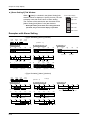
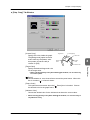
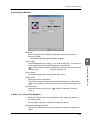
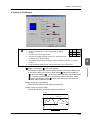
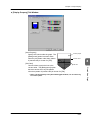
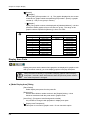
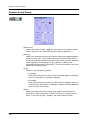
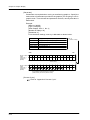
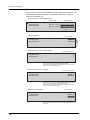
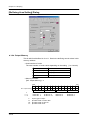
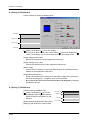
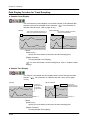
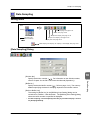
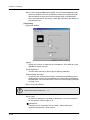
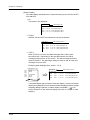
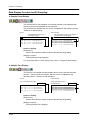
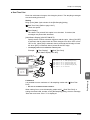
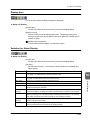
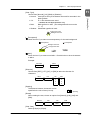
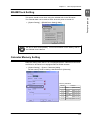
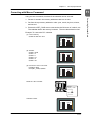
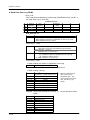
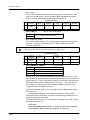
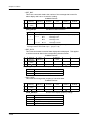
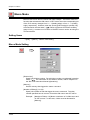
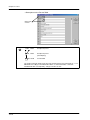
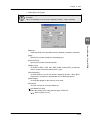
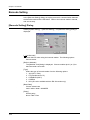
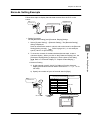
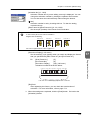
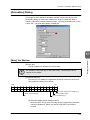
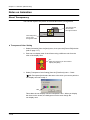
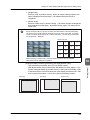
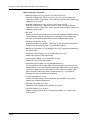
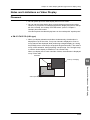
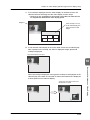
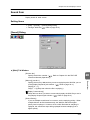
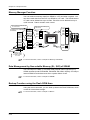
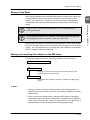
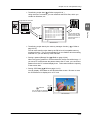
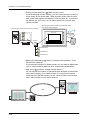
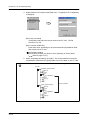
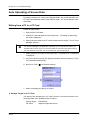
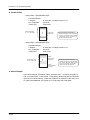
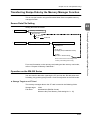
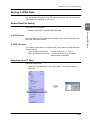
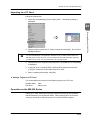
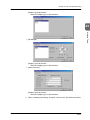
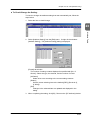
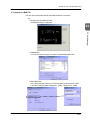
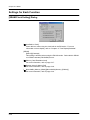
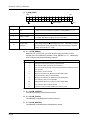
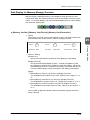
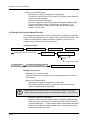
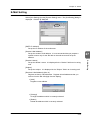
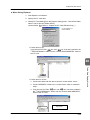
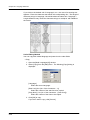
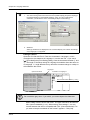
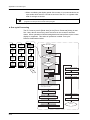
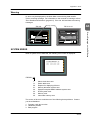
3. Select [Write to CF Card] from the [File] menu. The [Write to CF Card] dialog
is displayed.
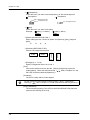
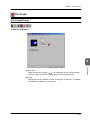
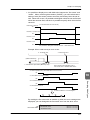
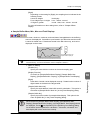
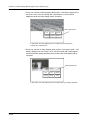
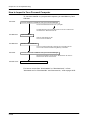
4. In the [File to be Converted] field, click the [Refer] button and select the
[*.Z37] file, where the sound output function is used.
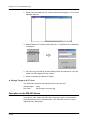
5. When completing the setting, click [OK].
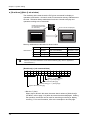
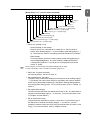
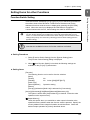
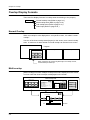
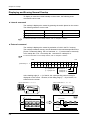
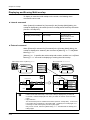
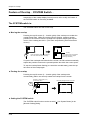
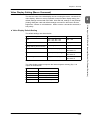
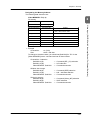
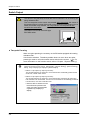
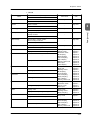
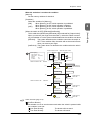
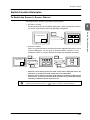
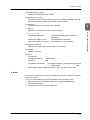
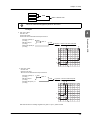
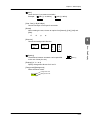
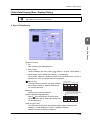
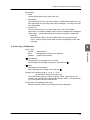
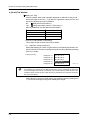
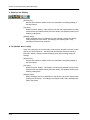
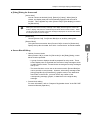
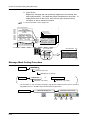
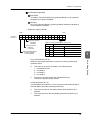
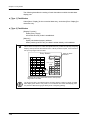
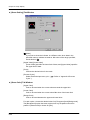
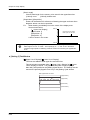
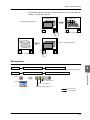
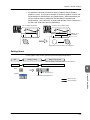
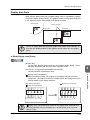
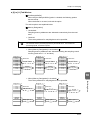
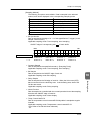
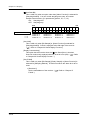
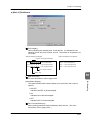
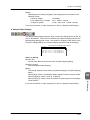
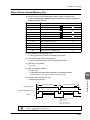
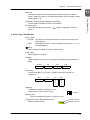
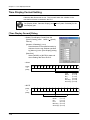
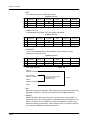
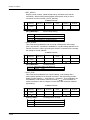
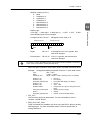
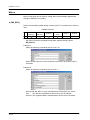
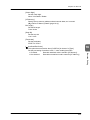
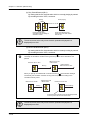
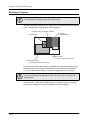
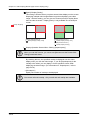
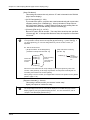
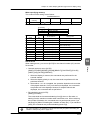
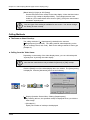
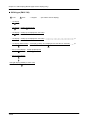
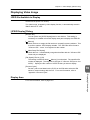
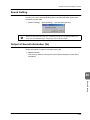
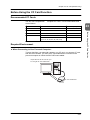
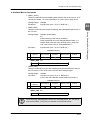
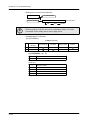
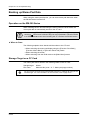
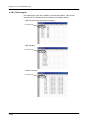
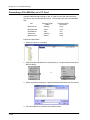
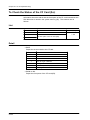
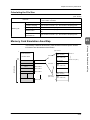
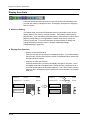
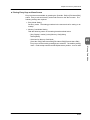
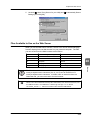
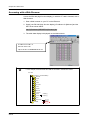
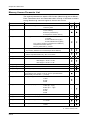
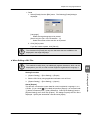
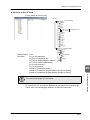
♦ Storage Target on a CF Card
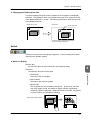
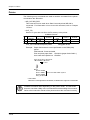
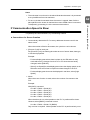
The sound (WAV) file is stored in the following folder on the CF card:
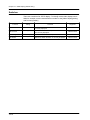
Storage target:
File name:
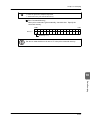
\Wav
Waxxxx.wav
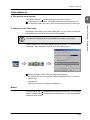
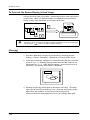
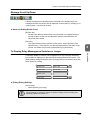
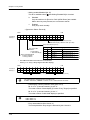
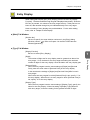
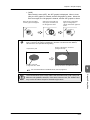
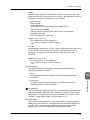
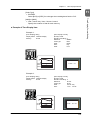
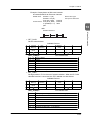
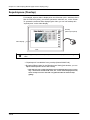
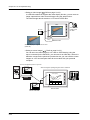
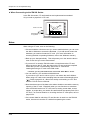
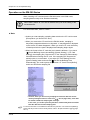
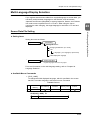
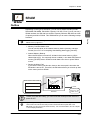
Operation on the ZM-300 Series
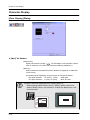
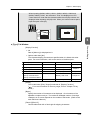
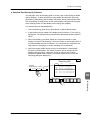
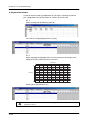
Insert the CF card, where the sound file is stored according to the procedure
mentioned above, into the ZM-300 series. When playing sound in the RUN
mode, the sound file is referred from the CF card and sound is output.
23-39
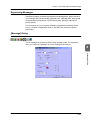
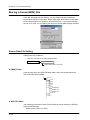
Storing a Sound (WAV) File
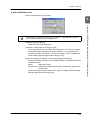
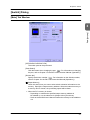
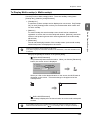
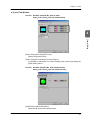
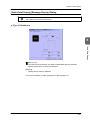
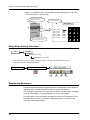
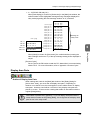
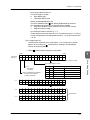
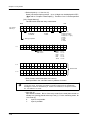
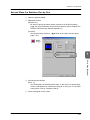
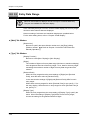
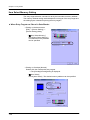
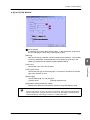
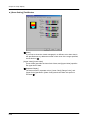
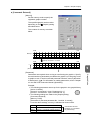
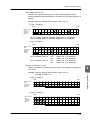
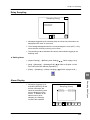
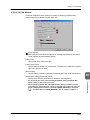
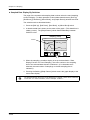
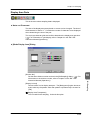
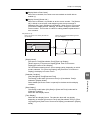
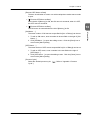
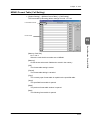
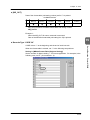
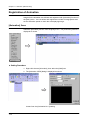
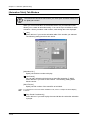
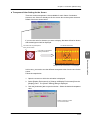
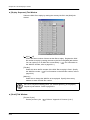
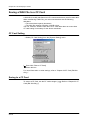
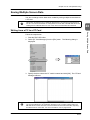
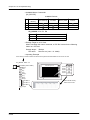
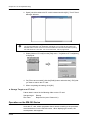
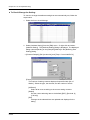
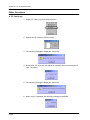
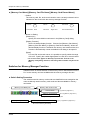
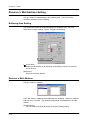
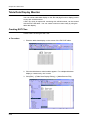
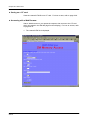
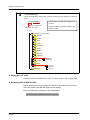
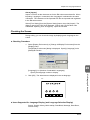
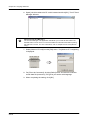
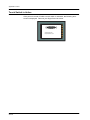
2. Specify the drive where the CF card is inserted and click [OK]. The CF Card
Manager will start.