1
SET AUDIT
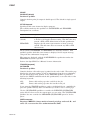
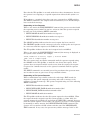
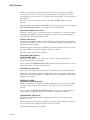
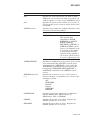
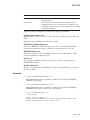
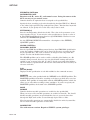
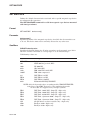
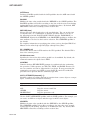
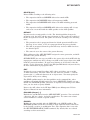
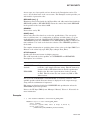
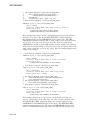
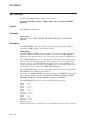
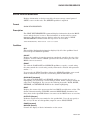
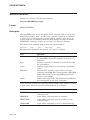
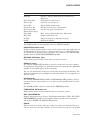
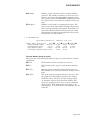
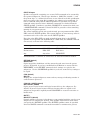
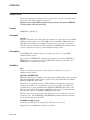
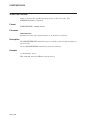
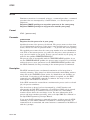
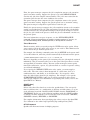
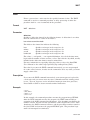
There are five categories of qualifiers, grouped by task, for the SET AUDIT
command:
Task
Qualifiers
Requirements
Define auditing
events
/AUDIT, /ALARM,
/CLASS, /ENABLE,
/DISABLE
Define auditing log
file
/DESTINATION,
/JOURNAL, /VERIFY
Define operational
characteristics of the
audit server and a
listener mailbox (if
any)
Define secondary log
file
/INTERVAL,
/LISTENER,
/SERVER, /VERIFY
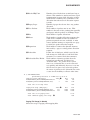
Specify whether you are
defining alarms (/ALARM),
audits (/AUDIT), or both.
Also specify whether you
are enabling (/ENABLE) or
disabling (/DISABLE) the
reporting of the event.
Requires both the
/DESTINATION and
/JOURNAL qualifiers.
None.
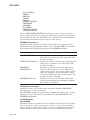
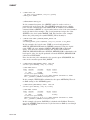
Define resource
monitoring defaults
/ARCHIVE,
/DESTINATION,
/VERIFY
/BACKLOG,
/EXCLUDE,
/JOURNAL,
/RESOURCE,
/THRESHOLD,
/VERIFY
None.
With the /RESOURCE or
/THRESHOLD qualifier,
include the /JOURNAL
qualifier.
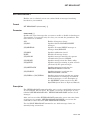
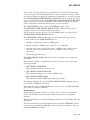
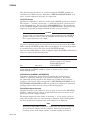
Qualifiers
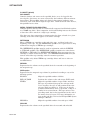
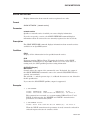
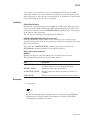
/ALARM
Makes the command apply to alarms, which are messages displayed on an
operator terminal. See the description of the DCL command REPLY/ENABLE for
details on how to enable terminals to display security messages.
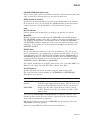
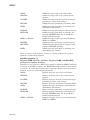
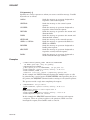
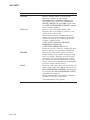
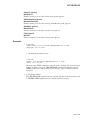
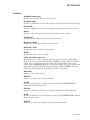
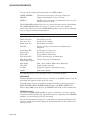
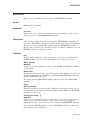
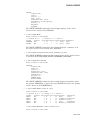
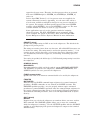
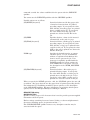
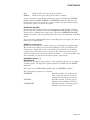
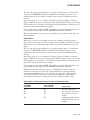
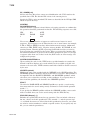
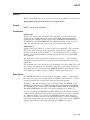
/ARCHIVE=[keyword,...]
Specifies which classes of audit event messages are written to the security archive
file. Specify one or more of the following keywords:
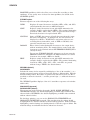
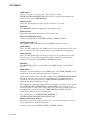
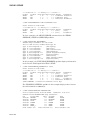
Keyword
Description
NONE
[NO]ALL (default)
Disables archiving on the system.
Enables or disables archiving of all system
security events. By default, no events are
archived.
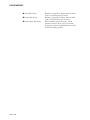
Enables archiving of all security alarm events.
Enables archiving of all security audit events.
SYSTEM_ALARM
SYSTEM_AUDIT
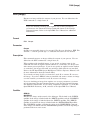
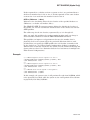
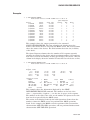
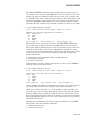
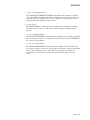
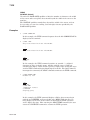
Archiving should be run on only one node in an OpenVMS Cluster with its own
audit server database because multiple nodes will try to open the audit file
exclusively.
DCLII–97