1
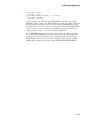
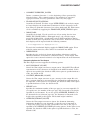
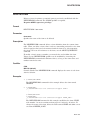
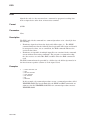
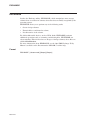
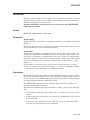
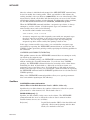
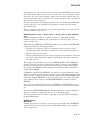
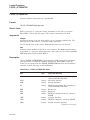
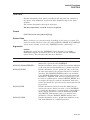
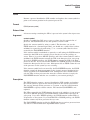
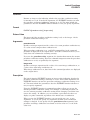
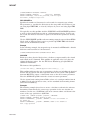
ENCRYPT /AUTHENTICATE
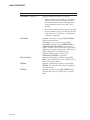
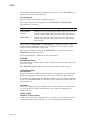
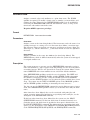
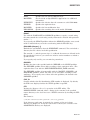
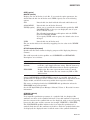
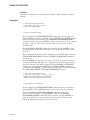
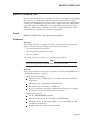
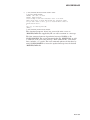
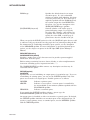
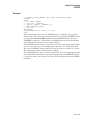
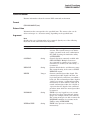
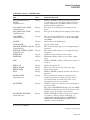
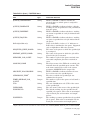
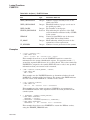
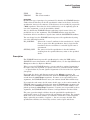
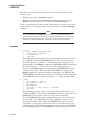
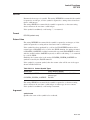
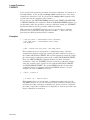
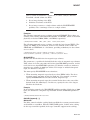
/SECURITY=file-spec
/NOSECURITY
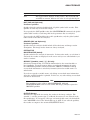
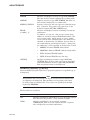
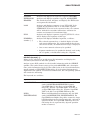
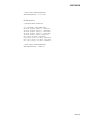
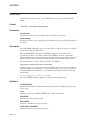
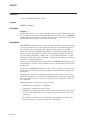
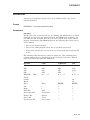
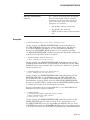
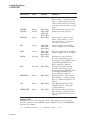
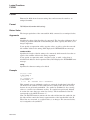
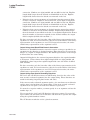
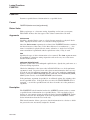
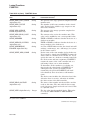
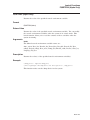
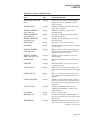
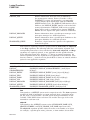
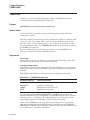
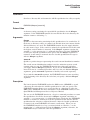
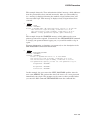
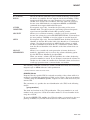
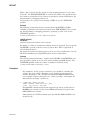
File name of the file in which to store binary MAC values. If you do not specify a
file name, the default file name ENCRYPT$SEC.DAT is used.
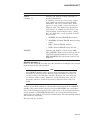
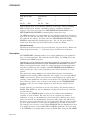
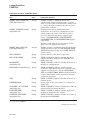
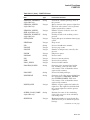
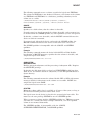
Generates a MAC using the file’s security settings: owner, protection settings,
and optional ACL.
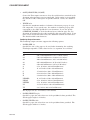
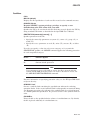
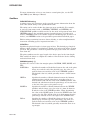
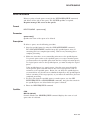
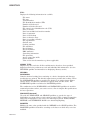
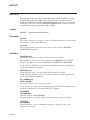
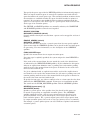
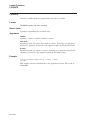
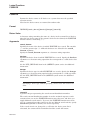
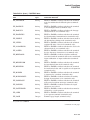
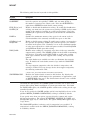
/SINCE[=time]
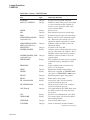
Selects files that have a creation time before the time you specify.
If you omit time, TODAY is used. For more information on time specifications,
see the OpenVMS User’s Manual.
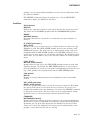
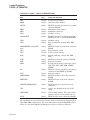
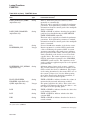
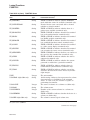
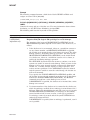
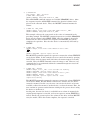
/UPDATE
/NOUPDATE
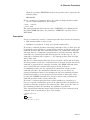
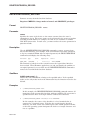
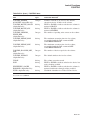
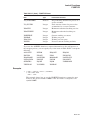
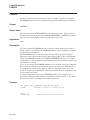
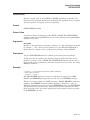
Associates new MAC values with one or more files.
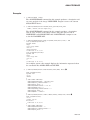
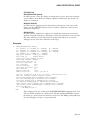
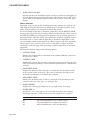
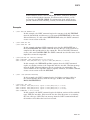
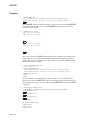
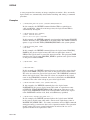
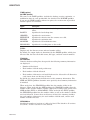
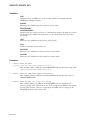
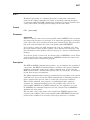
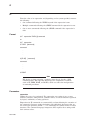
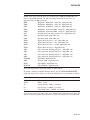
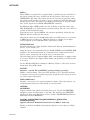
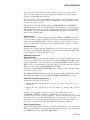
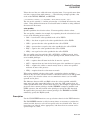
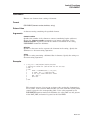
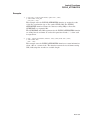
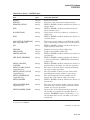
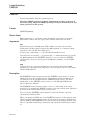
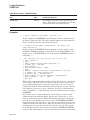
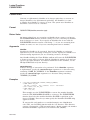
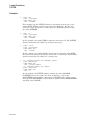
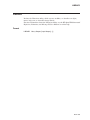
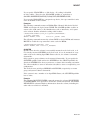
Example
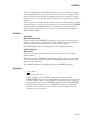
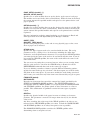
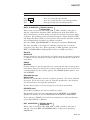
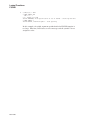
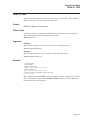
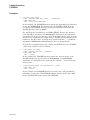
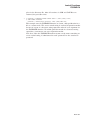
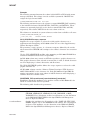
$ ENCRYPT /AUTHENTICATE NEWFILE HAMLET/CONFIRM
Associates a MAC with the file NEWFILE using the key HAMLET. This command
also displays a confirmation request before each authentication.
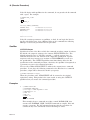
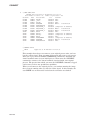
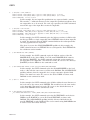
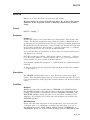
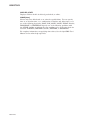
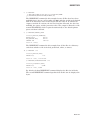
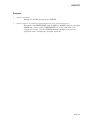
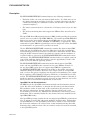
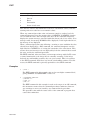
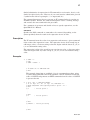
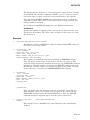
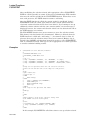
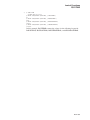
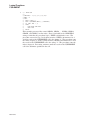
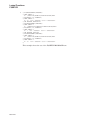
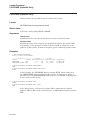
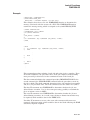
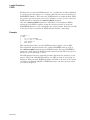
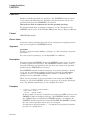
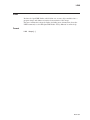
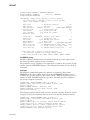
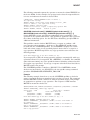
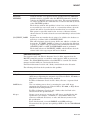
$ ENCRYPT/AUTHENTICATE/UPDATE *.* MYKEY
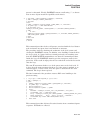
%ENCRYPT-NEWDB, new authentication code database has been created
%ENCRYPT-NEWSECDB, new authentication security settings database has been created
%ENCRYPT-I-SUMMARY1, Summary: Files successfully authenticated: 0
%ENCRYPT-I-SUMMARY2,
Files failing authentication: 0
%ENCRYPT-I-SUMMARY3,
Files not in database: 73
%ENCRYPT-I-SECSUMM1, Summary: Security settings authenticated: 0
%ENCRYPT-I-SECSUMM2,
Security settings failing authentication: 0
%ENCRYPT-I-SECSUMM3,
Security settings not in database: 73
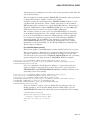
This example reates a MAC for each file in the current directory
using the key named MYKEY, storing them in the two databases:
SYS$LOGIN:ENCRYPT$MAC.DAT and ENCRYPT$SEC_MAC.DAT.
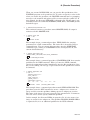
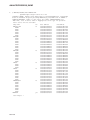
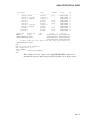
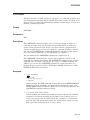
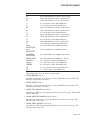
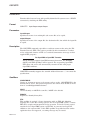
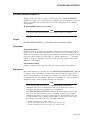
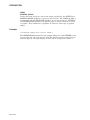
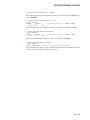
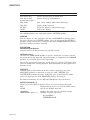
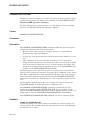
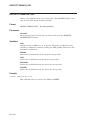
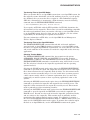
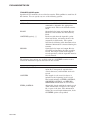
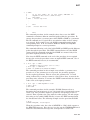
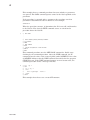
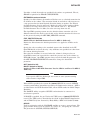
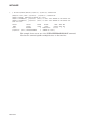
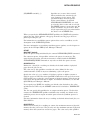
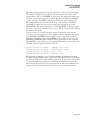
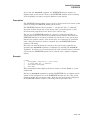
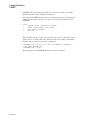
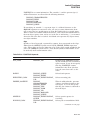
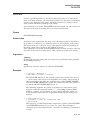
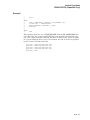
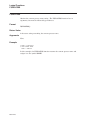
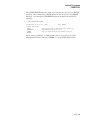
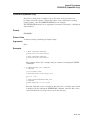
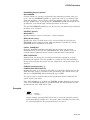
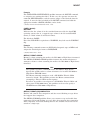
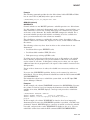
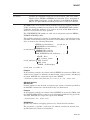
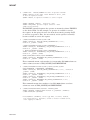
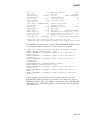
$ ENCRYPT /AUTHENTICATE *.* MYKEY
%ENCRYPT-I-NOUPDATE, database will not be updated with new authentication codes
%ENCRYPT-I-SUMMARY1, Summary: Files successfully authenticated: 73
%ENCRYPT-I-SUMMARY2,
Files failing authentication: 0
%ENCRYPT-I-SUMMARY3,
Files not in database: 0
%ENCRYPT-I-SECSUMM1, Summary: Security settings authenticated: 73
%ENCRYPT-I-SECSUMM2,
Secruity settings failing authentication: 0
%ENCRYPT-I-SECSUMM3,
Security settings not in database: 0
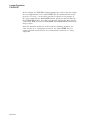
This example authenticates the same files as in Example 3 by creating a new
MAC and comparing that with those in each database, testing file data integrity
and security attributes as indicated in the summary.
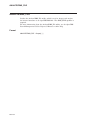
DCLI–260