1
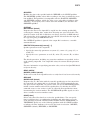
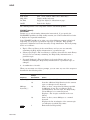
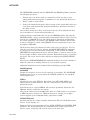
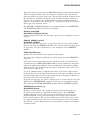
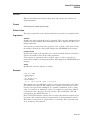
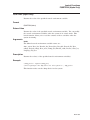
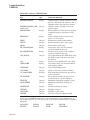
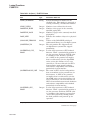
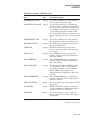
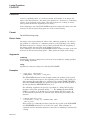
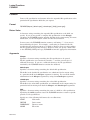
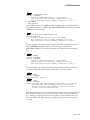
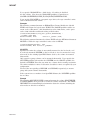
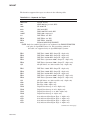
LOGIN Procedure
3.
Return
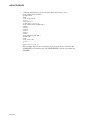
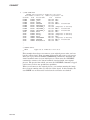
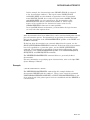
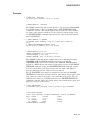
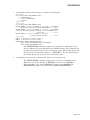
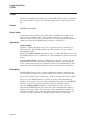
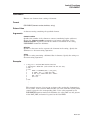
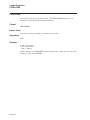
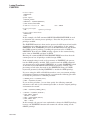
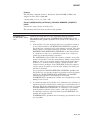
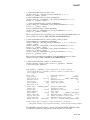
Username: HIGGINS/DISK=USER$
Password: <PASSWORD>
Welcome to OpenVMS VAX Version 7.3 on node CELEST
Last interactive login on Tuesday, 15-DEC-2001 09:16:47.08
Last non-interactive login on Monday, 14-DEC-2001 17:32:34.27
$ SHOW DEFAULT
USER$:[HIGGINS]
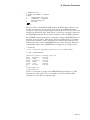
In this VAX example, the /DISK qualifier requests that the default disk for
the terminal session be USER$. The SHOW DEFAULT command shows that
USER$ is the default disk.
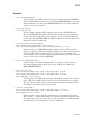
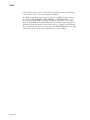
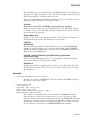
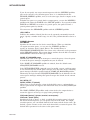
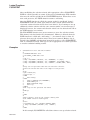
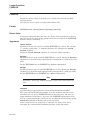
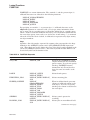
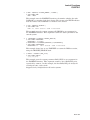
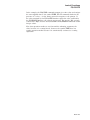
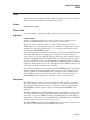
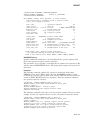
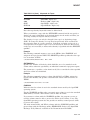
4.
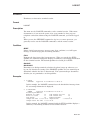
Ctrl/C
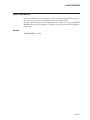
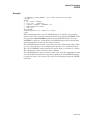
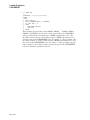
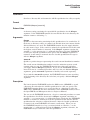
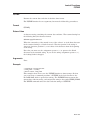
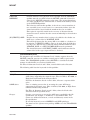
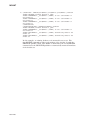
Username: LIZA/CLI=DCL/COMMAND=ALTLOGIN.COM
Password: <PASSWORD>
Welcome to OpenVMS VAX Version 7.3 on node CELEST
Last interactive login on Tuesday, 15-DEC-2001 09:16:47.08
Last non-interactive login on Monday, 14-DEC-2001 17:32:34.27
$
In this example, the /CLI qualifier requests the DCL command interpreter.
The /COMMAND qualifier indicates that the login command file
ALTLOGIN.COM is to be executed instead of the default login command
file.
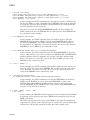
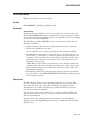
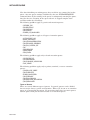
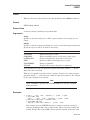
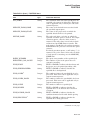
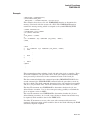
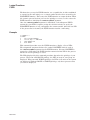
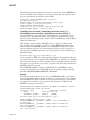
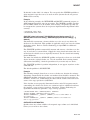
5.
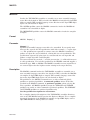
Return
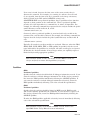
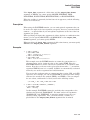
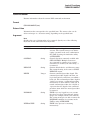
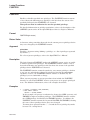
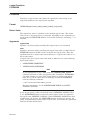
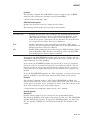
Username: XENAKIS
Password: <PASSWORD>
Password: <PASSWORD>
Welcome to OpenVMS VAX Version 7.3 on node CELEST
Last interactive login on Tuesday, 15-DEC-2001 09:16:47.08
Last non-interactive login on Monday, 14-DEC-2001 17:32:34.27
$
In this example, the second password prompt indicates that the user has a
secondary password, which must be entered to access the system.
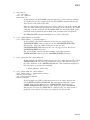
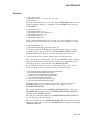
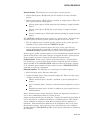
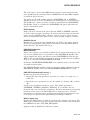
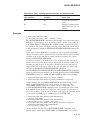
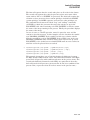
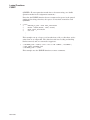
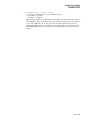
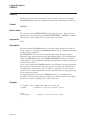
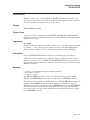
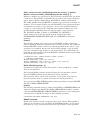
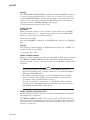
6.
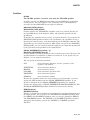
Return
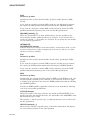
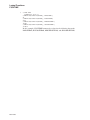
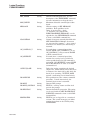
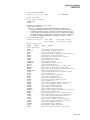
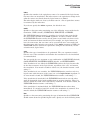
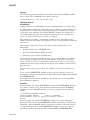
Username: JONES
Password: <PASSWORD>
User authorization failure
Return
Username: JONES
Password: <PASSWORD>
Welcome to OpenVMS Alpha (TM) Operating System, Version 7.3 on node LSR
Last interactive login on Tuesday, 15-DEC-2001 09:16:47.08
Last non-interactive login on Monday, 14-DEC-2001 17:32:34.27
1 failure since last successful login.
$
This example shows the ‘‘User authorization failure’’ message, which indicates
that the password has been entered incorrectly. After you successfully log
in, a message is displayed showing the number of login failures since your
last successful login. This message is displayed only if login failures have
occurred.
DCLI–449