1
Using the Organizer for the First Time
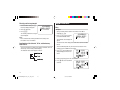
Be sure to perform the following operations before using the Organizer
for the first time.
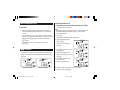
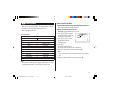
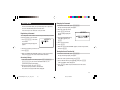
1. Pull out the battery insulation sheets
from the battery compartment on
the back of the unit.
The Organizer starts operation.
(The battery insulation sheets were
inserted at the factory to prevent battery wear.)
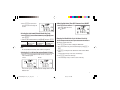
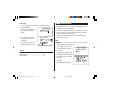
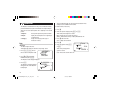
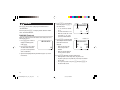
2. Open the cover and press the RESET switch.
A message, “RESET?” is displayed.
M–
,
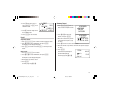
3. Press f, then x.
The message will appear as “RESET!”.
The Organizer is now initialized. Proceed to set the date and time of
the clock (see page 6).
Note:
• Press the RESET switch with a ball-point pen or similar object.
Do not use an object with a breakable or sharp tip.
If a malfunction occurs under abnormal conditions
If the Organizer is subjected to strong extraneous electrical noise or
shock during use, on rare occasions, all the functions will not work
properly and data may be displayed incorrectly. In such cases, follow
the procedures as shown below.
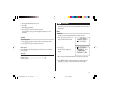
1. Press the RESET switch.
M+
2. When a message, "RESET?" is displayed, press any key EXCEPT
FOR f or x.
:
RESET
If the first procedure doesn't work, follow the next procedure to
initialize the Organizer's memory. In this case, all the stored data
will be deleted.
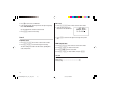
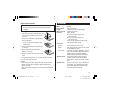
1. Press the RESET switch.
2. When a message, "RESET?" is displayed, press f, then x.
1
EL-6990 English U1U_Y1C_LL1_LQO
1
02.5.15, 4:46 PM