1
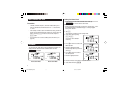
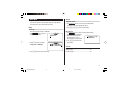
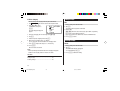
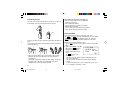
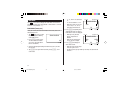
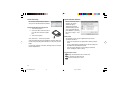
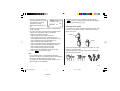
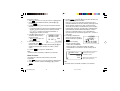
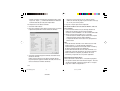
6. Enter the rate; 1.45.
Up to 12 numeric characters can
be entered for the rate.
If you need to clear the rate
number, tap c.
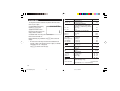
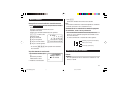
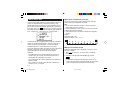
<CURRENCY>
GBP USD
RATE=
1.45
7. Press x to store the setting.
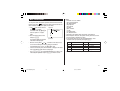
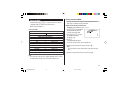
Currency conversion
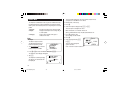
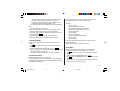
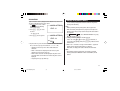
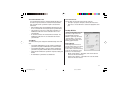
Be sure to set the rate before starting a conversion.
<e.g. £ ➠ $>
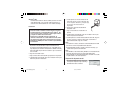
1. Tap q the appropriate number of times to select the
Currency Conversion mode.
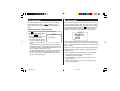
Metric Conversion Mode
Metric conversion is capable of 12-digit calculation.
Convert metric unit
<Example>
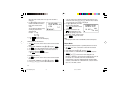
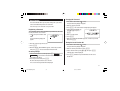
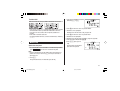
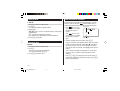
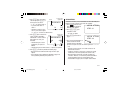
Calculate 68°F to °C
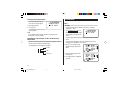
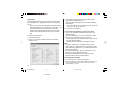
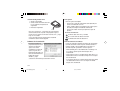
1. Tap q the appropriate number of times to select the
Metric Conversion mode.
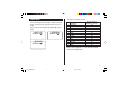
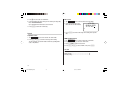
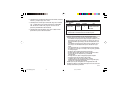
2. Tap < or > to select the
appropriate conversion stage.
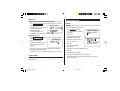
<METR I C>
°F
°C
RATE=
( F – 32 ) x 5 /9
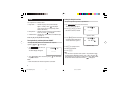
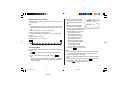
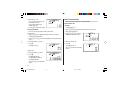
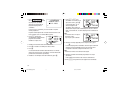
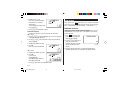
2. Press < or > to select the appropriate currency conversion
stage.
3. Enter the amount. (e.g. £50)
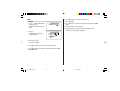
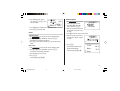
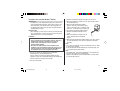
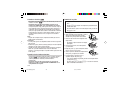
3. Enter the amount, “68”.
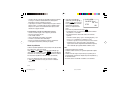
<CURRENCY>
GBP USD
50 .
4. Press l.
(£50=approx. $72.5)
7 2 .5
<e.g. $ ➠ £>
4. Press l.
(68°F=approx. 20°C)
Tap c to clear the calculation
result.
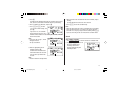
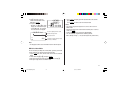
<CURRENCY>
GBP USD
1 20 .
5. Enter the amount. (e.g. $120)
6. Press j.
($120=approx. £82.76)
Use j or l to change the
conversion direction.
8 2. 758620 6 8 96
Tap c to clear the calculation
result.
30
OZ-290HII(En).pm65
30
05.2.2, 3:54 PM
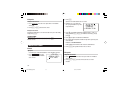
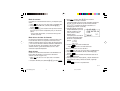
°F
<METR I C>
°C
68 .
20.