1
Operating Instructions
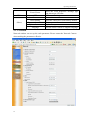
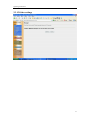
2.3.5 Video Settings
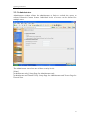
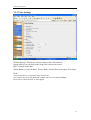
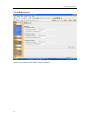
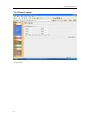
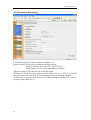
[Video Adjust ]: Permit General User adjust.
[Header Display]: Display the network camera name, date and time.
[Image Mirror]:you can browse the image like look into the mirror.
[BLC Control]:enable BLC.
[White Balance]: Auto (default)、Electric Bulb、Natural fluorescent light、Solar light、
Hold.
[Compression Ratio]: Compress the image and the ratio.
[Voice Input Gain]: you can adjust the volume. there are 10 steps including.
[OCX select]: select ActiveX or Java applet.
21