1
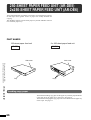
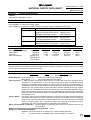
250-SHEET PAPER FEED UNIT (AR-DE5)/2x250-SHEET PAPER FEED UNIT (AR-DE6)
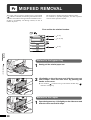
Misfeed removal
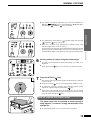
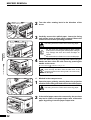
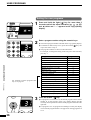
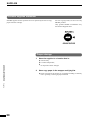
The copier will stop when a misfeed occurs. The misfeed ( ) indicator and
the red indicator which indicates the paper feed unit will blink.
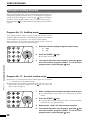
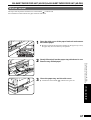
1
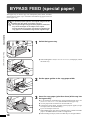
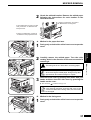
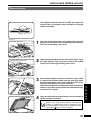
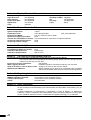
Open the side cover of the paper feed unit and remove
the misfed paper.
●
Be sure to perform this step before pulling out the paper trays. If not,
the paper may be torn as the trays are opened.
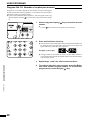
3
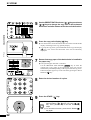
Close the paper tray and the side cover.
●
Confirm that the misfeed (
250-sheet paper feed unit (AR-DE5)
2x250-sheet paper feed unit (AR-DE6)
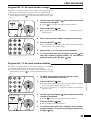
2
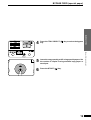
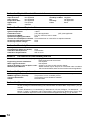
Gently lift and pull out the paper tray which was in use.
Remove any misfed paper.
) indicator has gone out.
OPTIONAL EQUIPMENT
67